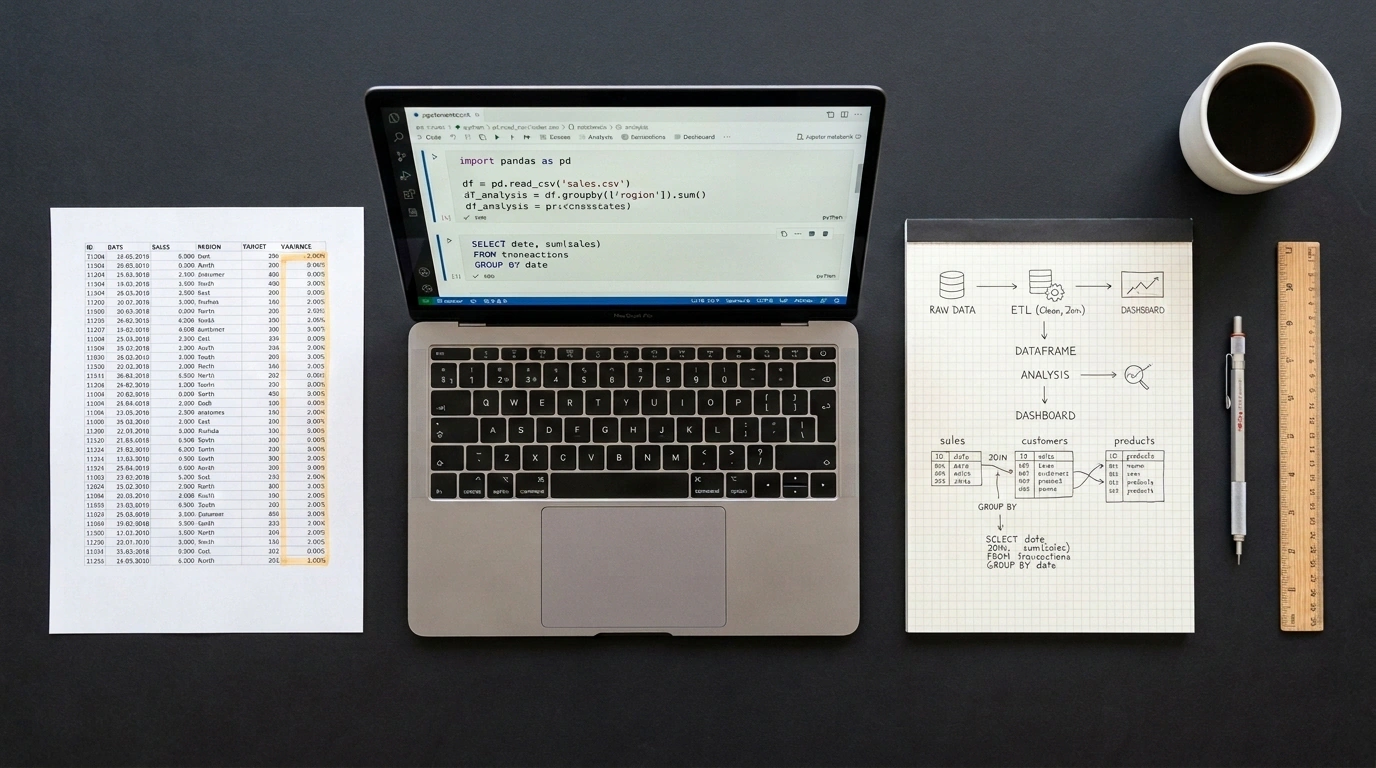
Almost every engineer or analyst goes through this exact evolution. At first everything is great: you open Excel, throw together a couple of columns, build a pivot table, and send the report to management. Then the business grows, exports cross 300,000 rows, VLOOKUP formulas make your laptop fans spin up like a jet engine, and the hard ceiling of 1,048,576 rows threatens to chop off fresh data.
That is usually when fear kicks in: moving to code feels like learning an entirely alien way of thinking. In reality, that is an illusion. The underlying logic of working with data is completely invariant—filtering rows, grouping to sum values, and joining two lists on a shared key work conceptually the same way everywhere. Only the syntax on the surface changes.
I previously broke down how the logical SQL SELECT execution pipeline works. Today, let's map familiar Excel operations directly onto declarative SQL and Python's pandas library.
The Cheat Sheet: From Mouse Clicks to Lines of Code
Let's lay out the core operations across all three environments:
- Filtering rows:
- In Excel: AutoFilter in the column header or
=FILTER(A2:D100, B2:B100 > 5000). - In SQL: a predicate in the
WHERE revenue > 5000clause. - In pandas: boolean indexing
df[df['revenue'] > 5000]ordf.query('revenue > 5000').
- In Excel: AutoFilter in the column header or
- Sorting:
- In Excel: the "Sort Z to A" button.
- In SQL:
ORDER BY revenue DESC. - In pandas:
df.sort_values(by='revenue', ascending=False).
- Joining tables (VLOOKUP / XLOOKUP):
- In Excel:
=XLOOKUP(id, lookup_range, return_range). - In SQL:
LEFT JOIN customers ON orders.customer_id = customers.id. - In pandas:
df.merge(orders, on='id', how='left').
- In Excel:
- Handling missing values (blank cells):
- In Excel: replacing blanks with zeros via
=IF(ISBLANK(A2), 0, A2). - In SQL:
COALESCE(revenue, 0). - In pandas: the vectorized
df['revenue'].fillna(0)method.
- In Excel: replacing blanks with zeros via
Side-by-Side Example in Code
Suppose we have a customers table and an orders table. We want to select active users in London with revenue over 5000, add a calculated column with a 10% uplift, join their orders, and compute total revenue by region.
Here is how that logic looks in declarative SQL:
-- SQL: filtering, calculated column, table join, and grouping
SELECT
    c.region,
    COUNT(o.order_id) AS total_orders,
    COALESCE(SUM(o.amount), 0) AS total_amount
FROM customers c
LEFT JOIN orders o ON c.id = o.customer_id
WHERE c.region = 'London' AND c.revenue > 5000
GROUP BY c.region
ORDER BY total_amount DESC;
And here is the exact same pipeline written in Python with pandas:
import pandas as pd

# Load datasets from files
customers = pd.read_csv('customers.csv')
orders = pd.read_csv('orders.csv')

# 1. Filter rows and add a calculated column
filtered = customers[
    (customers['region'] == 'London') & (customers['revenue'] > 5000)
].copy()
filtered['revenue_uplift'] = filtered['revenue'] * 1.1

# 2. Join tables (equivalent to LEFT JOIN / VLOOKUP)
merged = filtered.merge(orders, left_on='id', right_on='customer_id', how='left')

# 3. Handle missing values (equivalent to COALESCE)
merged['amount'] = merged['amount'].fillna(0)

# 4. Group and aggregate summary metrics (Pivot Table / GROUP BY)
summary = (
    merged.groupby('region', as_index=False)
    .agg(
        total_orders=('order_id', 'count'),
        total_amount=('amount', 'sum')
    )
    .sort_values(by='total_amount', ascending=False)
)

print(summary)
pandas loads your entire dataset into RAM as NumPy arrays. Because of Python object overhead, a 5 GB CSV file can demand up to 25 GB of memory and crash with a MemoryError. Once your dataset outgrows RAM, take a look at DuckDB—an embedded analytical database that lets you run clean SQL directly over CSV and Parquet files with streaming disk execution and no out-of-memory crashes.
The real superpower of moving from Excel to code is full reproducibility. A script won't forget to drag a formula down to the last cell, won't scramble rows on an accidental sort, and can run on a nightly schedule—freeing up your time for much more interesting engineering work.