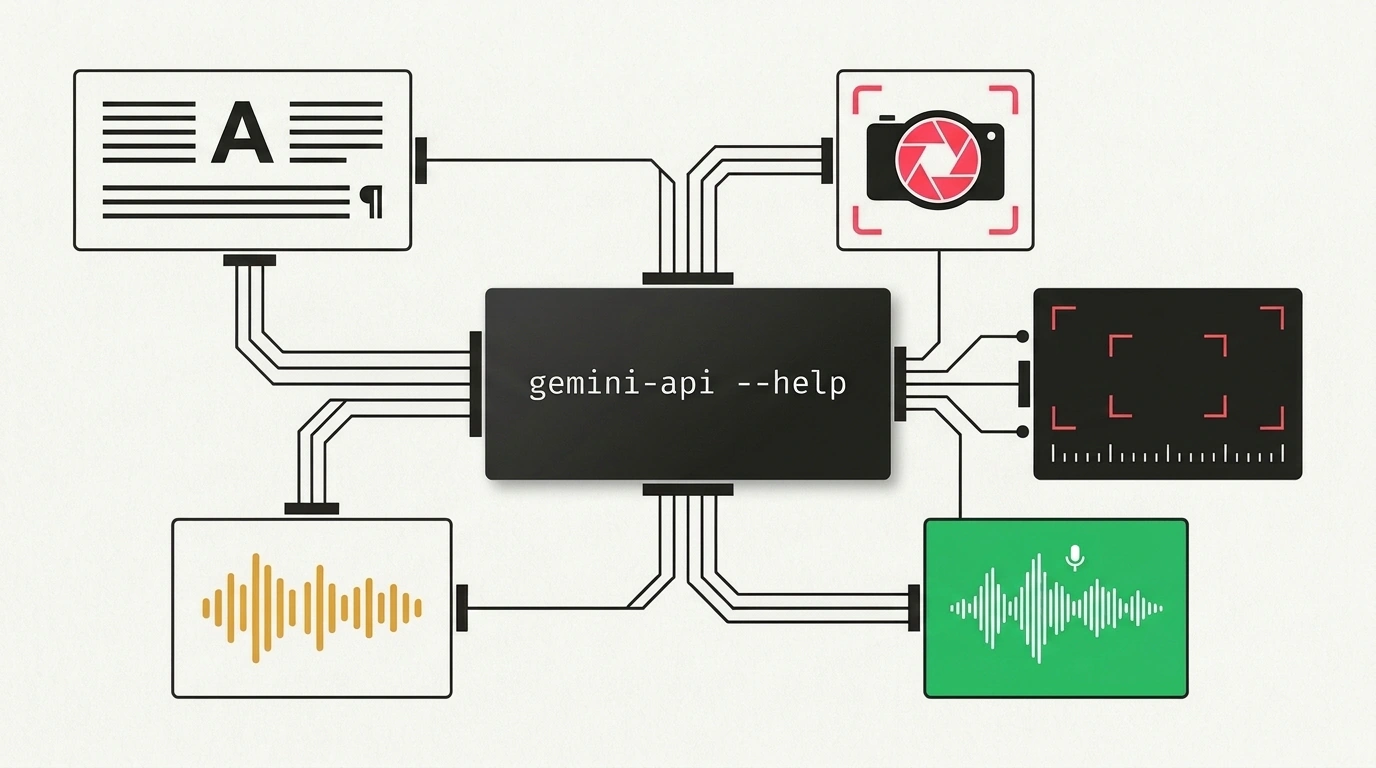
If you have ever tried automating multimodal content creation with standard shell scripts, you probably remember the headache. Just to generate text, render an illustration, voice the result, and transcribe an incoming video, you had to install four separate Python libraries, write glue code to unpack Base64 strings, and untangle dependency conflicts by hand.
Google's experimental Gemini API CLI (gemini-api), published under its official GitHub organization, aims to eliminate all that fragmentation. It is a compact, zero-dependency binary for Linux, macOS, and Windows. It lets shell pipelines and coding agents like Claude Code or Cursor invoke every multimodal feature of the Gemini API in a single, clean command.
Five Modalities in a Single Binary
The tool packs five core generative AI capabilities into one unified command-line interface:
- Text generation (
generate) — produces analytical summaries, articles, documentation, and code with strict JSON-schema validation. - Image generation (
image) — renders pictures directly from text prompts via Imagen 3, saving straight to PNG. - Video synthesis (
video) — generates short, high-resolution cinematic video clips. - Text-to-speech (
tts) — converts text into spoken audio with selectable voice timbres, exporting directly to MP3. - Transcription and analysis (
transcribe) — transcribes audio and video files with automatic timestamps and speaker diarization.
Be careful not to confuse gemini-api-cli with the interactive gemini-cli agent. While gemini-cli is an interactive conversational shell (REPL) with system command execution and MCP support, gemini-api-cli is a pure automation utility—a Swiss Army knife built to be embedded inside other scripts and pipelines.
Built for Agents: Introspection and Dry Runs
The tool's real magic lies in flags designed specifically for calling AI agents:
- Machine-readable help (
--usage): prints the tree of available commands and flags in compact KDL format. An agent doesn't have to parse human-oriented help text—it reads the syntax instantly. - Data schemas (
--schema): returns a strict JSON specification for building valid structured requests. - Safe validation (
--dry-run): checks flags, file paths, and constructs the final HTTP request locally without sending it over the network or burning token quota. - Direct file output (
--out <path>): keeps giant Base64 blobs out of your terminal by writing binary media files straight to disk.
If you are automating workflows around Google's models, revisit our breakdowns on integrating Gemini and AI Studio with autonomous agent environments and cloud autonomy for managed Gemini agents. This new CLI makes that stack feel far more cohesive.
Practical Pipeline: From Install to Chained Generation
Setup takes nothing more than downloading the precompiled binary and exporting your personal Google AI Studio key:
# Install the Gemini API CLI binary (Linux / macOS)
curl -sSL https://raw.githubusercontent.com/google-gemini/gemini-api-cli/main/install.sh | bash

# Export your Google AI Studio access key
export GEMINI_API_KEY="AIzaSyYourSecretStudioApiKeyExample"

# Verify installation and list available modalities
gemini-api --help
From there, you can wire up a full multimedia production pipeline in a plain Bash script without a single line of Python:
# 1. Generate text for an analytical post
gemini-api generate "Write a brief overview of autonomous AI agent development trends for 2027" \
  --output-format json > ./output/article.json

# 2. Safely validate image generation parameters without spending quota (--dry-run)
gemini-api image "Futuristic server rack with a holographic control interface, isometric style" \
  --out ./output/cover.png --dry-run

# 3. Run actual cover generation and save to disk
gemini-api image "Futuristic server rack with a holographic control interface, isometric style" \
  --out ./output/cover.png

# 4. Synthesize a voice summary of the article into an MP3 file
gemini-api tts "Autonomous agents are shifting from text chats to direct control of operating systems and APIs." \
  --out ./output/summary.mp3

# 5. Transcribe an incoming audio file with timestamps
gemini-api transcribe ./input/interview_recording.wav --json | jq '.segments[] | {start: .start, text: .text}'
For prototyping and side projects, Google AI Studio's Free Tier works great. It lets you test calls across all five modalities without linking a credit card, while keeping request limits in check via --dry-run.
Experimental Status and Key Hygiene
Keep in mind that this is an experimental open-source Google project: flag signatures and schema formats may still evolve. Also, never pass your API key in plain text as a command-line argument, or it will leak into ps process listings and shell history. Always stick to protected environment variables.
For developers writing Bash scripts or orchestrating subagents, Gemini API CLI turns the terminal into a clean, universal gateway to multimodal AI.

