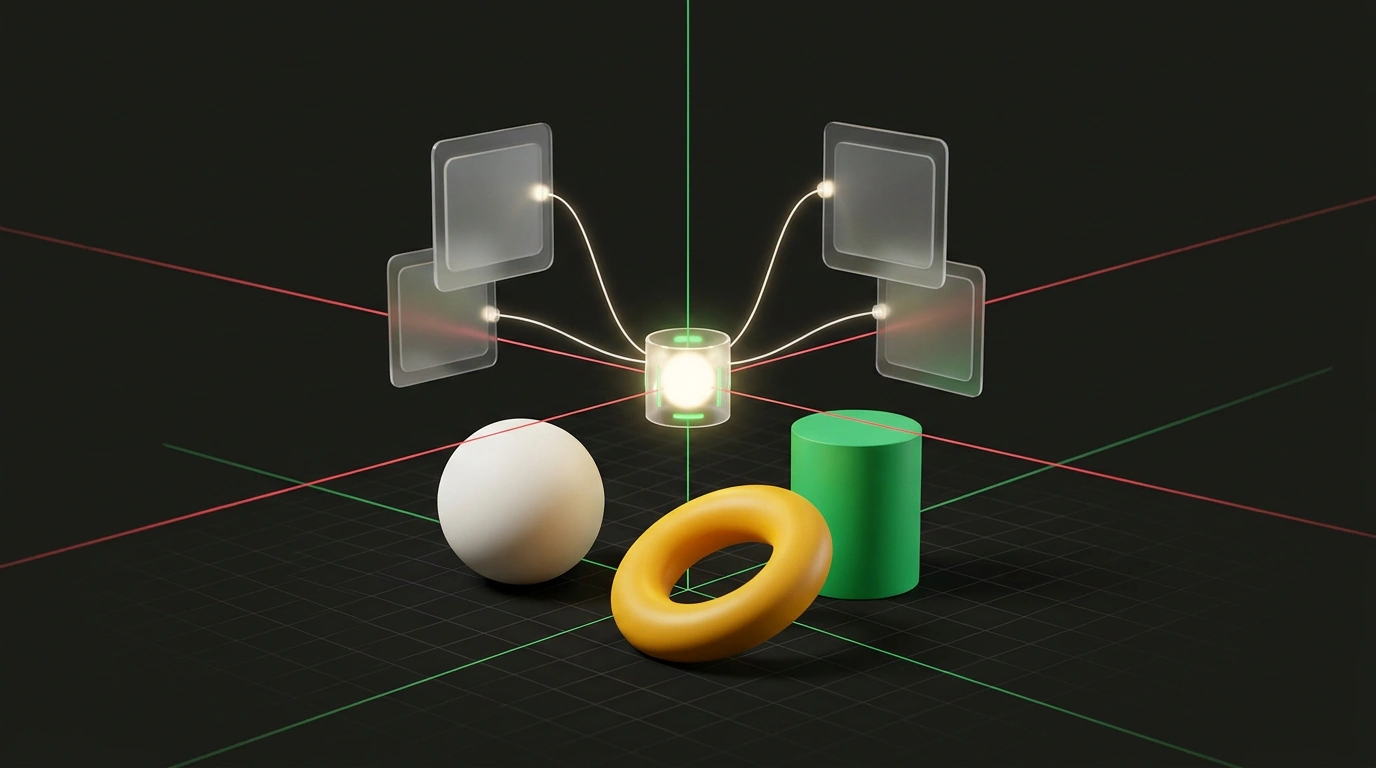
If you have tried popular 3D model generators, you already know their biggest flaw. The neural network spits out a "baked" polygon mesh—a monolithic chunk of geometry with no layers, procedural textures, or usable animation. Try moving a single cube, recoloring a bevel, or wiring up a mouse-click reaction, and you are forced back into heavy modeling suites to rebuild the scene from scratch.
The Spline 5.2 (Spline V2) release takes a completely different engineering route. Instead of blindly generating uneditable objects, the Spline team built a full Model Context Protocol (MCP) server right into the desktop app. That turns the visual WebGPU editor into a live interactive environment that external AI agents like Claude Code, Cursor, or desktop ChatGPT can drive in real time over a standardized API.
From Baked Meshes to a Live Scene Graph
What sets Spline 5.2 apart from classic 3D generators is its parametric scene graph. When an agent connects to the running editor, it isn't painting pixels or guessing polygon coordinates in the dark. The assistant manipulates live objects: light sources, physics colliders, PBR (physically based rendering) materials, screen-space reflections, and global scene variables.
Even better, Spline added a dedicated Constraint Solver module. The language model no longer has to painfully calculate exact millimeter coordinates in 3D space. Instead, the agent can think in plain relational rules: "place the cylinder on top of the platform," "align the cubes along the left edge spaced 2 units apart," or "aim the spotlight at the center of the composition." The engine solves the geometric equations automatically and arranges everything in space.
If you follow the evolution of agent protocols, you have likely read our piece on creative AI and MCP-powered environments and our breakdown of MCP coordinator architecture in terminal agents. Spline's integration takes that same mechanism out of flat text and drops it straight into 3D space.
Integration Architecture: Wiring Up the LLM and Canvas
Connecting an agent to the editor runs through the Spline desktop client on macOS or Windows. The built-in server automatically spins up a local RPC gateway that you can drop right into your AI client's config file.
Here is what a standard configuration looks like for hooking Spline MCP into Claude Desktop or Cursor:
{
  "mcpServers": {
    "spline": {
      "command": "npx",
      "args": [
        "-y",
        "@splinetool/mcp-server"
      ],
      "env": {
        "SPLINE_API_ENDPOINT": "http://127.0.0.1:4567/mcp"
      }
    }
  }
}
Once the server is registered, the agent gains a full toolkit: creating primitives, editing materials, moving the camera, and even grabbing viewport screenshots. That means the agent can inspect its own visual output, notice a crooked model, and adjust the rotation angle on its own.
The MCP protocol works exclusively in the installed Spline desktop app for macOS and Windows. In the web version, strict browser sandboxing blocks direct local socket connections from external terminal agents.
Logic and Scripting: Bridging HTML and WebGPU
Beyond visual tweaks, Spline 5.2 blurs the line between 3D graphics and standard web code. The editor splits work into three modes: Edit for 3D modeling, Preview for interactive testing, and Code—a built-in editor with autocomplete and syntax highlighting.
Using the HTML/JavaScript Overlay mechanism, an external agent can bind 3D object states directly to web page controls. Here is a concise Spline runtime script where clicking an interactive coin increments a score counter and fires a particle effect:
import { Application } from '@splinetool/runtime';

const canvas = document.getElementById('canvas3d');
const spline = new Application(canvas);

async function initInteractiveScene() {
  await spline.load('https://prod.spline.design/example-scene/scene.splinecode');

  const playerCube = spline.findObjectByName('PlayerCube');
  const scoreVariable = spline.getVariable('Score');

  spline.addEventListener('mouseDown', (e) => {
    if (e.target.name === 'CollectableCoin') {
      spline.setVariable('Score', scoreVariable + 10);
      spline.emitEvent('triggerParticle', 'CollectableCoin');
    }
  });

  console.log('Scene successfully initialized under WebGPU');
}

initInteractiveScene();
Limits of Autonomy: Where the Agent Still Needs You
Impressive as the demos are—in testing, agents built simple keyboard-controlled arcade racers and 3D logic puzzles from scratch—autonomy has its limits. Contact physics and complex dynamic collisions in WebGPU still need a human's fine touch. Hand an agent a multi-joint mechanism with springs and hinges, and colliders can start jittering or clipping through geometry.
Even so, MCP support in Spline 5.2 shifts the balance of power. You no longer burn hours on tedious light placement, base material setups, and rough blockouts. The agent spins up an interactive prototype from a text description, and you polish the details by hand in a clean visual workspace.

