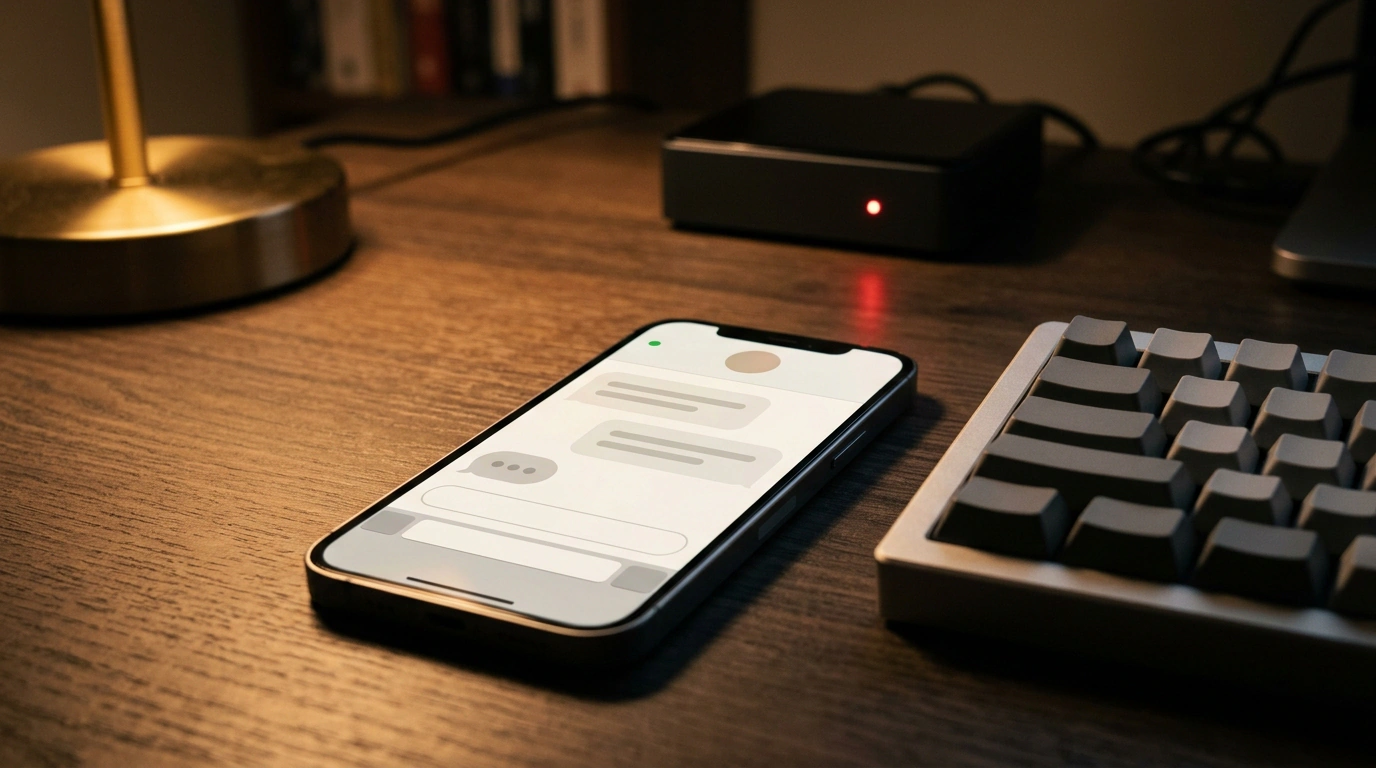
Close your laptop lid and your terminal coding agent goes straight to sleep with the OS. Background jobs die, and if you need to check a repo or run a script on the road, you have to hunt for Wi-Fi and pull out your laptop. Creator Nate Herk solved this cleanly: he moved Claude Code to a cloud server and wired it to a personal Telegram bot. Right from his phone, he texts his bot herc2 asking "Who am I and what should you help me with?", sees typing… at the top, and gets an answer backed by all his projects and skills seconds later.
The whole setup relies on the official Claude Code Channels feature and a couple of standard Linux utilities. The real catch isn't installation—it's three small details: locking access to your Telegram ID, surviving server reboots, and compacting long context early. Let's walk through it step by step.
Why use a VPS and what to prepare first
The foundation is a VPS (Virtual Private Server)—a cloud Linux box that stays awake 24/7. In his walkthrough, Nate used a one-click Hostinger template with Claude Code pre-installed, though any standard Ubuntu or Debian VPS with SSH access works fine.
For the Telegram plugin, your server needs three things: Claude Code v2.1.80+, tmux, and bun.
tmux(terminal multiplexer) keeps your session alive in the background so closing SSH or dropping Wi-Fi won't kill the agent.bunis a fast JavaScript/TypeScript runtime. Anthropic's plugin uses it to spin up a local MCP server bridging the Telegram Bot API and your session.
SSH into your server as a regular user (not root) and check your environment. On Nate's box, tmux was already there while bun was missing—he simply pasted the error into Claude and got the install commands back:
# Check versions: Claude Code needs v2.1.80 or higher
claude --version
tmux -V
bun --version

# Install bun if the system reports "command not found"
curl -fsSL https://bun.sh/install | bash
source ~/.bashrc

# Install tmux if missing
sudo apt update && sudo apt install -y tmux
Your server base is ready. Next, create a bot in @BotFather (check for the blue verified badge): send /newbot, pick a display name, and choose a unique username ending in bot (like herc2_bot). Even Nate didn't nail the naming rules on his first try, so take a moment to find an available handle. Copy the HTTP API token (123456789:AAHfiqksKZ8...). If it ever leaks, the Telegram Bot API lets you rotate it immediately via /revoke in @BotFather.
Official Claude Code Channels docs showing events and messages flowing into a session via an MCP server (Source: code.claude.com)
Connect the Telegram plugin and lock down access
Start claude on the server and sign in. Keep two major limits in mind here. First, Channels only work with direct Anthropic auth (claude.ai or Console API key)—you can't use Telegram through Bedrock, Vertex, or Foundry. Second, on Team and Enterprise plans, Channels are disabled by default. That's a classic gotcha: until an org owner or admin turns on channelsEnabled, your bot stays silent.
Once logged in, install the official plugin from anthropics/claude-plugins-official and pass it your token inside Claude Code:
# Install the official plugin (choose user scope)
/plugin install telegram@claude-plugins-official

# Save your @BotFather token
/telegram:configure 123456789:AAHfiqksKZ8...

# Exit so we can relaunch with the channel flag
/exit
Running /telegram:configure writes TELEGRAM_BOT_TOKEN to ~/.claude/channels/telegram/.env. Hot-reloading plugins doesn't always stick, so it's safer to /exit and launch right inside tmux with --channels:
# Start a background tmux session with the Telegram channel
tmux new -s claude-tg
claude --channels plugin:telegram@claude-plugins-official
Now message your bot /start or anything else on Telegram. It replies with a one-time 6-character pairing code that links your numeric Telegram ID without looking it up manually. Pairing alone isn't enough, though: while the policy is open, any stranger can ping your bot. Lock it to a strict allowlist immediately:
# Confirm your account using the 6-character code from the bot
/telegram:access pair A1B2C3

# Block everyone else
/telegram:access policy allowlist
From now on, the bot only answers you. Send "Hi" from your phone: you'll see typing… at the top (the plugin handles typing indicators, splits long replies, and saves incoming photos up to 50 MB to ~/.claude/channels/telegram/inbox/), while your text lands straight in the tmux console.
Survive reboots and move .env safely
A manual tmux session survives an SSH disconnect, but vanishes on the first VPS reboot. To make the agent start automatically, wrap it in a systemd service and set CLAUDE_CODE_AUTO_COMPACT_WINDOW=400k (we'll cover why 400k next). Create /etc/systemd/system/claude-telegram.service and replace ubuntu with your username:
# /etc/systemd/system/claude-telegram.service
[Unit]
Description=Claude Code Telegram Channel in tmux
After=network-online.target
Wants=network-online.target

[Service]
Type=forking
User=ubuntu
WorkingDirectory=/home/ubuntu/workspace
# Paths to bun and claude (verify with `which bun` and `which claude`)
Environment="PATH=/home/ubuntu/.bun/bin:/usr/local/bin:/usr/bin:/bin"
Environment="CLAUDE_CODE_AUTO_COMPACT_WINDOW=400k"
ExecStart=/usr/bin/tmux new-session -d -s claude-tg \
  "claude --channels plugin:telegram@claude-plugins-official"
ExecStop=/usr/bin/tmux kill-session -t claude-tg
Restart=on-failure
RestartSec=10

[Install]
WantedBy=multi-user.target
Enable auto-start and check status (if claude lives in ~/.local/bin, add that folder to PATH or the service won't find the binary):
# Reload systemd, enable and start the service, check status
sudo systemctl daemon-reload
sudo systemctl enable --now claude-telegram.service
sudo systemctl status claude-telegram.service
The only real test for auto-start is running sudo reboot, waiting a minute, and texting your bot on Telegram. If it replies, you're set.
Next, clone your working repo onto the server (Nate uses Herc2 for all his skills and projects) and copy over your .env with API keys:
# Clone your workspace repo onto the server
git clone git@github.com:your-user/your-workspace.git ~/workspace

# Copy .env from your laptop over encrypted scp
scp .env ubuntu@<server-ip>:~/workspace/.env

# Lock down file permissions on the server
chmod 600 ~/workspace/.env
One important security warning. In his video, Nate runs as root, stores his root password in .env, and hands it to local Claude so it can fix the server over SSH. That's handy for a quick demo, but dangerous in real life: putting a root password in project files and model context is an easy way to lose your server.
Security checklist for an agent VPS
- Create a dedicated non-root user, log in with an SSH key, and disable root password login.
- Make sure
.envis in.gitignoreso secrets never hit GitHub. - Transfer secrets over
scpand lock them withchmod 600. - Never paste passwords into AI chat—use
journalctl -u claude-telegram.servicefor debugging.
Stop 'context rot' at 400k tokens
In a regular terminal, you open fresh sessions for new tasks. Telegram is different: the channel keeps one endless session. Without tuning, chat history swells near the default ~960k token cap, triggering context rot—a long tail of stale logs makes the model ignore fresh instructions and burn extra tokens.
Auto-compact automatically summarizes older messages into a tight brief. Nate lowers the threshold to 400k tokens—enough to remember the active task without fogging the model's attention. We already set CLAUDE_CODE_AUTO_COMPACT_WINDOW=400k in systemd, or you can set a percentage of the window with CLAUDE_AUTOCOMPACT_PCT_OVERRIDE (1 to 100, e.g., 40–50). Test the message chain and compaction threshold in the simulator below.
VPS + Telegram Bridge and Auto-Compact Threshold Simulator
One last limit to remember: the Telegram Bot API does not give bots chat history or search over older messages. Your agent only sees what arrives while it's running, so keep all working instructions, notes, and workflows inside your server's Git repo—not buried in the chat scrollback.