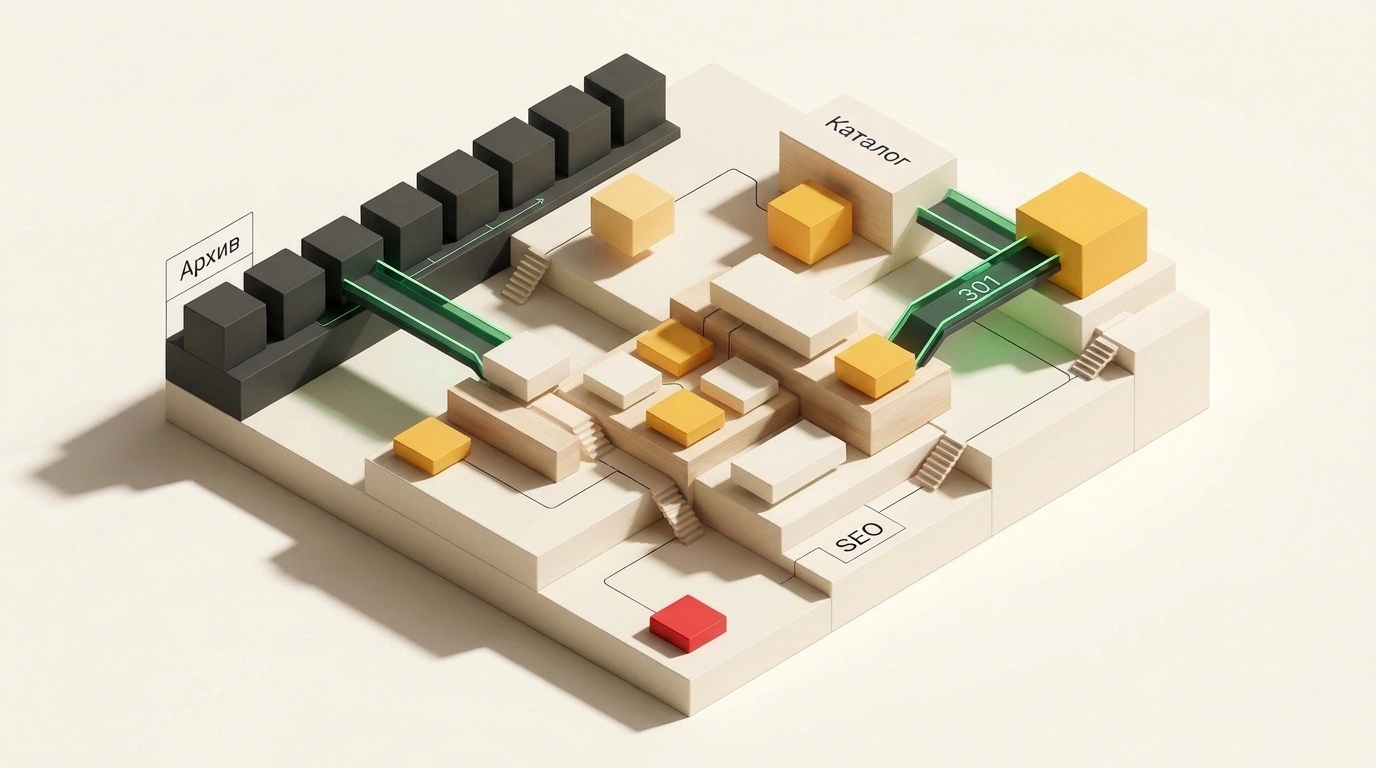
A factory's content manager uploads a fresh lineup of equipment to the website and moves the old SKUs to an archive. At first glance, it makes sense: the storefront looks clean and buyers don't get confused by leftover stock. Two quarters later, the marketer opens analytics and sees organic traffic down by nearly a third, even though rankings for current model names look fine.
That exact problem brought an international maker of printing hardware, print-management software, and services to the agency TexTerra. From January 1 to September 15, 2026, organic traffic dropped 31.3% compared to the same period in 2025: from 87,743 to 60,264 visits. The drop hit site sections unevenly, and that split exposed the catalog's core flaw.
The Product Card Trap: Top 2 in Google With Zero Impressions
Look at section stats over those same eight and a half months. The drivers and software section lost just 4.4% because existing printer owners still come back for firmware. The page for the current lineup—called Model A due to NDA—grew 26.9%. Meanwhile, the homepage lost 44.5% of its traffic, and the office equipment catalog plunged 37.4%.
The clearest failure showed up on the page of discontinued Model B. In Google, it still held top-2 rankings: an average position of 1.45 for the full name, 1.92 for the short name, and 1.94 for the series code. Yet once the model left the assembly line, buyers stopped typing its SKU into search. Out of 200 queries from 2025, exactly 149 got zero impressions in 2026, even though they brought 1,999 impressions a year earlier. On two other old models, impressions fell from 1,049 to 306 and from 835 to 113.
Why did overall catalog traffic crash behind a dead SKU? Here lies a classic trap on manufacturer websites. While a model was the flagship, its product page pulled in both exact price-list codes and broad queries about equipment type, series, paper size, and office tasks. The moment that SKU aged out, all that commercial reach burned with it. There were no permanent pages for the equipment class itself, so nothing was left to catch the demand.
Catalog Diagnostics: Ghost Filters and a Walled-Off Archive
TexTerra's team cross-checked Yandex Metrica, Google Search Console, Yandex Webmaster, and Wordstat against URL and query trends. That separated external factors—such as lower brand interest, fading demand for the old lineup, and February maintenance—from internal architecture bugs they could actually fix.
The first bug surfaced in the office equipment section. Faceted filters let users sort hardware by paper size and color capability. Visitors saw seven page variations, but search bots saw them all as one generic section page. Every one of the seven versions carried a rel="canonical" tag pointing to the main URL. Filters worked for shoppers, yet not a single spec combination captured its own search demand.
The second bug sat in the archive: 62 pages of old models were tightly blocked in robots.txt, which tells crawlers not to visit them. At the same time, 202 internal links from other sections still pointed straight to those pages. Both users and crawlers hit a dead end with no product status and no path to a replacement. The site itself also lived in silos: hardware, software, solutions, service, and the blog barely connected.
Rebuilding the Architecture: Replaceable Layer vs. Permanent Categories
If you tie category-level demand to a single model, every lineup refresh wipes out your SEO progress. Splitting the catalog into two layers frees the site from any SKU's lifespan. Following that logic, the team rebuilt the structure from June to October 2026.
How Catalog Layers Were Split in the TexTerra Case
Before: broad queries about type, format, and office tasks landed on temporary pages like Model B, while seven filter combinations collapsed via rel="canonical" into a general section. Dropping a model cut off category traffic.
After: model cards act as a replaceable layer for specific SKUs, while steady demand goes to permanent categories like 'A3 color MFPs' or 'A4 monochrome MFPs'. Inside each category, the lineup refreshes every year, while its URL, buying criteria, and service links stay intact.
It's easy to overdo filters and spawn thousands of empty URLs for every minor spec, wasting crawl budget—the page limit a bot will scan per visit. So they set a strict rule: create a separate indexable page only for spec combinations that have real search demand, a clear buyer task, and enough inventory. All other filters remain technical sorting.
The rebuild took five months. In June, they ran the audit, built a semantic core of around 1,000 queries, a relevance map, an external content plan, and the first briefs. In July and August, they updated commercial sections and launched pages for "print management", "secure printing", and "high-volume printing", linking them to articles. In September and October, they added software and hardware pages, guides on digital printing, color profiles, and infrastructure monitoring, and refreshed the managed print service page.
The Blog as a Lead Donor and AI-Search Visibility
In B2B, blog posts often answer a basic question and send the reader nowhere. Here, the team audited the blog first to eliminate cannibalization—when two of your own pages compete for the same query. An article on print outsourcing brought 12 visits and became the core explainer for the service. A piece on project planning got zero clicks and overlapped with the first one, so they narrowed it to pre-rollout prep. A post on office print audits brought 5 visits on a distinct scenario with a search volume of 96, so they kept it.
For a new print-outsourcing article, they built a brief with four keyword clusters: "print management" (11,890 queries), "print outsourcing" (163), "organizational print management" (74), and "print infrastructure" (62). From cost breakdowns, readers clicked through to expense-control solutions; from monitoring posts, they went to tracking services; and from the outsourcing guide, they landed on the service page itself.
To back up new sections with external context, articles on choosing print-shop gear, security, and branch-office printing were placed on cybersecurity, document-flow, and digital-transformation outlets with links to target pages. They also factored in AI search: clear category structure and internal links help pages get cited in AI answers before anyone clicks a search result.
What to Do With Discontinued Models: 301, Archive, or 410
The worst advice from cookie-cutter SEO briefs is slapping a 301 redirect from every discontinued item to the homepage or catalog root. As noted in an EarlySEO breakdown of Google Search Central rules, search engines often treat irrelevant redirects as Soft 404 errors. The bot sees a generic stub instead of the expected product and drops link equity.
Instead of one blanket switch, use three scenarios for archived items:
- A direct successor exists: set a 301 redirect to the new model's card so buyers see the replacement and the new page inherits link equity.
- No replacement exists, but people still search for the model, drivers, or specs: keep the URL returning HTTP 200 and open it in
robots.txt. Add a "Discontinued" badge withOutOfStockstructured data, keep the reference info, and show similar alternatives linking to the permanent category. - The product is gone for good with no replacement, demand, or backlinks: return HTTP 404 or 410 and clean up internal links beforehand so you don't repeat the 202-broken-links mistake.
When the case was published, TexTerra had only finished the October stage, so final traffic-recovery numbers aren't in yet. When brand interest dips, overall visits may still slide, so success is tracked by demand transfer: rising impressions and clicks on new categories, referrals from blog posts, behavior of archived URLs, new leads, and citations in AI answers.
What to Check Before Your Next Catalog Update
- Measure organic traffic share on model cards and list broad queries currently tied to temporary SKUs.
- Move steady demand to permanent category URLs and index only filters with proven search volume and stock.
- Pick the right mode for each archived card: 301 to a direct successor, 200 with status and alternatives, or 404/410.
- Remove internal links pointing to deleted pages and cross-link blog articles with categories and services.