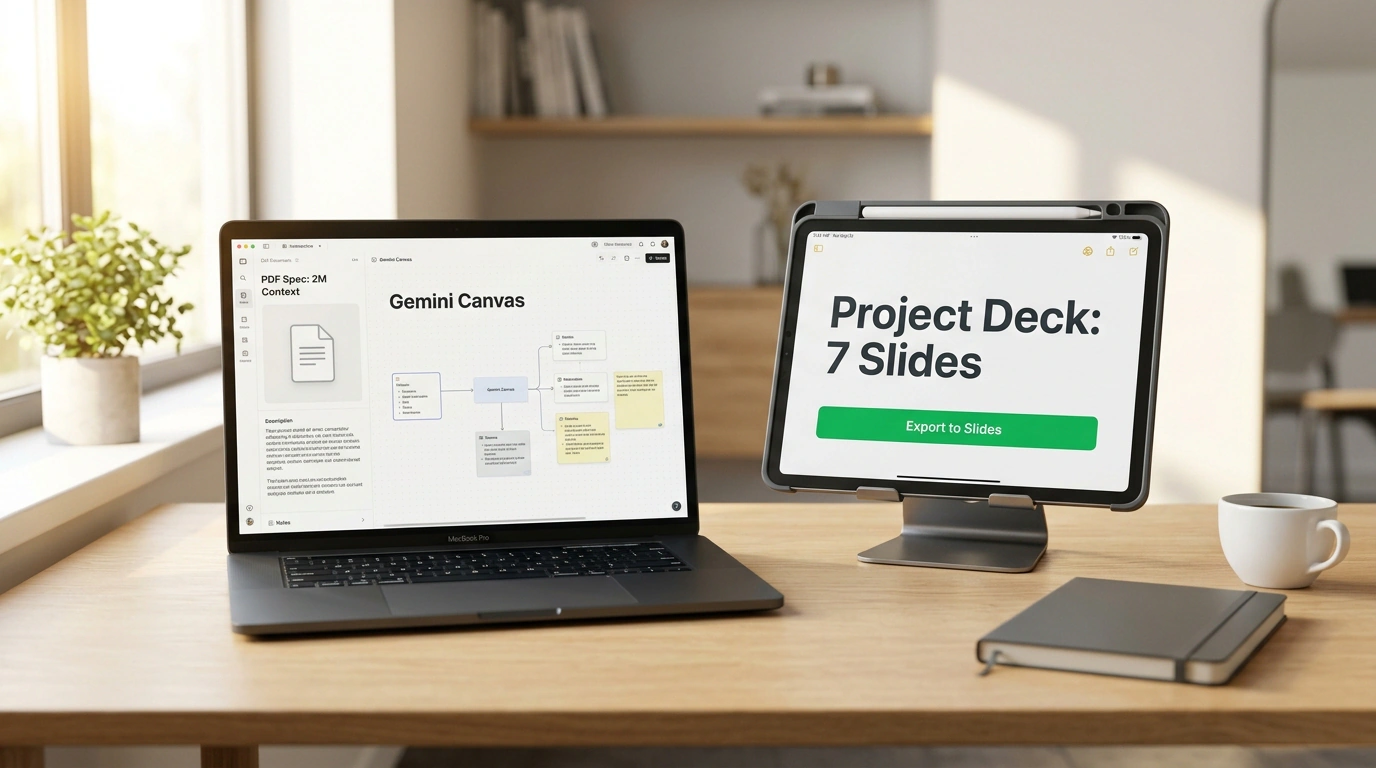
Think about how many Friday evenings you've burned turning a sprawling client email thread or a forty-page spec into a slide deck for leadership. You sit there copy-pasting bullet points onto slides, nudging boxes into alignment, hunting for icons, and questioning your life choices.
Google is steadily shifting Gemini from "smart chatbot for Q&A" to "executive assistant that quietly takes over office grunt work." The latest Google Workspace update introduces two features that fundamentally change how you handle documents and slides.
From a Gmail Thread to Ready Slides in a Couple of Clicks
The first feature is deep agentic integration between Gemini and Google Slides. Your assistant can now pull context straight from your Gmail threads or Google Drive files.
Instead of writing a brief from scratch, you point to a project email chain and say: "Build a 7-slide pitch deck covering key milestones, budget, and risks." Gemini extracts the facts, structures the deck, writes speaker notes for every slide, and lays out a clean baseline design with clear visual emphasis.
Sure, it won't win design awards out of the box—corporate templates are still tied to basic typography. But it handles the most tedious 80% of the job: organizing the narrative and laying out the screens. All you have to do is skim through and make final tweaks.
Interactive Canvas: Bringing Heavy PDFs to Life
The second major addition is the interactive Gemini Canvas. Reading multi-page technical specs or financial reports has always been a slog.
Backed by a 2-million-token context window, Gemini in Canvas mode can swallow a hundred-page booklet and turn it into an interactive artifact rather than a wall of summary text:
- Upload a dense pricing policy—Gemini Canvas builds a dynamic calculator with sliders right beside the chat.
- Feed it a service architecture doc—you get a clickable flowchart of microservice interactions.
- Drop in a financial export—it spins up a live dashboard with quarterly filters.
Even better, Canvas supports two-way editing. You can click any generated block and type a prompt to adjust a formula or restyle colors. We looked at early steps in this direction when covering Gemini's integration with office editors.
For Google Workspace business accounts (Business and Enterprise tiers), a strict rule applies: uploaded internal documents and emails are never used to train Google's public models, in compliance with SOC 2/3 and GDPR standards.
As seen in hands-on tests by Julian Goldie SEO and the official Google Workspace Updates blog, the bigger trend is unmistakable: AI is no longer a separate app you visit. It's melting into your workspace and freeing you from copy-pasting text from one window to another.
