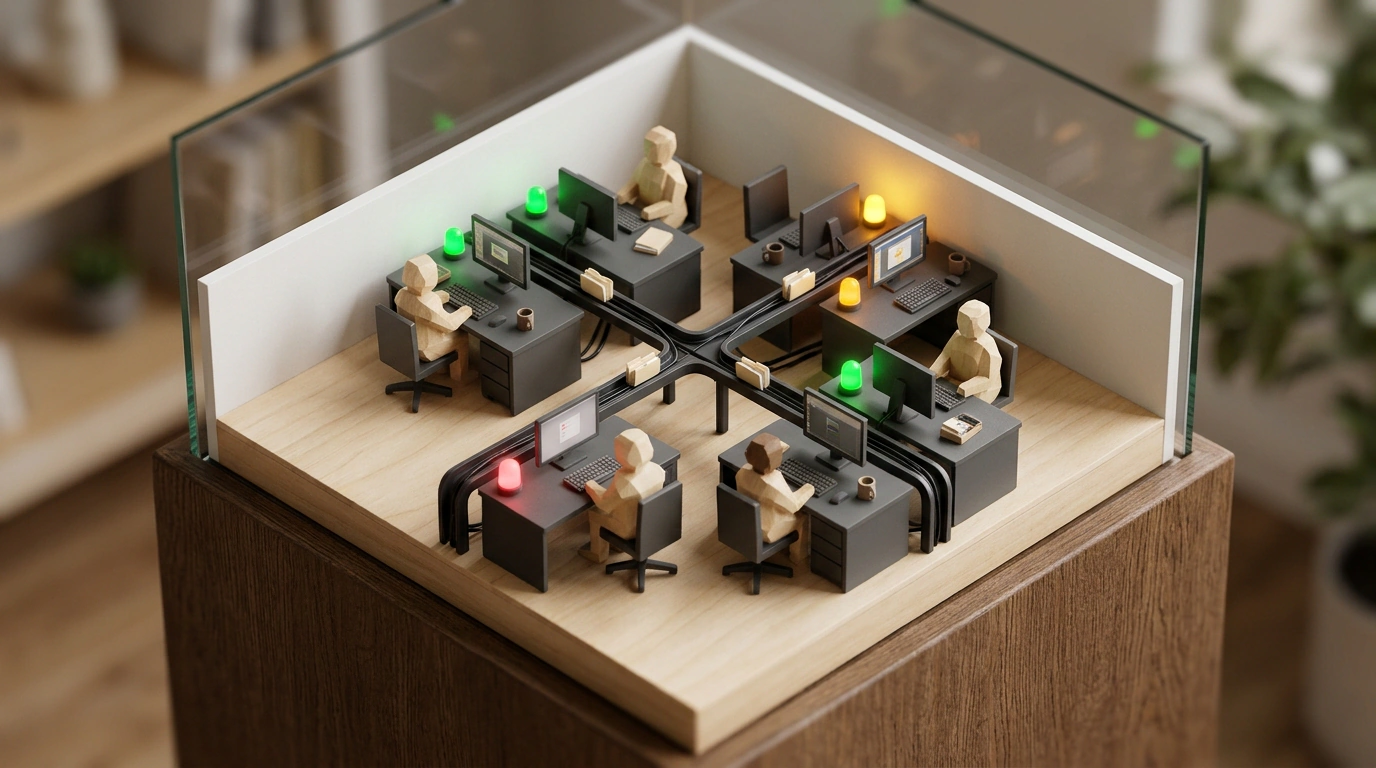
If you have ever tried building multi-agent systems—say, running a team of a researcher, a copywriter, a tester, and a code reviewer—you have surely run into a developer's #1 headache: a total lack of visual control.
You open five terminal windows, kick off the processes, and a minute later an endless green wall of logs starts flashing before your eyes: token streams, API calls, server status responses, and stack traces. In that blur, figuring out which specific agent is stuck in an infinite loop, who is waiting on a database response, and who has already finished and is burning money idling is physically impossible.
The open-source project StarNet AgentOS by developer Andrew AGI offers a witty and surprisingly practical solution. Instead of boring monitoring tables, it turns agent coordination into a clear, interactive 2D canvas styled like a cozy pixel-art office. Let's look at how the architecture of this visual operating system works and how it helps manage digital coworkers without a drop of chaos.
Terminal Chaos: Why Multi-Agent Systems Need a Visual Layer
In traditional frameworks like CrewAI, AutoGen, or LangGraph, agents interact invisibly under the hood. You fire off a starting prompt and sit in the dark until the whole chain finishes in success or a critical exception.
That approach breeds three fundamental problems:
- Execution "blind spot": if an agent on step three misinterprets an instruction and goes off scraping the wrong site, you only find out at the very end once the token budget is already burned;
- Hard to intervene: taking back control from a runaway autonomous agent in the console means brutally killing the entire process with
Ctrl+C, losing all accumulated intermediate data; - No spatial picture: it's hard for a human to hold a mental map of connections between a dozen independent microservices without a visual topology.
StarNet solves this through a spatial workspace metaphor, building on ideas we discussed in our review of the StarNet platform for visual orchestration of AI agent teams.
Canvas Architecture: A Pixel-Art Office for AI
The StarNet AgentOS interface is designed like a virtual room or office. Every connected agent appears as an animated pixel-art character sitting at its desk:
- Above each character glows a status badge: "Thinking," "Writing code," "Waiting for response," "Sleeping";
- Clicking an agent opens an inspector card: you see its current system prompt, list of connected tools, token spend, and last five messages;
- Data flows between agents are visualized as tangible document-transfer lines: you literally watch the analyst hand a draft file over to the copywriter.
Best of all, though, is interactive intervention (Human-in-the-Loop). At any moment, you can click a character, pause it, edit an intermediate artifact in the visual editor, and hit "Resume."
Deploying the System via Docker
The StarNet AgentOS backend is built on Node.js and deploys easily inside an isolated Docker container. Here is a typical docker-compose.yml file for spinning up a local agent headquarters quickly:
version: '3.8'

services:
  starnet-canvas:
    image: starnet/agentos-canvas:latest
    container_name: starnet_canvas
    ports:
      - "3000:3000"
    environment:
      - PORT=3000
      - WS_HEARTBEAT_MS=5000
      - REDIS_URL=redis://starnet_redis:6379
    volumes:
      - ./workspaces:/app/workspaces
    depends_on:
      - starnet_redis

  starnet_redis:
    image: redis:7-alpine
    container_name: starnet_redis
    ports:
      - "6379:6379"
All agents communicate with the server over WebSockets, streaming events in real time.
The StarNet AgentOS architecture pays special attention to handling network anomalies. If one of the local agents drops its socket connection due to a process crash or container restart, the canvas doesn't panic. The agent's status switches to "Offline," while scheduled tasks are buffered in a Redis queue until the connection recovers. That guarantees reliability when running complex multi-hour task chains.
Connecting Agents via a Unified Protocol
You can connect absolutely any agent to the canvas—whether written in Python, Bash, or JavaScript. All it takes is sending standardized JSON packets over the socket.
Here is a minimal Python example for registering a research agent in the virtual office:
import asyncio
import json
import websockets

async def connect_agent():
    uri = "ws://localhost:3000/ws"
    async with websockets.connect(uri) as websocket:
        # Register the agent on the canvas
        register_msg = {
            "type": "REGISTER_AGENT",
            "agent_id": "researcher_01",
            "name": "Data Analyst",
            "role": "Researcher",
            "avatar": "desk_analyst_blue"
        }
        await websocket.send(json.dumps(register_msg))
        print("Agent successfully registered on the StarNet canvas.")

        # Emulate work loop
        while True:
            await asyncio.sleep(5)
            status_update = {
                "type": "STATUS_UPDATE",
                "agent_id": "researcher_01",
                "status": "PROCESSING",
                "current_task": "Analyzing Q3 financial statements"
            }
            await websocket.send(json.dumps(status_update))

if __name__ == "__main__":
    asyncio.run(connect_agent())
Visualization like this removes the psychological barrier to complex multi-agent systems: orchestrating dozens of scripts turns into an intuitive team game where every participant is right in plain sight.