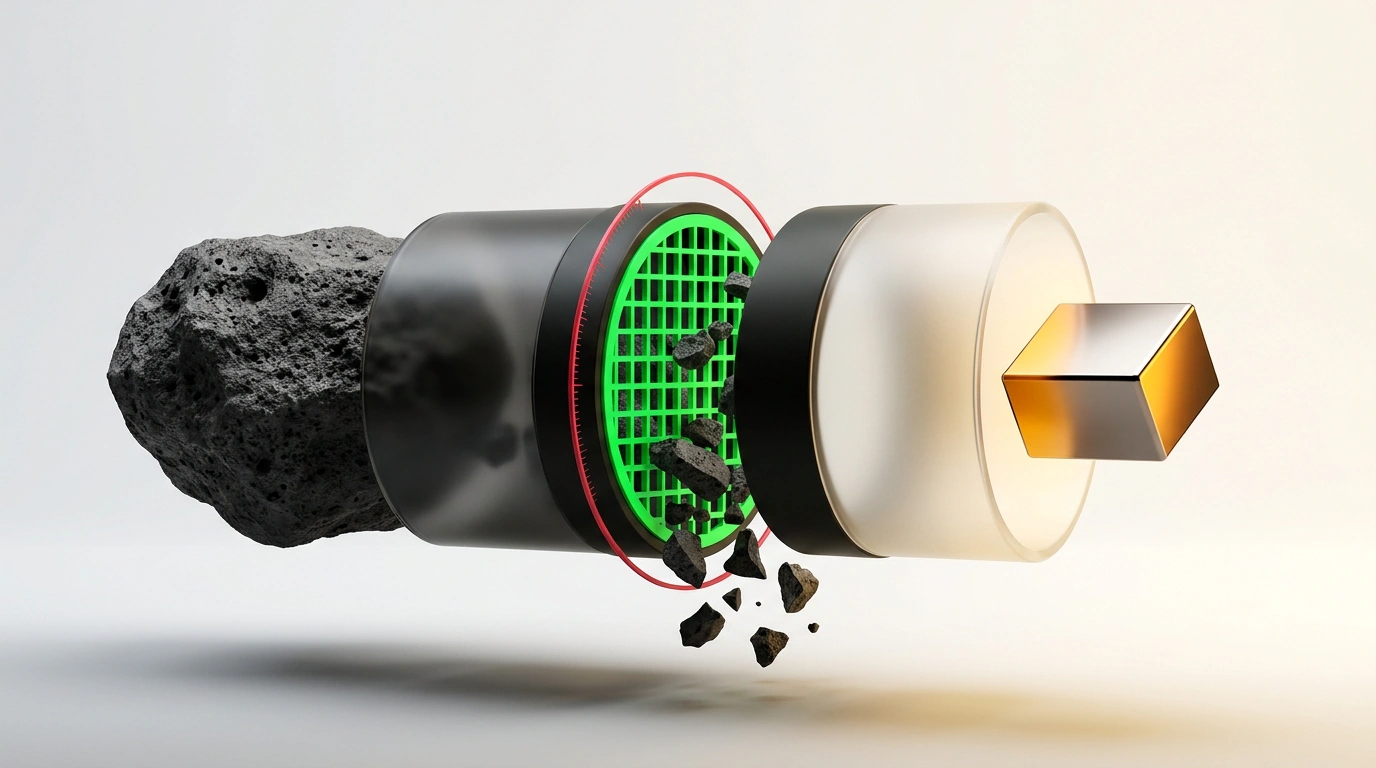
Every developer who starts actively using the API of the Claude model family (especially the flagships Claude 3.5 Sonnet and Opus) in real projects eventually experiences mild shock when looking at their cloud compute bill. You run a couple dozen autonomous agent tests, have it refactor a couple of modules in a project—and suddenly discover that tens of dollars vanished from your balance in a single day.
The first instinctive reaction is to blame the provider for inflated prices and switch to cheaper, dumber compact models. Yet if you run a detailed audit of your network requests, the same truth almost always emerges: colossal sums aren't burning on useful computation at all—they're burning on shipping around a giant dead weight.
Julian Goldie, together with the developer community, demonstrated a set of simple engineering tweaks that cut token consumption by 80% without the slightest loss in model quality. Let's walk through these techniques step by step.
Where Millions of Tokens Actually Leak
In a typical API interaction loop, developers make two key mistakes that multiply their bill:
- Resending a heavy static prefix: every request to the model includes detailed system instructions, API specs, database schemas, and Few-Shot Examples. That payload easily weighs 5,000–10,000 tokens. If the agent takes twenty steps in a conversation, you pay full price twenty times just to read the exact same unchanging bytes.
- Unfiltered terminal output: the agent runs
git log,npm test, or a Docker container build, and the entire raw log—hundreds of lines of progress bars, compiler status messages, and linter warnings—flies straight into the context window. In real tests, a single failed test run bloated the context from 1,400 to a monstrous 71,000 tokens in one step.
Prompt Caching Architecture: How Prefix Pinning Works
Your primary weapon against token overspending is Anthropic's official Prompt Caching technology.
The cache mechanics are simple and brilliant. When an Anthropic server receives a request, it checks whether it has seen that exact same text prefix within the previous 5 minutes. If a match is found, the model reads the already compiled intermediate attention state (KV-cache) straight from ultra-fast server memory:
- Reading cached tokens costs just 10% of the base input rate (a 90% discount);
- Model response speed (Time to First Token) increases 2–3x, since the server doesn't have to digest the entire system text all over again.
For caching to trigger, the system prompt must exceed the minimum threshold (1,024 tokens for Sonnet and Opus) and include an explicit breakpoint.
Here is how caching looks in Python using the official Anthropic client:
import os
from anthropic import Anthropic

client = Anthropic(api_key=os.environ.get("ANTHROPIC_API_KEY"))

# Split instructions into a static cacheable block and a dynamic task
system_instructions = "You are a lead engineer. Here is the full project database schema: " + ("TABLE_SCHEMA " * 300)

response = client.messages.create(
    model="claude-3-5-sonnet-latest",
    max_tokens=2048,
    system=[
        {
            "type": "text",
            "text": system_instructions,
            "cache_control": {"type": "ephemeral"}  # Caching breakpoint
        }
    ],
    messages=[
        {"role": "user", "content": "Write an SQL query to count weekly active users."}
    ]
)

# Check cache efficiency in the response
usage = response.usage
print(f"Written to cache: {getattr(usage, 'cache_creation_input_tokens', 0)}")
print(f"Read from cache (90% discount): {getattr(usage, 'cache_read_input_tokens', 0)}")
As highlighted in our analysis of Claude with flexible reasoning settings, smart cache management lets you use flagship models at the price of lightweight networks.
Filtering Terminal Output: Trimming the Noise
The second critical measure is sanitizing the output of system utilities. An agent doesn't need thousands of compiler lines; it only needs the execution status and the exact error text when something fails.
Use concise pipelines and log trimming before passing text into the model:
# Example of aggressively compressing build and test output before sending it to the agent
npm test 2>&1 | tail -n 40 | grep -E "(FAIL|Error|passing|failing)" || true
This simple one-liner strips away endless lists of passing files and leaves only the final status and the failing test's stack trace. In Goldie's test scenario, a filter like this shrank log size from 71,000 down to 1,400 tokens while preserving 100% of the useful debugging information.
To monitor caching efficiency in production, I recommend logging Anthropic's special response fields. The usage object returns cache_creation_input_tokens and cache_read_input_tokens. If the share of tokens read from cache consistently exceeds 75%, your architecture is operating at peak economic efficiency.
Production Cost-Savings Checklist
Lock in these three rules before running any script:
- Move all unchanging data (documentation, coding rules, project structure) to the start of the system prompt and mark it with the
cache_controlattribute; - Never pass raw log dumps: cap output to the first and last lines (
head -n 20andtail -n 30); - Control session intervals: cache time-to-live (TTL) is 5 minutes. Batch your requests together so each subsequent call hits the warm cache of the previous one.