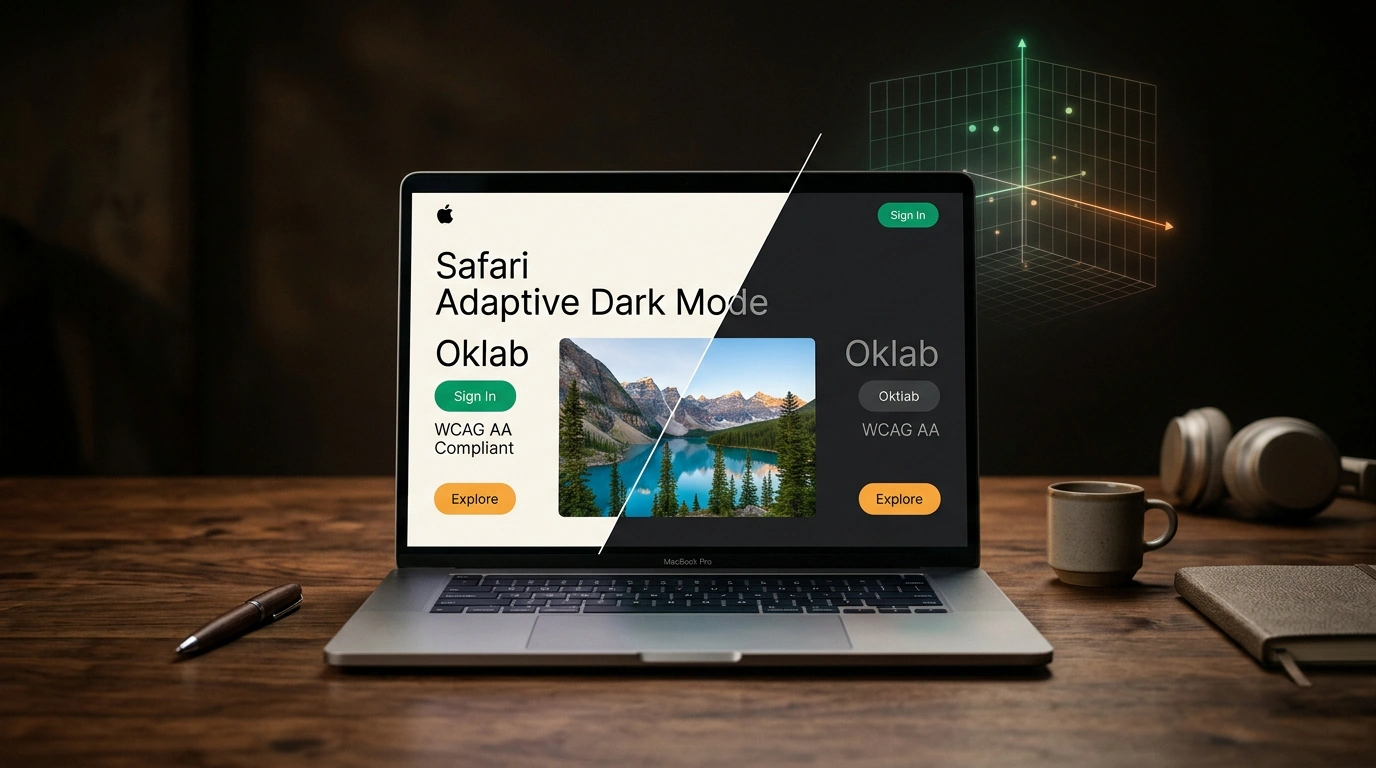
Recall the feeling: evening, dim room lighting, system dark mode enabled on your laptop or smartphone. You open a link from search—and the room lights up with a blindingly white #ffffff background. Your eyes sting, and your hand instinctively reaches to close the tab. Web developers have long nicknamed this effect a "flashbang."
ChromeStatus statistics reveal a striking gap: nearly 40% of all web page views worldwide come from users with system dark mode active. Yet only about 10% of websites have actually implemented a dark theme via the prefers-color-scheme media query.
Until now, users relied on browser extensions like Dark Reader or Chromium's Force Dark flag. Those tools worked like a sledgehammer: applying an invert(100%) hue-rotate(180deg) filter, turning photos of people into eerie X-rays, distorting brand button colors, and breaking layouts with Canvas elements.
In the Safari 27.3 beta, Apple engineers unveiled a fundamentally different solution. Let's look at Adaptive Dark Mode on the WebKit blog and see how a mathematical color matrix turns a light site into a clean dark interface without losing readability.
The "Flashbang" Problem: Why 90% of the Web Blinds You in the Dark
Why don't site authors build a dark theme themselves? Because a high-quality dark theme is expensive. Simply inverting white to #000000 black is not enough:
- A pure black background with white text creates a halation (halo) effect and strains the eyes due to excessive contrast;
- Hundreds of icons and logos have to be redrawn;
- A new color palette for shadows and hover states must be curated;
- The design system doubles in size, requiring ongoing testing.
Crude automatic inversion from older algorithms only made things worse: a brand's signature blue turned into muddy orange, and buttons with semi-transparent gradients became unreadable gray blocks.
The WebKit team approached the task not as applying a CSS filter, but as a mathematical problem of separating light coordinates directly inside the engine's rendering pipeline.
WebKit Matrix Math: Inverting Lightness Without Shifting Hue
The key breakthrough in Adaptive Dark Mode is moving into the Oklab and Display P3 color spaces and splitting color into two independent components:
- Lightness / Luminosity — how light or dark a color is;
- Chroma & Hue — the actual color shade and its saturation.
When WebKit encounters a light layout element, it does not invert the entire color vector. A dedicated color matrix transforms only the lightness coordinate:
- A bright white
#ffffffbackground is smoothly recalculated into a deep, refined dark gray#1a1a1aor#121212; - Color accents (such as a button's signature emerald, blue, or purple) keep their exact hue angle. The button stays recognizable and preserves brand identity;
- Text dynamically adapts to the background while strictly complying with WCAG 2.2 AA: contrast ratio is held at no less than 4.5:1 for body text and 3:1 for large headings.
Where third-party extensions produced a washed-out mess, the WebKit engine constructs a crisp, balanced interface indistinguishable from a professional designer's work.
Smart Media Filtering: SVG, Canvas, and Logo Histograms
The hardest part of adaptation is not text, but graphics. WebKit engineers implemented a multi-layered media-element selection filter:
- Photos and videos (
<img>,<picture>,<video>): completely excluded from the transformation matrix. Faces, landscapes, and video clips render in their original natural colors. <canvas>and WebGL elements: the engine leaves canvases untouched, recognizing that they often run interactive charts, maps, or browser games.- Vector graphics (SVG): the algorithm analyzes contour geometry. If a vector icon is filled with monochrome black, the engine inverts it to white so it does not vanish on a darkened background. If the icon is multicolored, its colors are preserved.
- Raster logos (PNG/JPEG): for small images, WebKit computes a pixel distribution histogram. If the image is a monochrome logo on a transparent background, it is adapted cleanly. If it is a color illustration, it stays untouched.
- Complex blend effects (
mix-blend-mode): in spots where background inversion would cause color-subtraction artifacts, the engine delicately disables the blend mode.
Anti-fingerprinting protection deserves special mention. If websites could call JavaScript's window.getComputedStyle() to detect that a page is rendered in adaptive dark mode, trackers would exploit that signal immediately. WebKit isolated this data: scripts always see the original author styles from the CSS file.
Developer-Side Control: How to Support or Opt Out of the Mode
Browser adaptation is a safety net, not a replacement for author design. The WebKit team left developers in full control of the process.
If you are already implementing dynamic themes in pure CSS, it is enough to declare dark-mode support explicitly in <head>:
<!-- Declare native dark theme support -->
<meta name="color-scheme" content="light dark">
Or in the root element's styles:
:root {
  color-scheme: light dark;
}

@media (prefers-color-scheme: dark) {
  body {
    background-color: #121212;
    color: #f0f0f0;
  }
}
The moment WebKit sees color-scheme: light dark, Adaptive Dark Mode turns off immediately, handing full layout control back to the site author.
If your project fundamentally cannot be dark (for example, an online photo editor, a document printing service, or a strict medical reference), you can explicitly opt out of automatic adaptation:
<!-- Disable adaptation for the entire document -->
<meta name="color-scheme" content="light only">
Or locally for a specific widget in CSS:
.photo-canvas-preview {
  color-scheme: light only;
}
Adaptive Dark Mode in Safari 27.3 sets a new standard for how browsers interact with content: respecting users' eyes no longer requires workarounds and extensions, making the web comfortable at any hour.