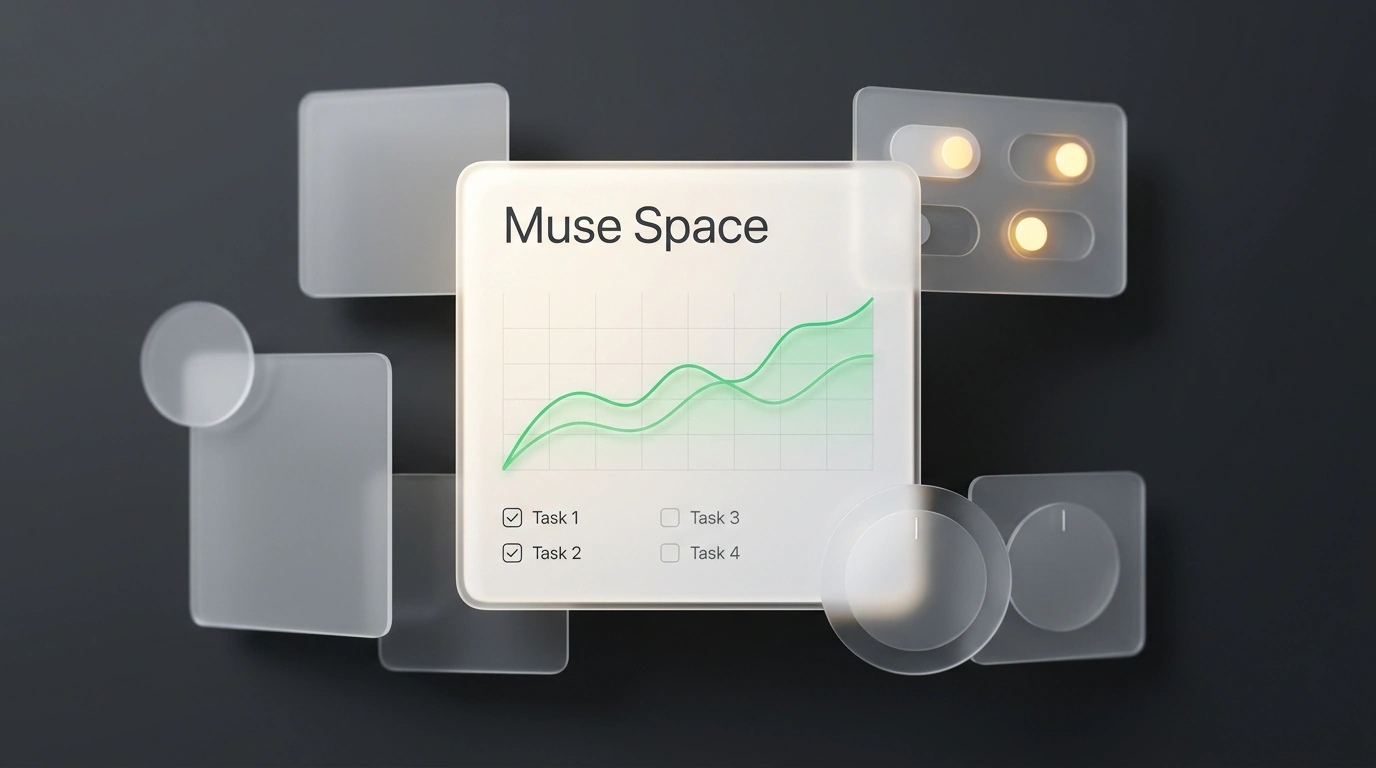
On November 6, Meta's personal AI agent Muse gained a new section called Spaces. The assistant itself launched on September 8 and reached 10 million users across the US and Canada on smartphones, Mac, the web, and WhatsApp in under two months, yet the November update changes how you interact with an AI altogether. Instead of replying in an endless chat feed, the agent now assembles interactive screens inside the app tailored to the owner's specific tasks.
How do you build personal micro-apps like this for everyday tasks without web development skills or no-code builders? Spaces compiles a text description from your conversation into a working widget with buttons, filters, scheduled checks, and external integrations.
The End of Rigid Interfaces: Why Generative Micro-Spaces Beat Traditional Software
Hunting for a ready-made app for a narrow task almost always forces you into someone else's logic: to track two numbers, you wade through dozens of extra tabs. A standard AI chat doesn't solve it either—yesterday's summary drowns in the message feed, and every morning you have to re-type the request.
At the core of Spaces is Generative UI, where the neural network builds a control panel on the fly strictly around your scenario. It's like a craftsman's workbench where, instead of a factory console, only the two toggle switches you need right now appear.
Setting Up a Space: Building Widgets, Scheduling Updates, and Connecting External Sites
Screen building lives right inside the chat. When you describe in plain words what you want to track and which buttons you need, Muse immediately builds a working panel. If a filter is missing, you ask in chat to add a section—and the agent rebuilds the widget while keeping your already-checked items and numbers. Pin a space to your tabs and set a schedule, and the app adapts by day: on weekdays it keeps your work plan front and center, while on Saturday it surfaces your weekend to-do list. Connect external services via the connector ecosystem—Gmail, Google Calendar, Notion, or booking sites—and the widget pulls fresh data automatically in the background.
This setup removes the tedium of trip planning. Suppose you're planning a vacation in Rome and watching for good flights and a hotel near the Colosseum. Before, mornings started with checking aggregators, converting currencies, scanning email, and forwarding screenshots to family. In Muse, you write: "Build a dashboard tracking flight prices to Rome and hotels near the Colosseum." Seconds later, a screen appears with flight cards and filters. Next you ask: "Add a euro currency toggle and a quick-send link button for my wife"—and the panel updates. All that's left is setting auto-refresh for 9:00 every morning.
Manual monitoring disappears. Instead of making the rounds of websites, the space checks fares at the scheduled morning hour, converts amounts to euros, and sends a notification only when prices drop. You open the finished panel, flag the best flight, and send the card to your spouse in one tap—no code and no spreadsheets.
Meta's Examples and Safety: Where the Agent's Autonomy Stops
Meta's team built its own catalog of examples using the same pattern. I reviewed their showcase: it includes a dog-care tracker, a map of restaurants saved from Instagram with ratings, a gift list with sizes, the Clockwork ad planner, a board-game scoreboard, a unified inbox sorting requests from social media and email, and even an arcade game called Jolly Jump without a game engine. To keep background screens from losing context and help them recover after glitches, they were moved onto models from the Muse Wonder family.
Here you might rightly ask: "If the agent reads my email and websites on its own, won't it accidentally buy an expensive ticket or send an unfinished email to a client?" A Confirmation Gate prevents that. Reading emails and parsing prices happen automatically, yet any sensitive action—sending a message, deleting notes, or making a payment—is blocked and pops up a window for manual approval. You choose which apps a space can access.
The technology has its boundaries, too. Right now spaces are strictly personal: you can't share a screen with a colleague or export the code into an external project, and Muse itself only works in the US and Canada. There's no one-size-fits-all recipe—team products still require traditional development, but the rules of the game for personal routines are now on your side.