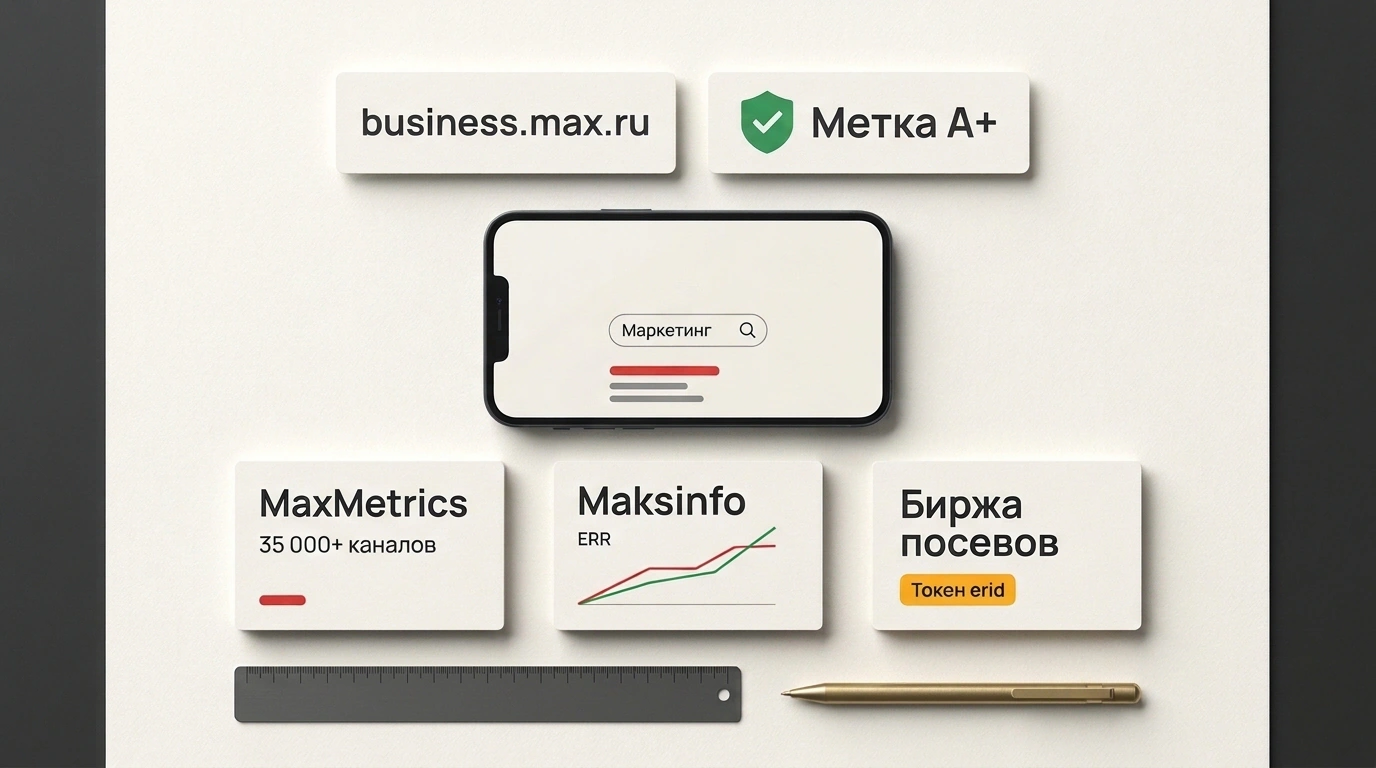
Where do you find active channels in the Max messenger when you want to buy placements — or pull your own new channel out of obscurity? Max's ecosystem is still growing, and many people mix up built-in search, third-party web directories, and ad exchanges. As a result, channel owners wait for inquiries in the wrong places, while marketers burn half a day searching manually. Let's map out how everything works, based on Ksenia Bondarenko's guide on the eLama blog and the platform's own rules.
Why Catalogs Exist and Why They Are Not Ad Exchanges
A channel catalog is a public directory sorted by topic with basic stats. Readers browse categories and preview a channel before subscribing. Channel owners get something else: visibility in front of advertisers looking for seedings — paid promo posts in niche channels.
A neat profile and ownership verified via a description code remove friction right away: advertisers see a real admin instead of a reseller. Ranking in the top charts or 'Recommended' blocks also brings free organic subscribers.
Just do not confuse a catalog with an ad exchange like Telega.in or WOWBLOGGER. A catalog works like a yellow pages directory with contacts: you find a channel, check the numbers, and DM the admin directly. Vetting the channel, handling payment safely, and filing ad labeling (erid) stay on you. An exchange acts as a middleman with guarantees: it vets channels, holds funds in escrow until the post goes live, and generates the erid token automatically.
| Feature | Official Max Catalog | Third-Party Web Catalogs | Ad Exchanges |
|---|---|---|---|
| Purpose | Organic discovery inside the messenger | Finding placements and analytics | Safe ad buying |
| Location | Inside the Max app | Standalone websites and bots | Ad platforms |
Payment & erid | None | None, direct deal | Escrow and automatic erid labeling |
| Channel entry | Verification (Russian business or RKN 'A+') | Application or auto-indexing | Registration and moderation |
The cleanest workflow is simple: build your shortlist in catalogs, then run the actual buy through an exchange or a direct contract.
Official Catalog Inside Max: Search and Two Verification Paths
The built-in catalog sits right inside the app: search bar -> 'Channels' section. Channels are grouped by topic (news, business, entertainment, regions, and more). Search matches titles and keywords in descriptions, so search by topic ('marketing', 'delivery', 'local news') rather than brand name, since only existing subscribers usually know exact names.
Keep two practical details in mind. Fake channels pop up for big brands, so verify the official link on the company's website. Also, once a user follows more than 20 channels, the folder shows their own subscriptions first, making feed competition much stiffer.
To enter the official catalog, your channel must be public, have a complete title and description, and pass verification. There are only two paths:
- Business path via business.max.ru. Open to Russian legal entities, sole proprietors, and self-employed residents after verification via Gosuslugi or bank ID (Sber ID, T-Business ID, Alfa ID). Public channels appear in search and open without invite links. Without a linked 'A+' resource, companies and sole proprietors can create up to 10 public channels, while self-employed users get 1. Names are checked against EGRUL/EGRIP registries, and the system assigns a handle like
idINN_biz. - 'A+' badge path (RKN). If a creator already has 10,000+ subscribers on Telegram, VK, Odnoklassniki, or Dzen, they apply to the Roskomnadzor registry via Gosuslugi, receive a 10-digit ID, and enter it into Max's 'A+ Badge' bot. Once verified, the channel gets the 'A+' mark, public status, and a short username.
Third-Party Web Catalogs, Analytics, and How to Submit
The built-in catalog brings organic traffic, yet it leaves advertisers mostly blind because you cannot check growth trends or fake engagement. Independent web catalogs and analytics tools fill that gap.
eLama's overview highlights MaxMetrics — a topic directory (per eLama, over 96,000 channels in 'Education' and over 35,000 in 'Business & Marketing') with post rankings and brand mention tracking — and Telemetr, expanding from Telegram (with its beta database exceeding 250,000 channels per eLama, though some Max features are still in progress). To analyze your own audience, there is the AI platform Metrius: add its bot as an admin to track traffic sources, real cost per subscriber, retention, and unsubscribes. eLama clients can connect all three tools for free via its tool marketplace.
Two Max-focused services stand out. MaxFrame tracks subscriber growth, reach, and engagement, compares channels, and detects fake traffic, while its Max bot analyzes individual posts when you forward them. Maksinfo.ru focuses on open metrics: it updates subscribers, growth, and ERR (defined by the service as average post views divided by subscribers) every day, and grants a verification badge after ownership checks.
Channel catalog and analytics in Max messenger on Maksinfo (Source: maksinfo.ru)
For fast, free listing with minimal hurdles, Max-catalog.com and Vsepromax.com work well (moderation within 24 hours), while directories like Maxoteka build leaderboards by weekly audience growth.
Submitting a channel works almost the same everywhere: click 'Add channel' (or 'Add resource'), enter the link, title, description, category, and contact info. Moderation takes from a couple of hours up to two business days. If the service supports ownership verification (like Maksinfo.ru), temporarily paste a verification code into your channel description to unlock the verified badge.
Max Catalog Router: Choose Your Scenario
Switch the scenario above to match your case: a small business without a huge following should verify on business.max.ru first, a large creator should link their 'A+' status for a short handle, and an advertiser needs a combo of a discovery catalog plus a fraud-check tool.
Packaging, Posting Rhythm, and Common Questions
An empty catalog card does not convert. Algorithms rank channels by activity, engagement, and growth, while readers decide whether to open your channel in two seconds.
Start with your title and the first two lines of your description — those show up right in the catalog feed. 'Company Blog' catches zero searches; 'Grocery Delivery News' or 'Max Ad Guides' works much better. State the reader's benefit in the first two lines ('Weekly Max growth case studies', 'Checklists and guides for marketers'), and pick a narrow category: 'Marketing' instead of broad 'Business' means less competition and warmer readers.
Your avatar should stay legible as a tiny thumbnail without tiny text, and your profile cover should match your post style. Aim for 3–5 posts per week: a channel silent for a month drops out of topic picks and trending lists. Keep growth organic — sudden spikes from fake subscribers show up clearly in ER (reactions) and ERR, getting you banned from catalogs or skipped by advertisers.
Basic listings are usually free. Regular posting and engagement drive organic rankings, though some directories (like Maksinfo.ru) offer paid upgrades such as VIP spots or homepage 'Recommended' blocks for extra visibility.
Many catalogs index public channels automatically, much like search engines index websites. Contact support to edit or remove a card if a service distorts your stats, pretends to be the owner, or sells ads in your name. Verifying your channel with a bio code protects you from that.
In a catalog, you find channels and negotiate directly with zero commission, but you handle vetting and erid ad labeling yourself. On an exchange, you pay for protection: the platform checks the channel, holds payment until publication, and handles erid tokens automatically.