Think about what rolling out artificial intelligence into everyday office routines usually looks like. A company buys enterprise licenses, management enthusiastically reports on automation, and employees... keep doing everything by hand. Why? Because opening a separate browser tab every time, pasting a three-page prompt with formatting rules, dropping in the email text, waiting for a reply, and carrying it back to the mail client is just too tedious. Interface friction kills any productivity.
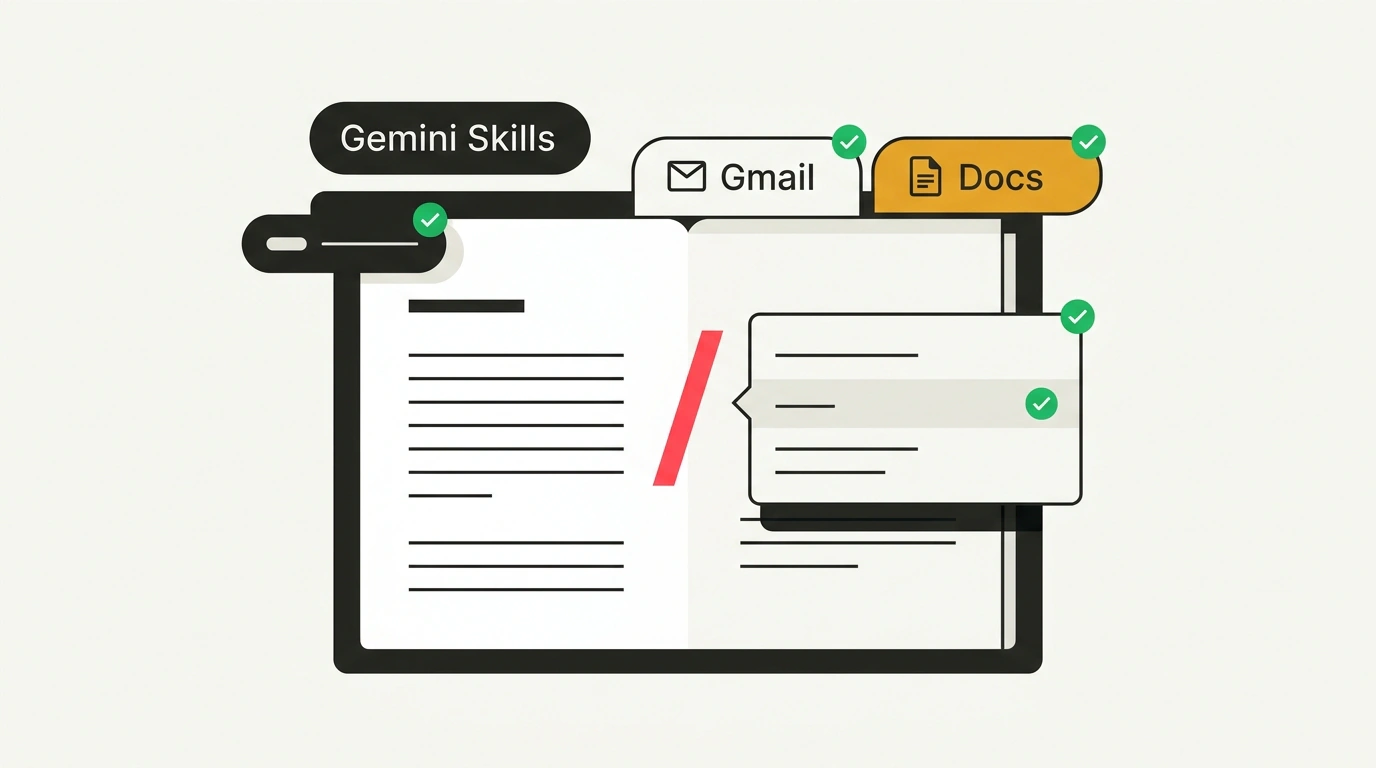
Google has finally acknowledged this problem and announced a sweeping overhaul of its office AI. The old concept of isolated custom bots—Gems—is heading to the dustbin of history. In its place comes the Gemini Skills architecture, deeply embedded straight into the body of Google Workspace work apps: Gmail, Docs, Sheets, Slides, Drive, and Google Chat. Let's go through the migration timeline, how the new skills work, and a practical recipe for writing reliable instructions using the PTCF formula.
The Sunset of Gems: Why Isolated Bots Are Fading Away
The idea of Gems (customizable chatbots with preset system prompts) looked attractive on paper, but failed miserably in real office practice. Gems lived in an isolated bubble: to have a bot process a contract, an employee had to export the file from Google Drive, upload it into the Gems window, explain the task, and manually retrieve the result.
Google has officially kicked off the Gems deprecation process:
- Starting November 17, 2026, the Gems creation section is removed from the main menu and tucked into deep profile settings;
- March 1, 2027 marks the final shutoff deadline for all business users on Google Workspace Enterprise and Business plans;
- June 1, 2027, Gems support will be completely discontinued in the education segment (Google Workspace for Education).
All previously created Gems will not vanish without a trace: the system will automatically convert them into Gemini Skills drafts, though they will remain inactive until an administrator or account owner manually reviews access permissions and publishes the skill to the workspace.
Skills Right in the Flow of Work: Slash Commands in Docs, Sheets, and Gmail
The main difference between Gemini Skills and their predecessors is in-situ integration. A skill no longer lives in a separate app—it is invoked right where you are typing:
- Slash commands and mentions:
While in Google Docs or Gmail, you simply type a slash
/or an@mention (for example,@LegalCheckor/summarize-meeting). A dropdown menu immediately offers the list of available company skills. - Contextual grounding (Google Workspace Grounding): The skill automatically reads the current context. If you invoke a skill in a Gmail thread, you don't need to copy the correspondence—it sees the entire thread history. If invoked in Google Sheets, it reads the active cell range and column header structure.
- Corporate Google Drive memory: Skills can access documents on the corporate drive while strictly respecting established access control lists (ACLs). If an intern invokes a skill that requires data from management's finance folder—to which the intern has no access—the algorithm will properly report insufficient permissions and will not leak restricted information.
As we discussed during the early announcement of the Gemini Skills concept, it is seamless invocation without extra screen switching that turns a neural network from a toy into a real work tool.
The PTCF Formula: How to Build Reliable Work Skills
How well any skill performs comes down to the architecture of its system instruction. Google recommends ditching vague text descriptions and structuring skill configurations using the strict PTCF formula:
- P (Persona): a clear definition of the role and level of professional expertise. Not just "you are an assistant," but "you are a senior legal counsel specializing in IT services contract law";
- T (Task): a concrete, indivisible action. For example: "conduct an initial audit of a non-disclosure agreement (NDA) for compliance with company policy";
- C (Context): strict boundaries of applicability, a list of mandatory regulatory documents on Google Drive, and stop-factors where the skill must halt execution;
- F (Format): the exact output structure. For example: "a three-column summary table: Contract Clause | Identified Risk | Recommended Replacement Wording".
When an instruction is assembled along this pattern, the model stops rambling and delivers a predictable, standardized result that colleagues can put straight to work without painful editing.
Automation Limits and Permission Traps
For all its obvious upsides, switching to Gemini Skills requires a sober understanding of the platform's current limits:
First, Skills are a generation and audit tool, not a fully autonomous agent. A skill cannot send an email to a client on its own, change a deal status in an external CRM, or delete a file without the user clicking Apply or Send. Control always stays with the human.
Second, corporate access permissions are a double-edged sword. Often, when collaborating in a single document, employees hold different permissions on the company's shared knowledge base. If one author runs a skill that pulls policies from a restricted folder, a co-author without the matching permissions will see an access-restricted placeholder. Google Workspace admins will have to spend considerable time setting up transparent access groups for source documents.
Third, automatic migration from old Gems requires a mandatory manual audit. Many employees wrote system prompts for Gems in a freeform style meant for chat dialogue. When invoked via a slash command inside a document body, those prompts start cluttering the text with unnecessary greetings and polite filler ("Hello! I'd be happy to help you...").
Gemini Skills clearly demonstrate the maturity of enterprise AI: the era of empty chat boxes is fading, giving way to unobtrusive yet dependable micro-tools right inside your familiar text editor.