When you watch a modern AI agent briskly writing code, installing libraries, and running terminal commands, it is hard to shake a feeling of dread. Any system administrator watching that spectacle clutches their chest. What if the neural network accidentally runs a file deletion command in the root directory? What if the model pulls a compromised package via pip or npm with a built-in trojan? Or what if during web search the agent hits a malicious page and dutifully opens server access to attackers?
For a long time, agent system developers bounced between two evils. On one side were lightweight Docker containers, which start fast but share a common Linux kernel with the host and are vulnerable to container escape attacks. On the other were classic virtual machines (KVM or VMware), which provide solid isolation but take half a minute to boot and devour gigabytes of RAM.
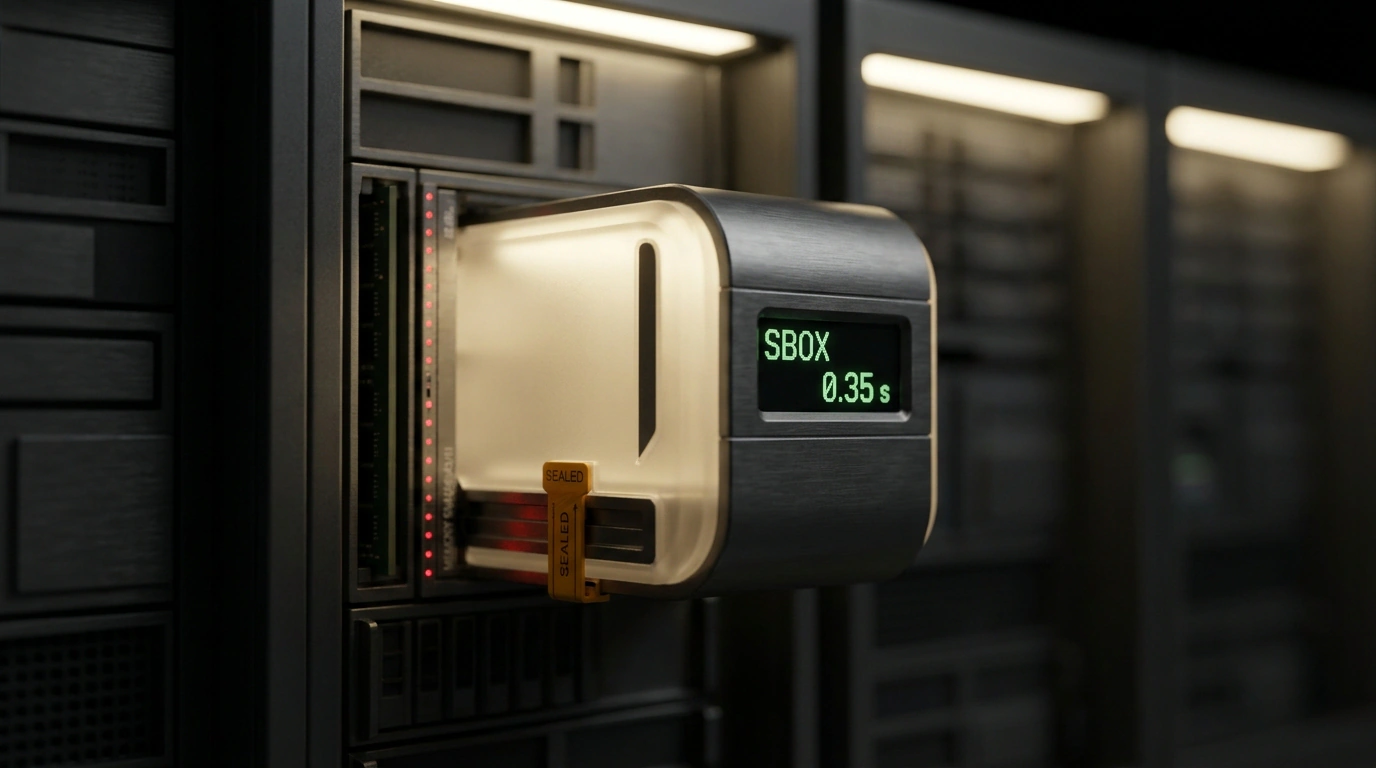
The Genspark platform team has unveiled its own solution to this dilemma—SBOX (Sandbox Execution Environment). It is a specialized infrastructure of lightweight micro-virtual machines (microVMs) built specifically for autonomous AI agents. Let's look at the SBOX architecture, see how its instant Freeze/Thaw memory mechanism works, and find out why a 0.35-second launch became an engineering sensation.
The Sandbox Dilemma: Between Leaky Docker and Slow KVM
To understand the value of SBOX, let's peek under the hood of standard isolation solutions:
- Containers (Docker / Podman): A container is not a separate virtual computer, just an isolated process inside a shared operating system. Every container talks to the same Linux kernel. If an agent installs a package exploiting a fresh kernel vulnerability (zero-day privilege escalation), it immediately breaks out onto the physical server and gains access to all neighboring databases and host secrets. Trusting containers to run untrusted neural-network code in an enterprise setting is simply dangerous.
- Full virtual machines: A virtual machine emulates a separate physical computer with its own independent Linux kernel. Security is top-notch: even if an agent completely wrecks the guest system, the host machine remains untouched. The price of that security, however, is speed. A cold boot of a classic VM takes 15 to 40 seconds, and each machine eats 2 to 4 GB of RAM just to load system daemons. If you need to spin up ten parallel agents for short tasks, the server quickly runs out of resources.
0.35 Seconds to Cold Start: How the Micro-VM Is Built
Genspark's engineers built SBOX around a customized hypervisor tailored to minimalist guest Linux kernels. Everything unnecessary was stripped out of the kernel: support for legacy data buses, sound cards, floppy disk controllers, and hundreds of device drivers that will never be needed in a cloud environment.
The main secret behind the lightning-fast 0.35-second (350 millisecond) boot lies in lazy memory paging on demand. When a micro-VM starts, the hypervisor does not copy the entire operating system image into physical memory. It allocates a virtual address space and pulls in specific Linux kernel pages only at the exact moment the agent accesses them.
As a result, the micro-VM is ready to accept terminal commands almost instantaneously. To the user, it feels like working in a familiar local terminal: you press Enter, and the environment is already waiting for tasks, compiling Python, Node.js, or Rust code, and spinning up web servers. Meanwhile, the agent sits inside strictly isolated hardware virtualization, with no physical access to the server filesystem or neighboring sessions.
Freeze and Thaw Mechanics: Freezing Memory in 120 Milliseconds
Another critical problem of agent environments is idle compute waste. Picture the scenario: an agent wrote a web app, launched it, and sent a link to the user asking, "Do you like this button design?" The user went to lunch, got pulled into a call, and replied three hours later. All that time, the virtual machine sits in memory, burning precious megabytes of RAM and CPU cycles.
SBOX solves this with an elegant Freeze / Thaw mechanism:
- Freeze: the moment an agent enters wait mode for human input or an external webhook, the hypervisor pauses instruction execution and flushes a RAM snapshot to ultra-fast storage. The process takes just 120 milliseconds, after which the micro-VM's memory is completely freed for other tasks;
- State retention: the platform keeps RAM snapshots for up to 14 days with versioning support (up to 5 snapshot versions per working session);
- Thaw: when the user returns and clicks continue, the micro-VM restores its memory state in exactly 0.8 seconds. The agent wakes up instantly with open network sockets, background daemons, and active file descriptors intact. It doesn't need to re-clone the repository, reinstall dependencies, or recompile the project from scratch.
Environment management is available not only through the Genspark web interface, but also via the dedicated command-line utility gsk (Genspark Sandbox Kit). Developers can programmatically control environment lifecycles using gsk create, gsk exec, gsk freeze, and gsk resume.
Network Security and Traffic Filtering
Filesystem isolation is only half the battle. If you give an agent unrestricted internet access, attackers can use it to launch DDoS attacks, scan corporate networks for vulnerabilities, or secretly mine cryptocurrency.
In SBOX, every network packet passes through a multi-layer egress traffic filter:
- Connections over protocols unrelated to web development and standard APIs (such as SSH on non-standard ports, IRC, or peer-to-peer protocols) are blocked automatically;
- A built-in DPI gateway intercepts attempts to open a reverse shell to external command-and-control servers;
- Protection against accessing internal cloud-provider metadata endpoints (blocking requests to addresses like
169.254.169.254, which are frequently used to leak AWS or GCP access tokens).
Genspark SBOX removes the main barrier that held back mass adoption of coding agents in large companies. Now developers can safely trust AI to compile third-party libraries, test hypotheses, and spin up servers, knowing that the virtual sandbox will reliably shield infrastructure from any mistakes or malicious surprises.