If you use Anthropic's terminal tool Claude Code in real development, you have surely run into the "brain clutter" effect. You start a session briskly: the agent quickly fixes a bug and finds the right lines of code. An hour passes, dozens of read files, test logs, and intermediate memory dumps pile into the context. The model starts slowing down noticeably: it forgets initial instructions, mixes up variable names, and spends long seconds reading its own bloated prompt, burning through your token balance like a wildfire.
The release of a major update to the tool—already dubbed "Claude Code 2.0" by developers—alongside a full desktop app fundamentally changes the rules of the game. Anthropic's engineers introduced an architecture of parallel nested sessions, cloud runners, and support for modular extensions—mods. Let's look at how this terminal powerhouse is built, why the CashKeeper and CollisionGuard mods have become mandatory for any serious project, and how to protect your source code from accidental overwrites.
Claude Code's Second Wind: The Terminal Becomes an Orchestration Hub
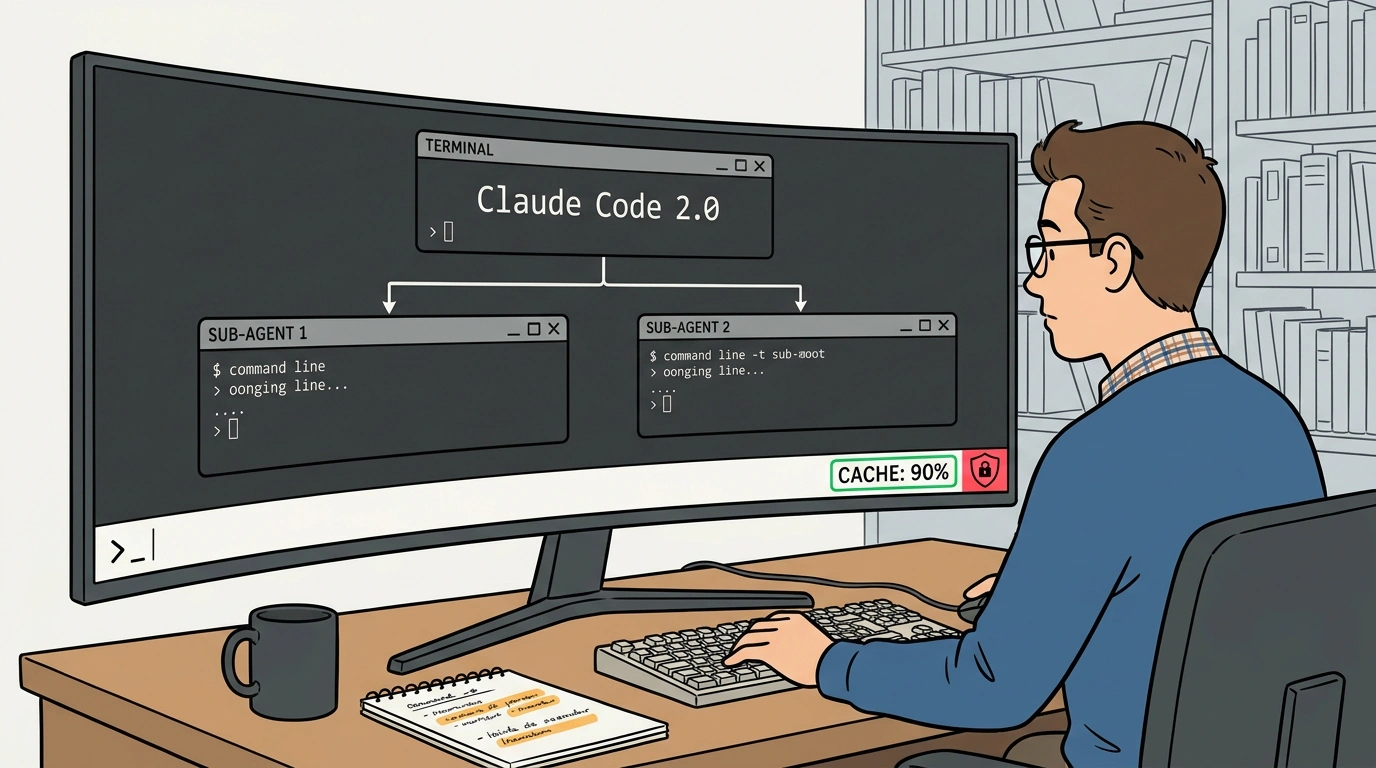
The main conceptual shift is moving from a single linear console chat to multi-agent orchestration. Previously, Claude Code worked like a lone wolf: one session, one context, one chain of thought.
Now the tool can split tasks into independent, isolated streams:
- Nested Sub-sessions: from your main session, you can send a separate agent to dig through an unfamiliar subfolder of a repository via a branching command. The research agent studies the code, writes a concise summary or prepares a ready git diff, and returns the result to the main terminal without cluttering your primary workspace with megabytes of read files;
- Cloud Runners: heavy, long-running operations like a full project build, integration test suites, or database migrations can now be offloaded to the cloud with a single
claude --cloudcommand, freeing up local machine resources; - Remote Control (via
/rc): the ability to control a terminal session straight from your smartphone or tablet over a secure web interface while your workstation at home compiles the project.
Here is what a practical workflow with nested sub-sessions and a cloud runner looks like in a real terminal:
# Launch Claude Code in the project context with CLAUDE.md rules loaded
claude --project-dir ./services/billing-api

# Inside the interactive terminal:
# 1. Spawn an isolated sub-session to audit dependency vulnerabilities
> /fork audit "Check package.json and yarn.lock for known CVEs, return only the diff"

# 2. Switch to background cloud mode to run heavy end-to-end tests
> claude --cloud "npm run test:e2e -- --reporter=json"

# 3. Enable remote control to monitor the build from your phone
> /rc enable --token-auth
Once the task in the nested session finishes, the main agent shows you a compact summary of changes, and you accept or reject the ready patch with a single keystroke.
Mod Ecosystem: CashKeeper and CollisionGuard Guarding Your Budget and Code
What really caused a stir in the community, however, was the arrival of a modular extension architecture (Claude Code Mods). These are lightweight plugins that intercept terminal system hooks before a request is sent to the model and before potentially dangerous OS commands execute.
Two mods immediately became the de facto standard:
- CashKeeper: Claude models feature built-in Prompt Caching, which makes re-reading context 90% cheaper. But the cache has a time-to-live (TTL)—usually around 5 minutes. If you step away for a call or think over code for 6 minutes, the cache expires, and the next request burns the full cost of the entire context all over again. CashKeeper continuously watches the TTL timer. 30 seconds before expiration, it sends an ultra-lightweight ping request to the API, warming the cache and extending its life. Over long work sessions, this cuts Anthropic API spending by 3–5x!
- CollisionGuard: Every developer's worst nightmare is an AI agent overwriting a file where you have uncommitted local edits sitting around. CollisionGuard intercepts any file overwrite or deletion attempt: it checks the file's status against the Git index and, if it detects uncommitted changes, hard-blocks the operation and demands explicit developer confirmation.
Here is a snippet of module configuration in .claude/mods.config.json that protects a project from lost code and budget overruns:
{
  "version": "2.0",
  "mods": {
    "cashkeeper": {
      "enabled": true,
      "keepAliveIntervalSeconds": 240,
      "maxIdlePings": 12,
      "alertOnCacheMiss": true
    },
    "collision_guard": {
      "enabled": true,
      "requireCleanGitTree": true,
      "protectedPaths": [
        ".env*",
        "config/production.json",
        "infra/terraform/**"
      ],
      "onConflict": "block_and_prompt"
    }
  }
}
As we saw in practical experience using plugins for Claude Code, setting up safeguards like these pays for itself on the very first workday.
Boundaries of Autonomy and Terminal Hygiene Rules
Despite the impressive power of the updated Claude Code, working with autonomous agents in the command line requires iron discipline:
First, uncontrolled session branching is dangerous for your wallet. If you run a command like "audit all 50 services in the microservice monolith in parallel sub-sessions," fifty agents spin up at once, and your Anthropic account balance can evaporate in minutes. Branching should be used surgically: to audit a single module, isolate a tricky refactor, or write unit tests for one specific function.
Second, protecting secrets. Never let an agent read .env files, private SSH keys, or access tokens for production servers. CollisionGuard can mask those paths, and that protection must never be turned off.
Claude Code 2.0 turns a familiar terminal into a full-fledged AI command center. It is no longer a generator of scattered snippets, but a reliable engineering tool where parallel execution, cache warming, and strict version control work toward one outcome—clean, working code without extra headaches.