If you actively use Notion, you surely remember how its built-in artificial intelligence evolved. At first it was just a trendy text generator: hit Space to get a draft note, highlight a paragraph to fix grammar mistakes. Later came smart workspace search (Q&A) and a database formula generator. Yet in all those scenarios, a human stayed glued to the screen: you sat and waited while the cursor finished typing the next line or dug up the right page in the archive.
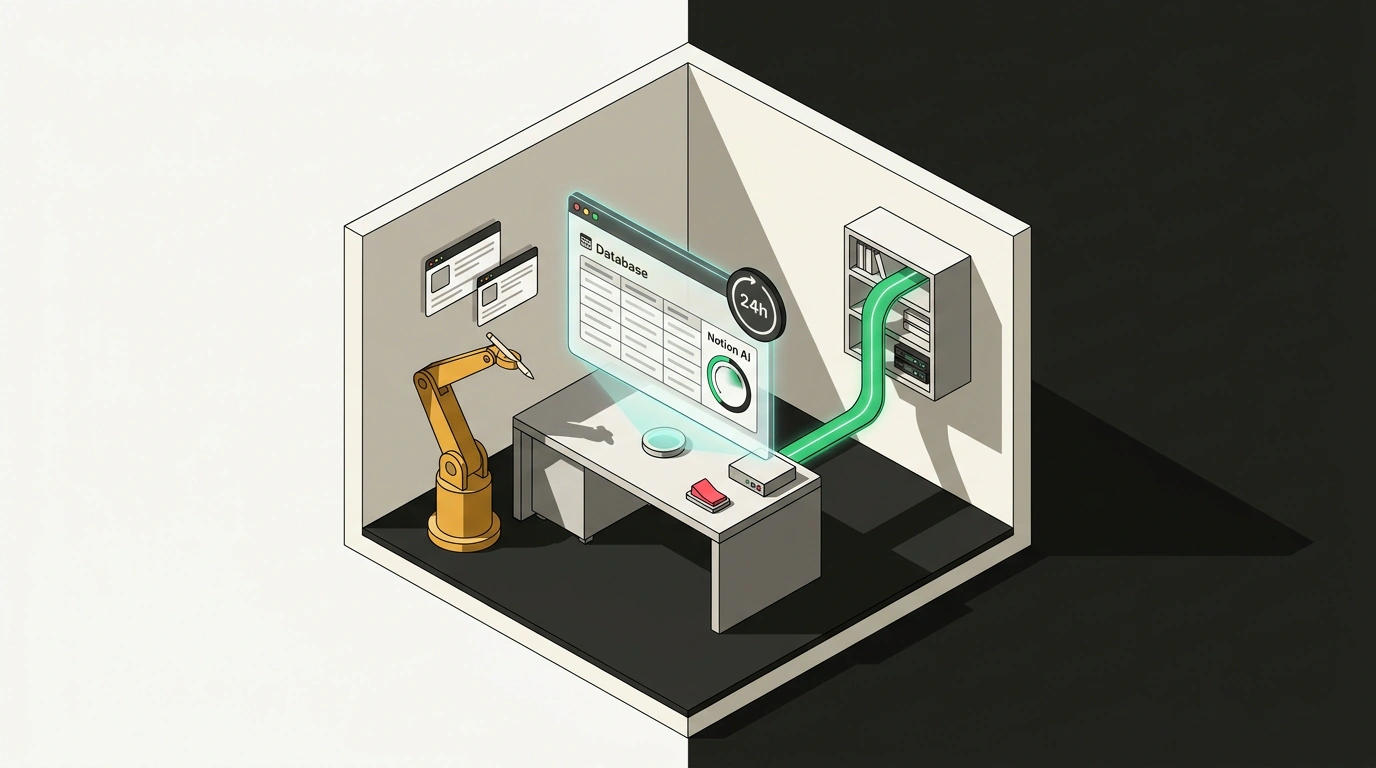
On October 19, 2026, Notion rolled out a fundamental upgrade to its built-in Notion AI Agents, completely overhauling the underlying agent harness. Now it is no longer just a text assistant, but a full-fledged autonomous researcher with its own virtual browser (Computer Use), capable of running multi-step tasks in the background for a full 24 hours. Let's look at how background execution works without an open tab, why Notion introduced a hybrid model router, and what financial and technical traps users are bound to run into.
From Text Prompts to Desktop Control
The main headache for office workers is routine data collection from dozens or hundreds of scattered websites. Picture a typical work task: you need to analyze competitor pricing in commercial real estate rentals, verify supplier equipment certificates, or gather last quarter's financial reports for fifty companies. Previously, that meant days of monotonous labor: open a site, copy a number, paste it into a Notion table, close the tab, repeat a hundred times.
The updated Notion AI takes over that work through a built-in headless browser environment. The agent can interact with web pages just like a human:
- recognize interactive UI elements, input forms, filters, and dropdown lists;
- reliably click pagination buttons and follow chains of nested links;
- enter search queries, download attached PDFs, and parse hidden tables;
- log into corporate web services using saved session cookies or tokens.
Better yet, you no longer have to keep the Notion tab open in your computer's browser. Task execution is delegated entirely to the dedicated Notion Cloud Runner service. You assign a task before leaving the office, shut your laptop lid, and in the morning open a finished, structured database with all links, screenshots, and takeaways. Maximum continuous background runtime is now 24 hours.
The "Auto" Model Router and Review for Me Safety Mode
To keep the agent from bankrupting the company on API bills while also not stumbling on complex analytical tasks, Notion's engineers built a dynamic model router called "Auto".
Instead of pushing every single action through one heavy, expensive neural network, the router continuously evaluates the contextual complexity of each current step:
- Simple operations (scraping page text, extracting phone numbers, filtering a list of links) go to Notion's lightweight, fast internal models;
- Navigating tangled interfaces and clicking buttons are delegated to Claude 3.7 Sonnet with official Computer Use protocol support;
- Final analytical synthesis, comparing contradictory hypotheses, and building complex relational databases are routed to OpenAI's flagship GPT-5.4.
The second critical element is corporate data safety. Nobody wants an autonomous agent accidentally deleting a live strategic projects database or filling the company's home page with junk from an unverified blog. For that, Notion AI includes Review for Me protection mode. The agent does all the rough legwork, prepares a draft change, and neatly highlights edits in the interface, waiting for final human confirmation before committing changes to the database.
In addition, agents gained long-term memory support via the Notion MCP (Memory Sync) protocol. All gathered facts are stored in structured form, so the agent remembers agreements from a week ago and stops asking silly repetitive questions on similar tasks. As we noted in our piece on AI agent stability rules, preserving long-term context is critical for preventing workflow loops.
Credit Economics and the Pitfalls of Web Surfing
Sounds magical, doesn't it? Now let's look at the price list and the harsh reality of dealing with the modern web. There is no free lunch in the world of heavy models.
Alongside the update, Notion switched to a hybrid credit system. Paid-plan users receive a base bundle of 1,500 standard credits per month for text queries and summaries, plus 500 selective credits for special-purpose workloads. It is these selective credits that get spent when launching resource-intensive Computer Use sessions and 24-hour background runs.
And right here lies the main financial trap:
- One complex agent step in the browser (loading a heavy site with dynamic JavaScript, analyzing a screenshot, clicking, and validating) burns between 3 and 8 selective credits;
- If the agent hits a dead end on a complex site and starts aimlessly clicking circular links in the footer, the entire 500-credit limit can vanish in a couple of hours of one bad session.
The second problem is aggressive anti-scraping defenses on modern websites. Today's internet is packed with Cloudflare challenge screens, CAPTCHAs, and behavioral bot filters. If the Notion agent hits a "select all fire hydrants in the image" prompt, the background session grinds to a halt. The agent sends a push notification to the Notion mobile app asking you to "solve the CAPTCHA manually," and if you happen to be asleep or in a meeting, the 24-hour session timer simply runs out for nothing.
Notion AI with Computer Use is a huge step toward turning a workspace from a passive notebook into an autonomous digital secretary. The tool saves phenomenal amounts of time on routine open-data collection, but it demands careful budget monitoring, clear instructions, and a sober grasp of what is allowed on today's guarded web.