Almost every AI agent today waits for orders: it sits quietly until you type a prompt or poke it with a scheduled script. Look under the hood of a typical market-tracking automation. You'll find a custom scheduler, an HTML scraper, a database of old URLs, and an LLM burning tokens on empty checks. A competitor updates the copyright year in their footer, and your system fires an alert at 3 a.m.
On November 16, 2026, Perplexity launched Monitor API, a managed service that takes over that grunt work. It checks topics or pages on a schedule, filters out noise with a judge model, and wakes your agent with a signed notification only when something meaningful happens. Everything runs through the REST API (https://api.perplexity.ai/v1/monitors), official SDKs (perplexity and @perplexity-ai/perplexity_ai), and console.perplexity.ai/project/monitors using your standard PERPLEXITY_API_KEY.
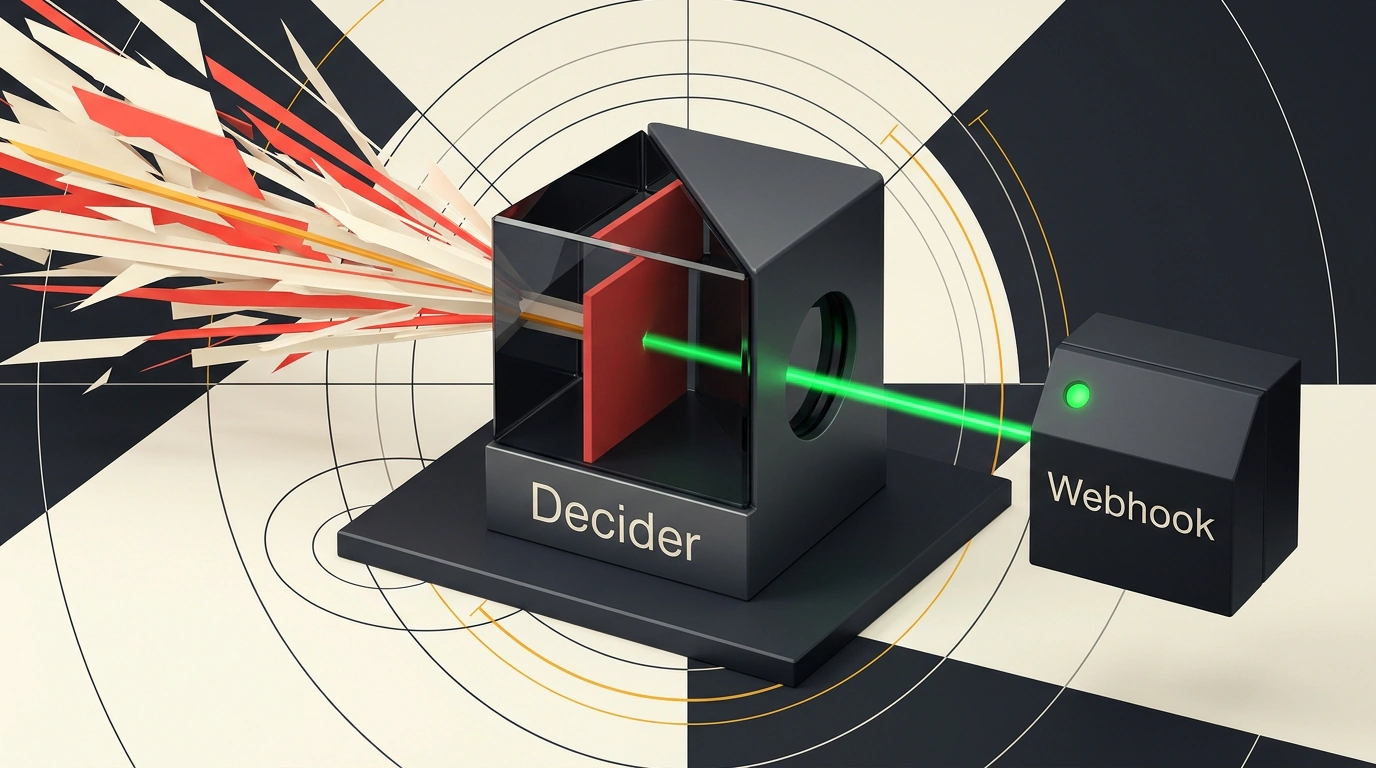
Official illustration of Perplexity Monitor API (Source: perplexity.ai)
Two Watch Modes: Topic Search and Page Snapshots
Monitor API splits watching into two distinct modes, and you can't mix them inside a single monitor. If you need both, you simply create two separate monitors.
First is Search Monitor (type: "search"). You define a topic—say, new AI model releases—and Perplexity scans the web and news on a schedule through its search engine. Because the service remembers what it has already surfaced, each run returns only fresh findings. You can layer filters on top: restrict domains with include_domains and exclude_domains, set freshness (published or updated), and cap results with max_results.
Second is Page Monitor (type: "page"). Instead of a topic, you pass 1 to 10 specific public URLs, such as a competitor's pricing page and changelog. On the first run, the monitor captures a text baseline and stays silent. On every subsequent check, it compares the live page against that snapshot and returns a text diff showing exact changes.
The rule of thumb is simple: use Search Monitor to catch new events across the web, and Page Monitor to track edits on known pages. Paired together, one catches official model announcements while the other watches a specific service's pricing and changelog.
The Decider Filter: Cutting Noise and Writing a Proper Goal
Pulling text from a page is only half the job. Monitoring falls apart when a stream of minor edits and syndications turns your team channel into a dump you mute on night one.
Think of a strict security guard at the door holding a short checklist. A standard scraper pings you over a changed comma on a sign, whereas here Perplexity Decider stands guard (the same judge engine powering Decisions API via pplx-decider-v1.3 and pplx-decider-flash-v1.2). Every candidate item is checked against your plain-text goal.
For Search Monitor, the model checks four criteria: relevance, source legitimacy, new information, and freshness. For Page Monitor, it judges whether the text diff actually matters to your goal, filtering out CSS tweaks and footer edits. Alerts fire only when every check passes. Each change carries a confidence score from 0 to 1, thresholds are tunable, and you can update your goal anytime via PATCH /v1/monitors/{id} without recreating the monitor or losing history.
A common mistake is listing only what you want, like 'AI news.' Always specify both sides: what to keep and what to drop. Example: 'Track official AI model releases and pricing changes. Ignore rumors, reposts, and opinion columns.'
In its announcement, Perplexity shared an internal 8-hour test across 60 topics against other Search API providers, reporting that Monitor API found the most fresh and relevant items. Keep in mind those are vendor-run benchmarks without independent verification.
Schedules, Pricing, and Reliable Signed Webhooks
You can schedule runs by interval (from 15 minutes, an hour, 1d, or 1w up to 31 days) or a 5-field cron expression. Monitors can be paused (/pause), resumed (/resume), triggered manually (/run), and inspected over a 90-day run history (/runs).
Billing is per check rather than per token, separate from your Agent API budget: $1 per 1,000 successful Search Monitor runs ($0.001 per run) and $1 per 1,000 fetched URLs in Page Monitor. Failed and skipped runs are free. Limits apply organization-wide, and paused monitors don't count toward your quota:
| Tier | Active Monitors | Request Rate Limit (RPS) |
|---|---|---|
| Tier 0 | 100 | 1 |
| Tier 1 | 100 | 3 |
| Tier 2 | 200 | 8 |
| Tier 3 | 300 | 17 |
| Tier 4 | 400 | 33 |
| Tier 5 | 500 | 33 |
Exceeding your monitor cap returns 409 quota_exceeded, while hitting the rate limit returns 429 request_rate_limit_exceeded with a Retry-After header.
When Decider approves a finding, Perplexity sends a webhook—an HTTP POST request to your server. Default events are monitor.changes.detected and monitor.paused, with optional monitor.created and monitor.run.completed. Delivery follows Standard Webhooks v1, including webhook-id, webhook-timestamp, and webhook-signature (v1,<base64-HMAC-SHA256>) headers signed with a whsec_... secret. If you don't supply your own secret, Perplexity generates one and displays it once at creation—save it right away. The timestamp replay window is 5 minutes.
Your endpoint must reply with a 2xx status within 10 seconds. On timeouts or 408, 429, and 5xx errors, Perplexity retries 7 times over roughly 17.6 hours (delays of 5s, 5m, 30m, 2h, 5h, 10h). You can test your receiver before going live via POST /v1/monitors/{monitor_id}/webhook/test.
Practical Setup: API Requests, Signature Verification, and Caveats
Let's wire up both monitors and a webhook receiver. First, create a Search Monitor via REST API—passing an Idempotency-Key header prevents duplicate monitors if the network drops.
export PERPLEXITY_API_KEY="YOUR_API_KEY"

# Create a daily Search Monitor with webhook delivery
curl --request POST https://api.perplexity.ai/v1/monitors \
  --header "Authorization: Bearer $PERPLEXITY_API_KEY" \
  --header "Content-Type: application/json" \
  --header "Idempotency-Key: ai-launches-monitor-v1" \
  --data '{
    "name": "Official AI model launches",
    "goal": "Official AI launches or pricing. Skip rumors and opinions.",
    "targets": [{
      "type": "search",
      "query": "AI model launch official announcement",
      "max_results": 5,
      "filters": {"freshness": ["published", "updated"]}
    }],
    "schedule": {"type": "interval", "interval": "1d"},
    "webhook": {
      "url": "https://agent.example.com/webhooks/perplexity",
      "events": ["monitor.changes.detected", "monitor.paused"]
    }
  }' | jq
The response returns the monitor ID and your one-time webhook.secret. From then on, the service searches daily for fresh announcements and lets Decider drop rumors. Next, let's add a Page Monitor in Python via the official SDK to watch a competitor's pricing and changelog.
from perplexity import Perplexity

client = Perplexity()

# Watch competitor pricing and changelog pages
monitor = client.monitors.create(
    name="Competitor pricing & changelog",
    goal="Report changes to plan prices, limits, or breaking API changes.",
    targets=[
        {"type": "page", "url": "https://example.com/pricing"},
        {"type": "page", "url": "https://example.com/changelog"},
    ],
    schedule={"type": "interval", "interval": "1d"},
    webhook={"url": "https://agent.example.com/webhooks/perplexity"},
)
print(monitor.id, monitor.status)
On its first run, the monitor quietly captures the baseline pages and only alerts you later on meaningful edits. Now let's receive the webhook and verify its signature using standardwebhooks.
import os
from flask import Flask, request
from standardwebhooks import Webhook, WebhookVerificationError

app = Flask(__name__)
webhook = Webhook(os.environ["MONITOR_WEBHOOK_SECRET"])
# In production, store processed delivery IDs in Redis or a DB
seen_deliveries = set()

@app.post("/webhooks/perplexity")
def perplexity_webhook():
    try:
        # Verify signature against raw request bytes
        event = webhook.verify(request.get_data(), dict(request.headers))
    except WebhookVerificationError:
        return "", 400

    delivery_id = request.headers["webhook-id"]
    if delivery_id in seen_deliveries:
        return "", 204
    seen_deliveries.add(delivery_id)

    if event["type"] == "monitor.changes.detected":
        for change in event["data"]["run"]["changes"]:
            # Offload heavy agent work to a background queue
            print(change["id"], change["url"], change.get("confidence"))

    return "", 204
Keep three practical constraints in mind. First, always verify signatures on the raw request bytes before parsing JSON, or verification will fail. Second, delivery is at-least-once, meaning events can arrive twice or out of order—deduplicate on webhook-id and data.run.changes[].id. Finally, never run your AI agent directly inside the webhook handler: it won't finish in 10 seconds, triggering retries. Queue the job immediately (or hand off to n8n / Make), return 204, and let your agent compile a Series A/B dossier, update a pricing sheet, or route a regulatory change to compliance in the background. Also remember Page Monitor only reads public pages—anything behind a login still needs a separate scraper.