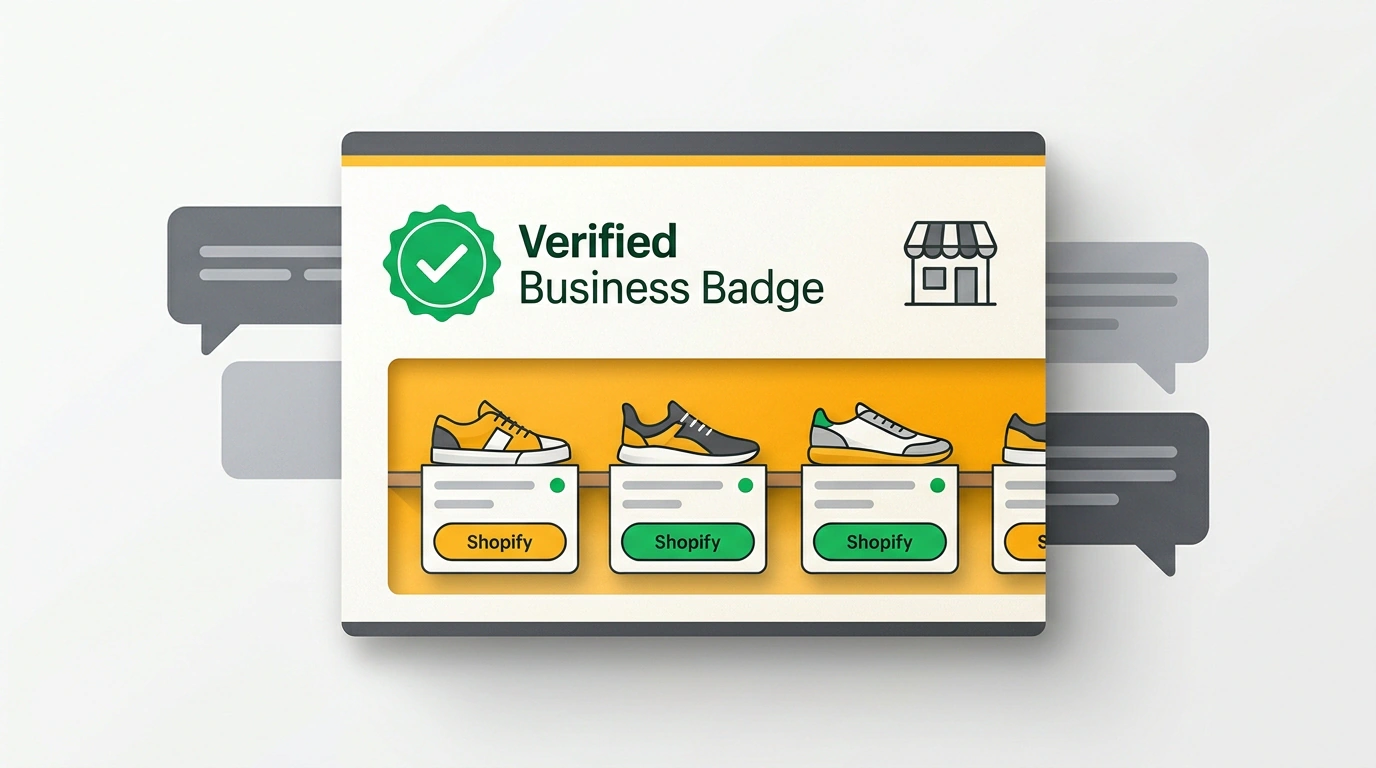
In this note, I'll give you a direct answer to a practical question: what does a business owner need to set up so that when shoppers search for products in ChatGPT, they see real prices, stock levels, and contact details instead of AI hallucinations? On November 10, OpenAI launched Businesses in ChatGPT in beta—the Business Hub dashboard and Business Agents AI consultants.
Let's apply the release to a real-world scenario. You run a shoe store on Shopify, and a user asks in chat: "Where can I buy waterproof boots in Moscow with same-day delivery?" Previously, the model would cite a three-year-old forum review or invent an expired discount. Now a verified card for your store appears right in the conversation with a pair in stock and a direct order link.
Why OpenAI Needed Its Own Equivalent of Google Business Profile
When I looked through this release, it immediately stood out how squarely it hits brands' biggest pain point. Until now, ChatGPT assembled a dossier on a company like a rushed intern before a morning standup: grabbing scraps from old directories, forgotten three-year-old catalogs, and third-party blogs with wrong opening hours. Business owners had no lever to fix a typo in a phone number or remove a discontinued shoe line.
Business Hub works on the same principle as Google Business Profile (or Yandex Business and Apple Business Connect), only inside the ChatGPT window. A company gets an official registry inside the neural network: the algorithm pulls verified information straight from the source. When ChatGPT mentions a brand to an audience of millions, the user clicks the name and opens a card with the logo, website, phone number, description, schedule, and a Verified Business Badge.
Business Hub Verification, Shopify Catalog, and AI Consultant Limits
Based on OpenAI's demo (featuring the store Colorful Clutter) and SEO practitioner Julian Goldie's breakdown, setup takes four steps:
- Search the directory: find your company at chatgpt.com/business-hub or click the claim link under a business card in a ChatGPT response.
- Request access: a window opens showing profile capabilities—from photos and product showcases to mention analytics.
- Verify your domain: ownership is confirmed via DNS/TXT or a corporate email (OpenAI Enterprise customers get assistance from an account manager). For a Shopify store, linking via Business Hub or the admin panel verifies ownership automatically and enables Shopify Catalog Sync.
- Launch the storefront and agent: this unlocks data management ("About" section, contacts, hours, and uploading price/inventory feeds) as well as configuring Business Agent—a 24/7 chat consultant that answers shoppers in an isolated thread using the merchant's database.
I checked OpenAI's documentation to map out the beta's boundaries. First, there is a geographic filter: businesses in any country where ChatGPT operates can verify a basic profile in Business Hub, update contacts, and view stats, and products from connected Shopify stores already appear in responses. However, launching the conversational Business Agent is initially open only to online stores and services in the US. Second, verification grants no boost in organic rankings: the badge ensures ChatGPT won't botch the price of your waterproof boots or same-day delivery, but it doesn't buy the top spot in the model's recommendations.
How to Prepare Your Site and Answer Pages So the AI Cites Facts
Your Business Hub profile tells the model who you are, while your site pages supply the factual material to cite (we explored how algorithms select products in chat in our piece on product labels in ChatGPT and agentic commerce optimization). To connect your card with AI search, Julian Goldie highlights three tactics:
- Natural description: fill out the "About" block in two or three plain sentences—as if a happy customer were recommending your shoe store to a friend (what you sell, who you help, and what sets you apart).
- Topic analytics: track chat mentions, card views, website clicks, and conversation topics in the dashboard (in the toy store demo, those were "kids' activities" and "gifts for kids").
- Answer pages: list 10 common customer questions (membrane boot care, insole sizing, or delivery windows) and build dedicated pages on your site so the AI has a ready-made quote for every query.
Take one simple step right now, no prep required: open ChatGPT, ask it about your company and flagship product, check what outdated details it pulls into its answer, then head to Business Hub, submit a domain claim, and write three honest sentences about your business for the card.