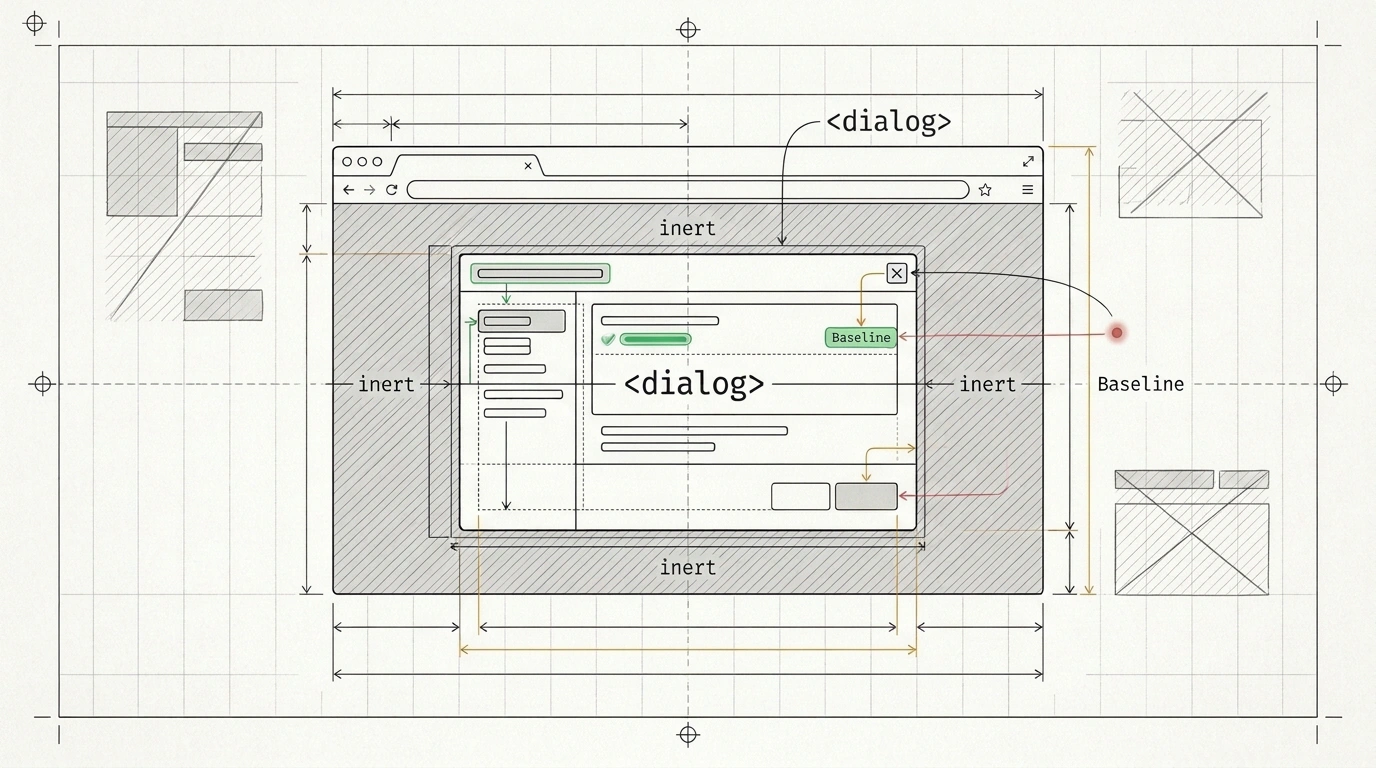
It is tempting to assume that because the latest language models can assemble a working UI in seconds and recall documentation for dozens of libraries, their code must also be cutting-edge. In practice, I constantly see the opposite: you ask an AI assistant to build a simple modal dialog or tooltip, and it dumps 200 lines of custom JavaScript into your project. Inside, you find manual click-outside handlers, focus-trapping functions, and workarounds for the Escape key—as if we were still building for browsers from ten years ago.
On the surface, such a window opens and closes, so you don't notice the catch right away. Why do smart models stubbornly drag archival legacy code into fresh projects, and how can you teach AI agents to rely on native browser capabilities from the Baseline standard without rewriting every component by hand?
Why Language Models Miss the Native Web Platform
The reason lies in neural networks' training datasets. Over fifteen years, terabytes of old frontend code and forum answers from an era when browsers could do almost nothing on their own have accumulated in public repositories. For a statistical model, the most frequent pattern in the corpus looks like the most reliable one: since modal windows were built out of <div> blocks and piles of scripts in millions of old projects, the agent reproduces that exact workaround.
When you inspect such a component under the hood, three systemic problems emerge, which engineer Philip Walton pointed out on the Chrome for Developers blog:
- Main-thread load. Where the browser can easily render a transition or scroll reaction using CSS, the model attaches
scroll,click, andkeydownevent listeners, forcing the CPU to execute extra script. - Broken accessibility. For blind users and keyboard navigation, the browser builds an "accessibility tree" for screen readers, where custom
<div>dialogs are indistinguishable from regular text. Trying to fix this by guesswork, the model places ARIA attributes (interface role markup for screen readers) incorrectly and forgets to isolate the background. Incorrect ARIA markup makes the page less accessible than having none at all:Tabfocus slips right through the dialog onto background links. - Form and security failures. Custom JavaScript input fields break mobile autofill for addresses and payment cards at checkout, while models also overlook passwordless sign-in via WebAuthn (passkeys) and safe HTML sanitization.
As a result, a developer saves ten minutes up front but takes on hidden technical debt that a regular linter won't catch.
What's in Modern Web Guidance 1.0 and Why Browsers Teamed Up
To pull agents out of this Groundhog Day, the Chrome team previewed AI skills at Google I/O in May and released the stable Modern Web Guidance 1.0 on November 10, 2026 (covered by the «Веб-стандарты» channel and the Frontend Focus newsletter). The biggest news is that the project has become cross-browser: Philip Walton and Google were joined by Jake Archibald from Mozilla (Firefox), Patrick Brosset from Microsoft (Edge), and independent expert Lea Verou.
Why would competitors write shared instructions for neural networks? The web only thrives when code works identically across every engine. That is why the recommendations are grounded in the shared Baseline standard—a mark of cross-browser compatibility. If you picture new web features as highway interchanges, Baseline status means the road is officially open in all major browsers and you can drive on it without polyfills. And Lea Verou, in her W3C TAG candidate statement, where she co-leads the project, noted an important reverse effect: reviewing hundreds of instructions for AI agents exposes systemic blind spots in the web platform itself that escape individual working groups.
Look at how our modal dialog example changes when the agent relies on a vetted knowledge base:
- Instead of a bulky script controller, the agent uses the native HTML
<dialog>tag, and for dropdown tooltips and menus, the built-in Popover API (thepopoverattribute). - The browser itself promotes the open window to the top layer without
z-indexbattles, closes it onEscape, and returns focus to the trigger button. - The background of the page receives the
inertattribute (an HTML property that temporarily disables background elements for clicks, theTabkey, and screen readers). Every guide was tested before release by accessibility experts who use assistive technologies themselves every day. - For screen transitions and scroll animations, the agent hooks up native View Transitions and CSS scroll-driven animations.
The impact has already been measured in production and published on the Benchmark Dashboard. Japanese media platform note inc. (over 90 million monthly active users) raised its adoption of modern web standards from 61% to 94% across a 180-run frontend evaluation, and across 431 merged pull requests, agents set Largest Contentful Paint (LCP) image loading priorities 28% more accurately. Meanwhile, the MetaMask team (over 100 million downloads) configured a review bot for their extension in three lines of code using these skills: in five weeks, it reviewed 480 pull requests, left 64 comments, and helped fix 43 accessibility, HTML semantics, and form bugs with an average fix time of 15 minutes.
How the /modern-web-guidance Modernization Workflow Works
We spend most of our time in older repositories where polyfills and workarounds have piled up over the years. A built-in modernization workflow was added to the release specifically for this job.
The skill pack from the GoogleChrome/modern-web-guidance repository can be installed via plugin marketplaces in popular agentic editors or with a command in your project folder: npx modern-web-guidance@latest install (use npx modern-web-guidance@latest update to update). After that, just invoke /modern-web-guidance Modernize the code in this directory in your chat with the agent.
A static analyzer scans HTML, CSS, and JavaScript files along with package.json, looking for outdated patterns—from custom-built dialogs to unnecessary npm dependencies and custom form controls. The detected areas are passed to the agent along with replacement instructions, and the model migrates the code to native APIs tailored to your target browser support.
Although the package was built for AI agents, engineers actively read its guides and query it via the CLI to level up their own skills: a single lookup quickly surfaces modern techniques like the Popover API or Interest invokers without wading through long specifications.
Boundaries and Pairing with Chrome DevTools for Agents
To avoid disappointment, it helps to see the tool's limits clearly. First, for now the /modern-web-guidance command relies on static matching against a limited set of known patterns. The authors started with a narrow, predictable set of checks with no false positives, while deep agentic auditing of an entire arbitrary project architecture will arrive in future releases.
Second, text rules provide guidance when writing code, but they are blind to how a live page behaves in the browser: from a source file alone, an agent cannot tell how many milliseconds a script will take on a slow CPU.
That is why the rule base is recommended to be paired with Chrome DevTools for Agents, which serves as a browser testbed:
- Responsiveness control (INP). DevTools runs a trace with slow-CPU throttling, and the agent follows guidance tips to break up JavaScript tasks until main-thread blocking drops below 50 milliseconds (the INP — Interaction to Next Paint metric).
- Animation and memory checks. The tool records a video of a dialog opening, verifies compliance with the system
prefers-reduced-motionsetting, and, when caching screens in single-page applications, watches via the memory profiler to ensure old nodes are properly garbage-collected.
This dual loop is already running at major services: at Indian insurance platform Policybazaar (over 97 million customers) and Pensionbazaar, it automated audits across 30 landing pages, eliminating 92% of manual work; and at Tencent's WeTV streaming service, it cut CI/CD performance regression debugging time by 87%—down to 30 minutes including review.
On how to align these rules with style architecture, we covered pairing web platform guidance with design tokens and visual tests, and to stop your compiler from complaining about brand-new browser properties, check out modern-web-types for new Web APIs.
You can try this in practice right now in a couple of minutes: open a terminal in a working web project, run npx modern-web-guidance@latest install, and execute /modern-web-guidance Modernize the code in this directory on a folder with legacy modals or forms—you'll immediately see how much unnecessary JavaScript a modern browser is ready to take off your hands.