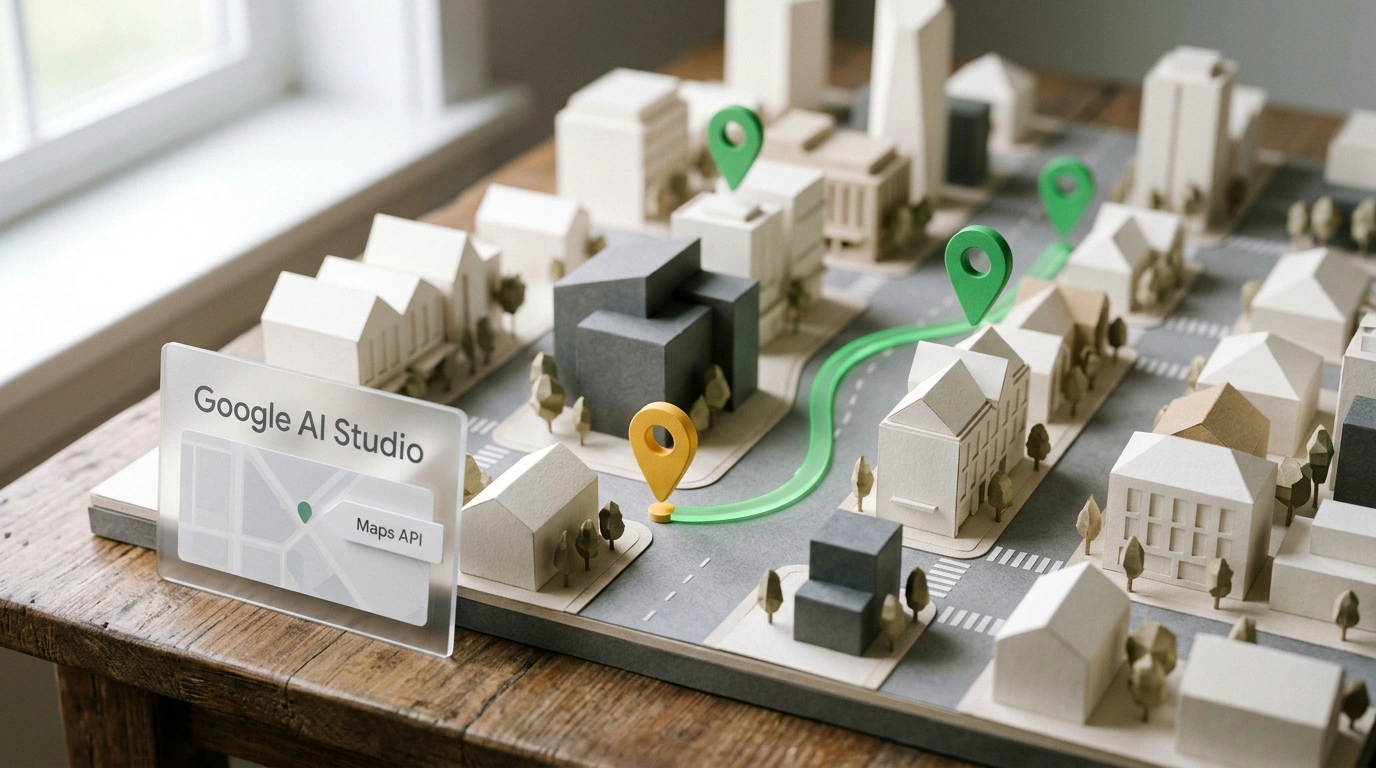
Building a working web app with a live city map, 3D buildings, street-level panoramas, and venue search no longer requires opening the Google Cloud Console, linking a credit card, and writing code by hand. A personal Gmail address and a single sentence in your browser are enough—the platform handles server wiring and issuing a protected key automatically.
This update shipped on November 9: Google's team embedded Google Maps Platform directly into the build mode of Google AI Studio. What caught my eye is how it removes the main starting hurdle, where a wall of infrastructure setup stood between an idea for a local service and the first pin on screen. How does a single text prompt now turn a guidebook concept into a live prototype, and what rules apply inside the free sandbox?
Maps Without the Developer Console: How Gemini Connects to Google Maps
Before the November release, any map-based app demanded two separate jobs. First came the bureaucracy: create a project in Google Cloud Console, enable APIs one by one, generate a secret key, and hide it on a server. Only then could you touch the interface itself. As developer Paul Lovelace noted, most creators gave up at the entrance. It was like trying to hang a sign above a bakery when you're first required to incorporate a construction conglomerate.
In the updated AI Studio, Gemini handles all the backend plumbing. It works like a concierge: you open the build tab and describe your task in plain words. If your prompt mentions addresses, place search, or trips between points, the environment automatically detects that the project needs geolocation and wires up Google Maps. The system issues a temporary pass—a Maps Demo Key—generates both client and server code, and stores the key safely in server settings.
From One Sentence to a Live Guide: 3D Buildings, Routes, and Filters for Coffee Shops
Suppose you want an interactive guide to quiet coffee shops in your city with available power outlets for a laptop. When you enter that prompt in AI Studio, the model sequentially activates four mapping modules:
- Places (
Places API) pulls Google's database: coffee shop addresses, opening hours, ratings, photos, and visitor reviews. - Maps (
Maps JavaScript API) renders a vector base map in your project's palette, raises 3D buildings, and loadsStreet Viewpanoramas at the entrance. - Routes (
Routes API) brings the "Get Directions" button to life, calculating walking, driving, or transit times across multiple stops. - Environment (
Environment API) layers in weather, air quality, and pollen data—on a warm day, the guide can suggest an outdoor patio.
A working interface appears immediately in the preview pane: you can pan and tilt the map, click pins, test filters, and request tweaks through chat messages. For a fast start, the gallery offers three templates: Store Locator, City Immersive Tour, and Pet Grooming Route Optimizer. For how to vary the visual layout of such screens, check our review of generating design variations in AI Studio.
Sandbox Quotas, Account Gotchas, and Going to Production
The Maps Demo Key provides exactly 100 free calls per day for each API used (one map load, one coffee-shop search, or one route calculation), with the counter resetting every 24 hours. Two account rules apply:
- Personal Gmail only. The demo key is issued exclusively to personal
@gmail.comaccounts. On a corporate Google Workspace email, the system immediately asks you to link a Google Cloud project. - Differences for new vs. existing cloud users. If you haven't used Google Cloud before, the free key unlocks almost the entire platform (except Route Optimization, Solar, and NavConnect). But if you already have an older Google Cloud account and choose the free demo key instead of linking a project, the feature set is trimmed:
Places APIdrops photos and reviews.
Once your prototype passes the test with friends, you won't have to rewrite it. You simply export the code or switch the project in AI Studio to a production Google Cloud account (see how to add a database and login in our breakdown of building in Google AI Studio). The code and key stay the same—the daily cap is simply lifted. Open the studio's template gallery and try adapting the basic locator to your own use case: it's the fastest way to spin up a live map with your own pins in five minutes.