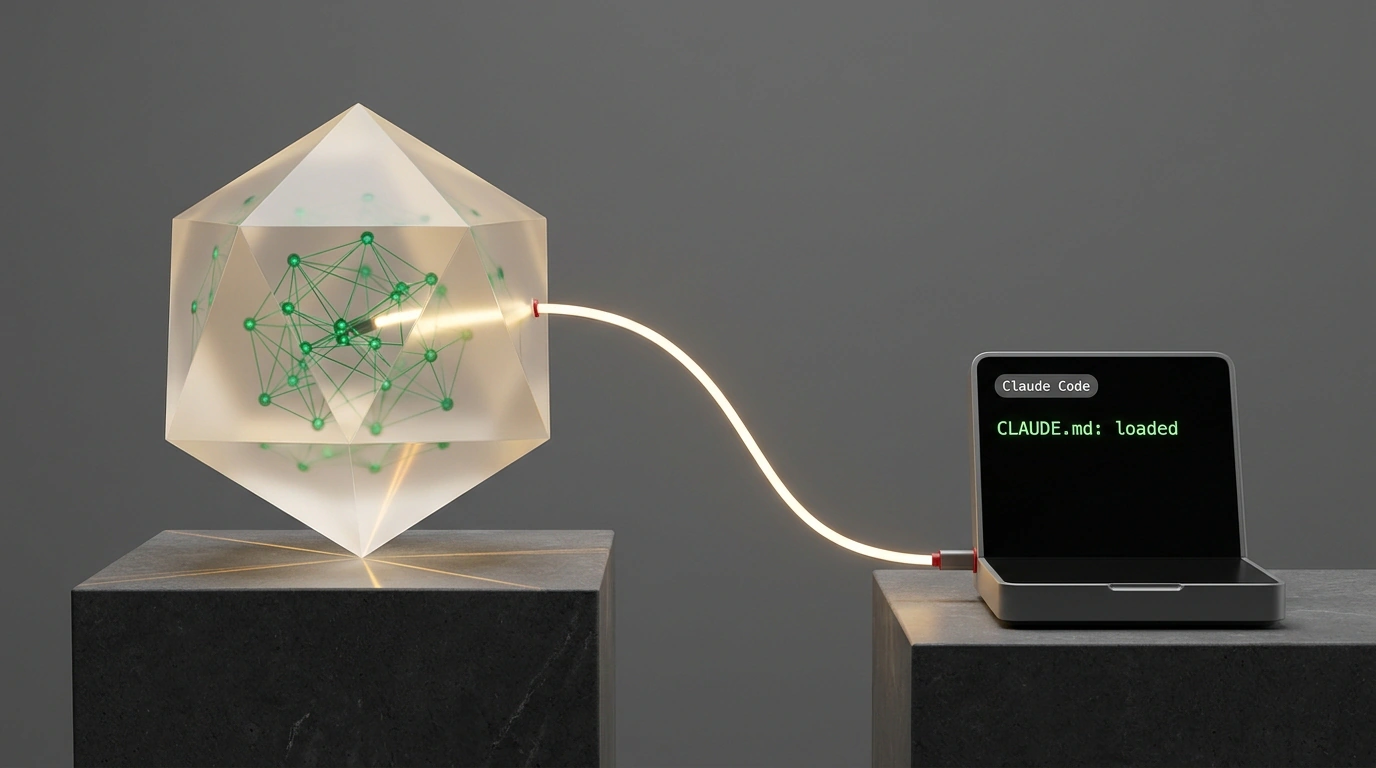
"Every new chat starts from zero: you explain your business, offers, and stories all over again, and if you stay quiet, you get a slick generic answer that could apply to anyone," says AI automation practitioner Julian Goldie at the start of his experiment with AI memory. Opening a fresh console session feels like facing an intern on their first day who knows neither our rules nor our past decisions.
How do you teach Anthropic's terminal agent Claude Code to write copy and code with full project context instead of acting like a blank-slate bot? You just turn an Obsidian notes folder into a "second brain" via a rules file and skills, so the agent draws directly on your team's playbooks and experience.
Why Agents Suffer from Amnesia and Need an External Knowledge Anchor
Because a terminal session starts from a clean slate (as Anthropic's docs explicitly state), without external grounding the model falls back on generic platitudes. Point the agent at an Obsidian vault—where Markdown notes are linked into a graph via [[wikilinks]]—and it studies your knowledge base before answering.
Julian Goldie tested this in Claude Code on a task to write a setup guide for a first SEO agent. Without the vault, the model produced fluff ("An SEO agent is AI for repetitive tasks"). With a vault of 39 notes, by second 9 the agent loaded the skill, read the editorial policy with banned words (leverage, robust), found the SEO report SOP, and pulled Kirk's testimonial. In 35 seconds, it assembled a 6-step guide complete with prompts, Hermes Agent and Gemma tools, Kirk's quote, and links to notes.
You might ask: "Why build file-based memory in Obsidian when cloud tools like Notion, Mem.ai, or vector databases like Pinecone and Chroma exist?"
I've compared both approaches. Cloud apps lock your knowledge onto someone else's server, whereas a local Obsidian vault (much like Logseq, Foam, or Dendron) is just a folder on disk with Markdown files and YAML frontmatter that you can version in Git. The Index-First pattern replaces vector databases: the agent reads an index file first and opens only the relevant notes, saving tokens.
The Three Pillars: Notes Vault, CLAUDE.md Rules File, and Skills
The system rests on three components:
- The Vault. Goldie splits his base into 6 folders (
Brand,SOPs,Stories,Testimonials,Offers,Tools), while engineering setups often use00-inbox,01-projects, and02-memory. CLAUDE.mdmemory and auto memory. At session start, the agent reads theCLAUDE.mdcharter andauto memory. When Goldie asked it to end guides with the line "Do this today," the agent wrote the rule intoCLAUDE.mdin 23 seconds. In a fresh session about support, it found Jeremy and Tan's stories by thesupporttag on its own and closed the piece with the required call to action.- Skills (
Claude Code Skills). The.claude/skillsfolder containingSKILL.md(along with plugins like Claudian) defines the fact-checking workflow before generation.
To map out navigation across the vault and protect editor settings, you place CLAUDE.md at the root:
# Rules for Claude Code working with the Obsidian vault

- **Note format:** All files are plain Markdown with YAML frontmatter. Preserve existing tags.
- **Internal links:** Use standard [[wikilinks]] syntax to connect concepts.
- **System restrictions:** Strictly forbidden from modifying files inside the `.obsidian/` service folder.
- **Memory protocol:**
  1. Before solving a task, review key constraints in `02-memory/decisions.md`.
  2. Search via index files (`01-projects/index.md`) instead of reading every file sequentially.
  3. After finishing a task, append a brief summary to `00-inbox/changelog.md`.
These rules protect YAML frontmatter tags and block access to .obsidian/ so the agent cannot corrupt vault settings. The protocol enforces Index-First search through decisions.md, index.md, and changelog.md, while Git auto-sync guards against edit conflicts.
Step-by-Step Setup in 6 Steps
You can wire this up in six steps:
- Create the vault. Install Obsidian and create a vault folder (
Agent OS Vault). - Lay out folders. Create sections (
00-inbox,01-projects,02-memory) and anindex.mdmap. - Write 5 notes. Add your editorial policy, an SOP, two testimonials, and a product note linked with
[[wikilinks]]. - Launch the agent. Open the vault folder in your terminal and run
claude. - Configure
CLAUDE.md. Specify style rules and.obsidian/protection. - Add a skill. Create
.claude/skills/guide-writer/SKILL.mdand test the lookup.
For Luhmann-style note linking, see our breakdown of a knowledge base with Claude and Obsidian. What is the first rule or banned word you'll put into your CLAUDE.md today so you never have to explain it to the AI twice?