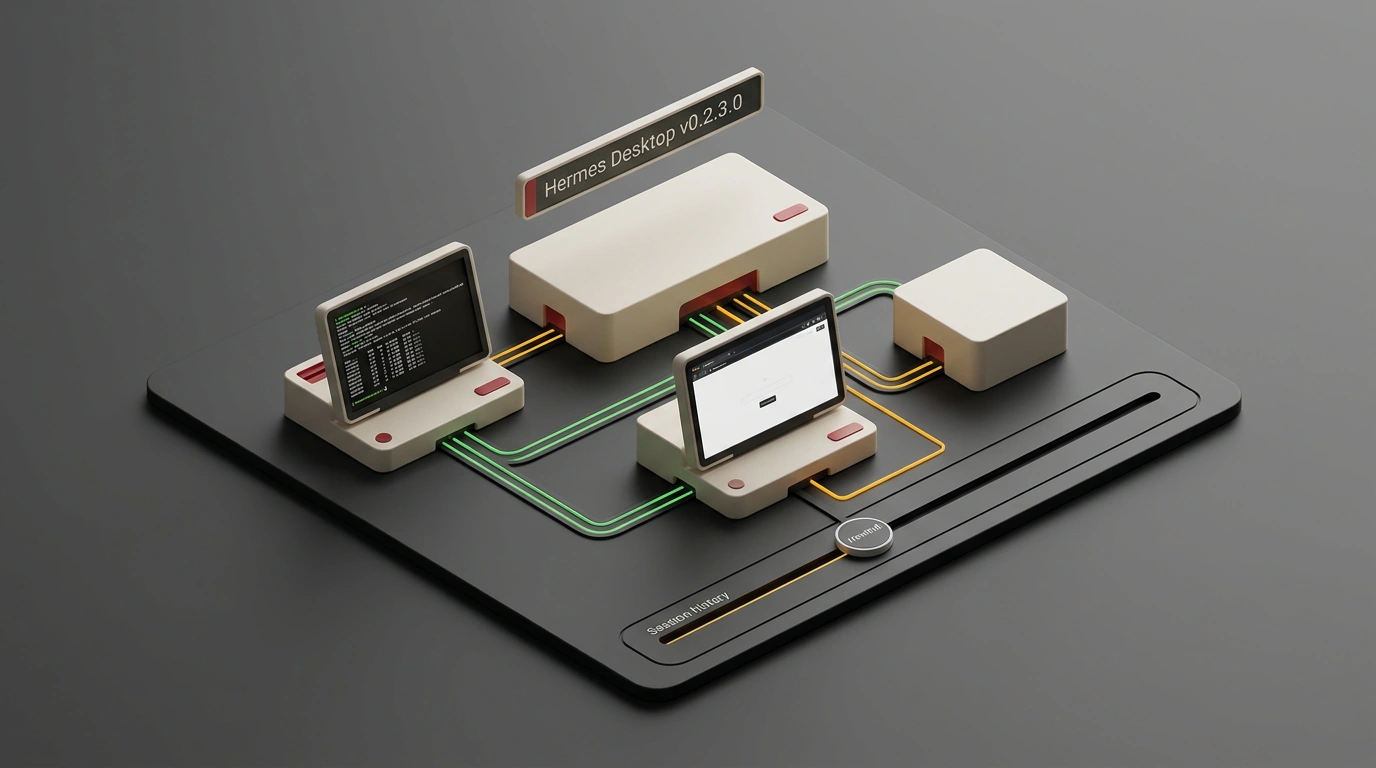
Behind glossy demos of autonomous AI, you rarely see what happens on a developer's machine when a terminal, a code editor, and a couple of messengers are open at the same time. While you watch console logs scroll by, different shells often spin up independent copies of the same agent on top of a shared project. Processes start fighting over files, duplicating messages, and tearing up the conversation history, and any imprecise wording mid-chain forces you to nuke the session and start over from scratch.
This internal fragility is eliminated by the release of the open-source platform Hermes Agent v0.2.3.0 (Hearth Release) from Nous Research. How do you orchestrate a team of open-source AI agents without risking a broken project from a single bad command? When I went through the changelog for this update, what won me over was that the authors solved the problem not with another prompt hack, but by rebuilding the foundation: all interfaces are unified behind a single local gateway, any model mistake can be rolled back on the fly, and different neural networks share memory and coordinate steps with each other.
Single Local Gateway and the Hermes Desktop Browser Workspace
Earlier agentic pipelines broke easily because of their connection architecture. Prior to v0.2.3.0, the terminal interface (CLI), editor plugin, and messenger connectors talked to the project independently, spawning isolated copies of the agent. If you started a task on your desktop in the morning and checked status from your laptop in the afternoon, sessions drifted out of sync.
In the Hearth Release, Nous Research engineers—the project is developed under the MIT license with co-founder and lead engineer Teknium and has already gathered over 144,000 stars on GitHub (picking up its first 95,600 stars within 7 weeks of launching in February 2026)—moved the platform onto a single system gateway. Now, one process on the machine owns all sessions, and every other shell connects to it as a client. We covered the fundamentals of this ecosystem in our review of Hermes Agent OS architecture.
The main outcome of this overhaul is a full-fledged Hermes Desktop inside a browser tab, built on React and TypeScript:
- Seamless state without cloud lock-in: opening a tab on a laptop, tablet, or second PC on your local network drops you into the exact same environment with all the chats, plugins, and settings you left in the terminal.
- Control sovereignty: the web interface runs locally rather than in someone else's cloud. Browser access is disabled in settings by default—you enable it yourself, keep the gateway on your own hardware, and bind it to your own URL if desired.
- MCP spend controls: the gateway enforces budget caps on external calls over the Model Context Protocol (MCP), protecting your balance on paid third-party APIs.
Imagine building a web app with two helpers: a coding agent and a research agent. In the morning you kick off the build from the console, and on the road you open the Hermes browser desktop. Both agents work inside one continuous session: you see a single unified activity stream with no duplicate requests or conflicts.
Rolling Back Steps via /rewind vs. Linear Agent Sessions
Even a clean interface doesn't save you from model reasoning glitches or unclear specs. Let's compare two approaches to what happens when an error strikes.
In classic linear CLI agents, history moves strictly in one direction. Suppose while building our web app, the coding agent makes a mistake in a database migration at step four—setting keys wrong or dropping a needed table. In a linear environment you are left with two bad options: either plead with the AI on top of a broken context to fix the bug (which confuses the model and breeds new errors), or hit Ctrl+C and restart the session from zero. Julian Goldie SEO shared a telling example: when an agent wrote a three-email welcome sequence and starter guide in an overly dry tone, you previously had to either rewrite the whole bundle by hand or rerun the entire pipeline.
Hermes Agent v0.2.3.0 introduces state rollback via /rewind (also triggered in the terminal TUI by double-pressing Esc). Honestly, to me this feature looks like the most underrated gem of the release. Instead of fighting the aftermath of an error, you rewind history:
- Run
/rewindand pick a point in the dialogue two steps back, before the botched database migration. - Edit the original prompt—for instance, require preserving the old table schema or switch the copy to a conversational tone.
- Resubmit the task so the agent continues with a clean context, or spin off a parallel branch with
forkto compare both architectural options.
When you frequently invoke /rewind and split off parallel branches with fork, the platform stores local file snapshots. On large projects, heavy branching quickly eats up disk space, so stale test branches should be cleaned up regularly.
Multi-Agent Groups, Routing, and Shared Memory in Obsidian
Once safe rollback is in place, the next question arises: how do you unite different agents into a team without explaining the project context to each one from scratch?
Release v0.2.3.0 adds group chats with an automatic router. You gather several specialists in a room, send a single assignment, and the lead router distributes subtasks on its own. In our web-app example, after rewinding the migration via /rewind, the router forwards a query to the research agent to pull documentation from the notes base and hands the verified schema back to the coder. And in a content-production workflow demonstrated by Julian Goldie, one message coordinates four bots: a researcher finds community questions, a content agent drafts scripts, an SEO agent picks keywords, and a strategist pulls everything into a master plan.
Under the hood, Hermes lets you mix and match models (we covered one-click local launch in our breakdown of Hermes Agent v0.22 Threshold). For instance, through the Nous portal in Agent OS you can plug in StepFun's Step 5 Preview model. Thanks to its Sparse Mixture-of-Experts architecture, out of 600 billion total parameters only 27 billion are active at any moment: that delivers high speed alongside a 1-million-token window (around 1,500 pages of text) and a score of 44 on the Artificial Analysis Intelligence Index (24th out of 200 models).
So that different tools (Hermes, Claude Code, Codex, and OpenClaw) retain context across sessions, memory is built on two layers:
- Self-learning skills (
/learn): feed an agent a playbook via/learn, and you get a persistent skill file. According to Nous Research benchmarks, agents with 20 or more custom skills complete similar tasks 40% faster. - Shared Obsidian vault: all agents connect to a single local folder of Markdown notes (a vault) in Obsidian, organized by the PARA method (Projects, Areas, Resources, Archive) with an
agent-osservice directory and a unified rules file.
Let's compare two ways of writing this memory. Saving full chat transcripts in Obsidian quickly fills the disk and burns thousands of tokens on reads, while spinning up a vector database for everyday work is overkill. To my mind, a daily-summary mode works far more cleanly: each night every agent writes a short daily recap to the shared folder, and in the morning before starting, it checks colleagues' logs from the past 3 days.
This same knowledge base powers the Hermes Apollo voice module (which gained streaming speech, local wake words, screen reading, and a task step limit raised from 90 to 500 in v0.2.0.0 Herald), the Hermes Oracle news radar, and the Hermes Astros competitor monitor. Against alternatives like OpenHands, AutoGen Studio, LangGraph, and CrewAI, Nous Research's solution wins on its ready-made combination of a browser desktop, MCP spend controls, and transparent file-based memory.
Of course, no open-source platform is a magic button that configures everything on its own. You still have to enable the web gateway manually in settings, keep an eye on snapshots when branching with /rewind, and keep Obsidian tidy so agents read compact daily digests instead of raw noise. Still, the rules of the game are clearer now: when one gateway holds history across all devices, any bad command can be rewound, and models share a common Markdown notebook, you stop fearing experiments and start running AI assistants like a cohesive team.