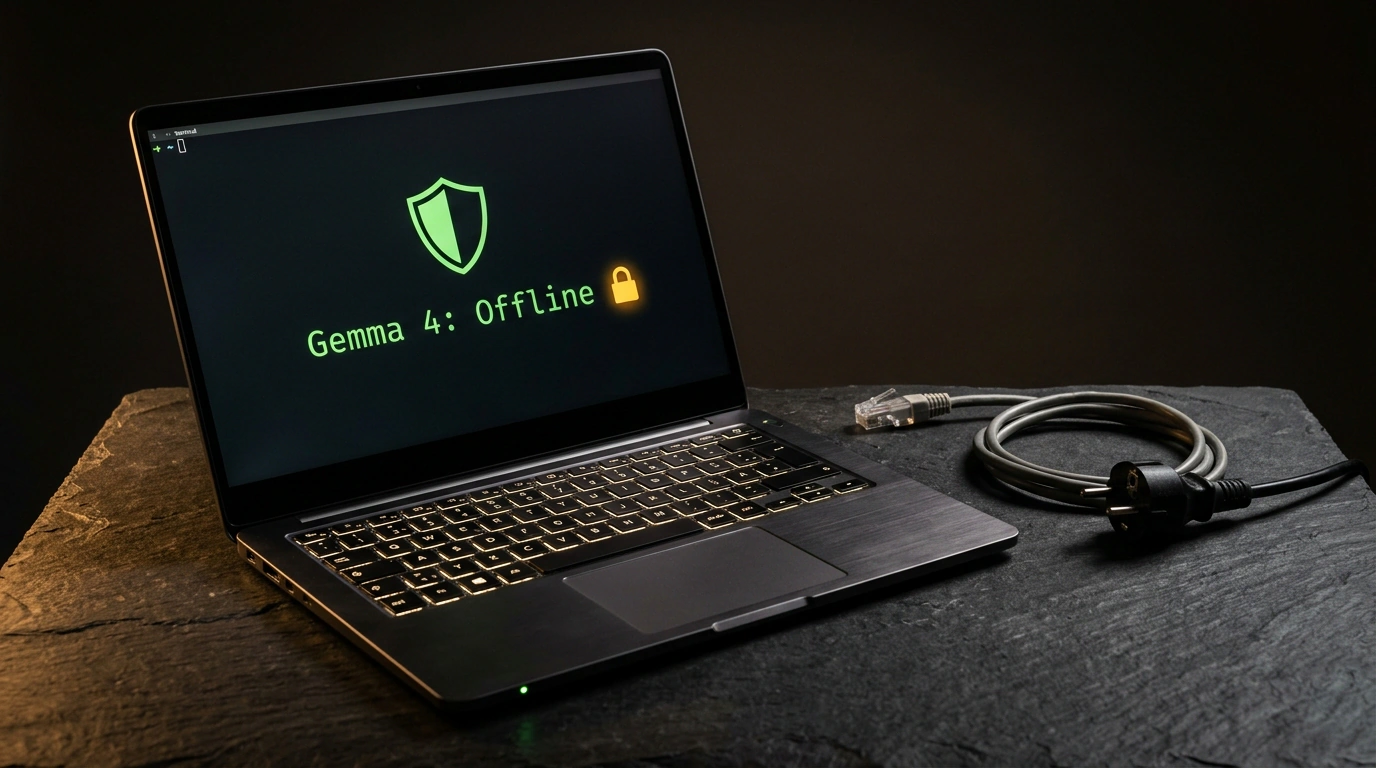
People tend to assume that serious AI work requires a constant internet connection and a paid cloud subscription. Pasting a document into a browser and getting an analysis a second later feels completely natural—right up until you need to review a confidential non-disclosure agreement (NDA), a client brief, or a financial statement. Send that text to someone else's server once, and you lose control over which logs your corporate secrets end up in.
I examined an autonomous local AI stack tested by automation practitioner Julian Goldie on a standard Apple Silicon MacBook. An open-source model comfortably handles daily text and visual tasks right on the laptop's chip—no accounts required and with the internet physically turned off.
The Cost of Cloud Convenience and the Shift to a Local Sandbox
Let's weigh what we pay for the comfort of cloud chatbots. Beyond monthly bills and daily caps, the real price is privacy and connectivity dependence. In companies with a sensible security team, lawyers and analysts are flatly banned from uploading contracts to third-party APIs. And if Wi-Fi drops on a trip or a provider's server goes down, work simply halts.
Running locally changes the physics of the workflow. Instead of renting a server, you use the free Ollama runtime on top of llama.cpp, tapping into Apple Metal acceleration and the Unified Memory of M-series chips. The engine at the core is Google Gemma 4, an open model from Google DeepMind released under the Apache 2.0 license (details are in our overview of the Google Gemma 4 open-model lineup). On your laptop's drive, it sits as a single file of roughly 10 GB.
Deploying Gemma 4 in Ollama and Strictly Verifying Offline Mode
For a standard 16 GB Mac, the gemma4:e4b build is the sweet spot. The E stands for an effective scale of 4.5 billion parameters with a 128,000-token context window—enough to hold an entire thirty-page contract at once. The full cycle of installing, isolating from the network, and launching an NDA audit takes four commands:
# 1. Install Ollama via Homebrew (requires internet once)
brew install ollama

# 2. Pull the quantized Gemma model
ollama pull gemma4:e4b

# 3. Disable Wi-Fi completely to verify physical isolation
networksetup -setairportpower en0 off

# 4. Launch a local interactive session to analyze confidential documents
ollama run gemma4:e4b "Analyze this internal NDA text for hidden penalties:"
The first two steps save gemma4:e4b weights to your SSD, while the third command uses networksetup to switch off Wi-Fi hardware (en0). Calling ollama run loads the model into the Mac's Unified Memory with zero external telemetry. In Goldie's benchmarks, the cold start on the first prompt takes about 8 seconds, and subsequent replies stream back in under 0.5 seconds. Reviewing a client brief or draft NDA takes just seconds, and turning meeting notes into an action list takes less than 2 seconds.
Real-World Use Cases, Hardware Limits, and Pairing with Nemotron 3 Super
Local gemma4:e4b also includes computer vision: given a landing-page screenshot, it spots weak points and writes a screen description in 9 seconds, and it builds a local HTML focus timer in 53 seconds (related setups are covered in our review of on-device AI assistants for Mac). Still, offline mode has clear hardware boundaries:
- Device memory: a 10 GB file consumes most of a 16 GB Mac's headroom, so for contexts above 8,000 tokens it's best to close extra apps (16–24 GB of Unified Memory is ideal, whereas base M1/M2 chips with 8 GB RAM hit the ceiling quickly on long contexts).
- Heavy compute: for public tasks without trade secrets—such as generating complex 3D scenes with a 40,000-star galaxy—you can turn the network back on and run the hybrid NVIDIA Nemotron 3 Super (
ollama run nemotron-3-super:cloud) in the same terminal, packing 120 billion parameters (12 billion active) and a context window of up to 1 million tokens.
As Julian Goldie sums it up: start with one day of using local Gemma 4 on everyday emails, notes, and documents—and your core workflow will never again grind to a halt because of a dropped connection.