You are usually the last to know about an expired SSL certificate (the digital padlock in your browser's address bar)—usually when a client sends a screenshot reading 'Your connection is not private'. Almost nobody enjoys checking sites by hand every Monday. On November 17, 2026, Google opened free access to Tasks mode in Gemini specifically for recurring chores like that.
Previously, the agentic mode sat behind top paid tiers. Now on gemini.google.com and in the mobile app, it is free for users aged 18 and up, though currently only in six countries: the US, Japan, South Korea, Canada, Australia, and India. Josh Woodward, VP of Gemini and AI Studio, shared the rollout on Google's blog.
How Task Mode Differs from Regular Chat
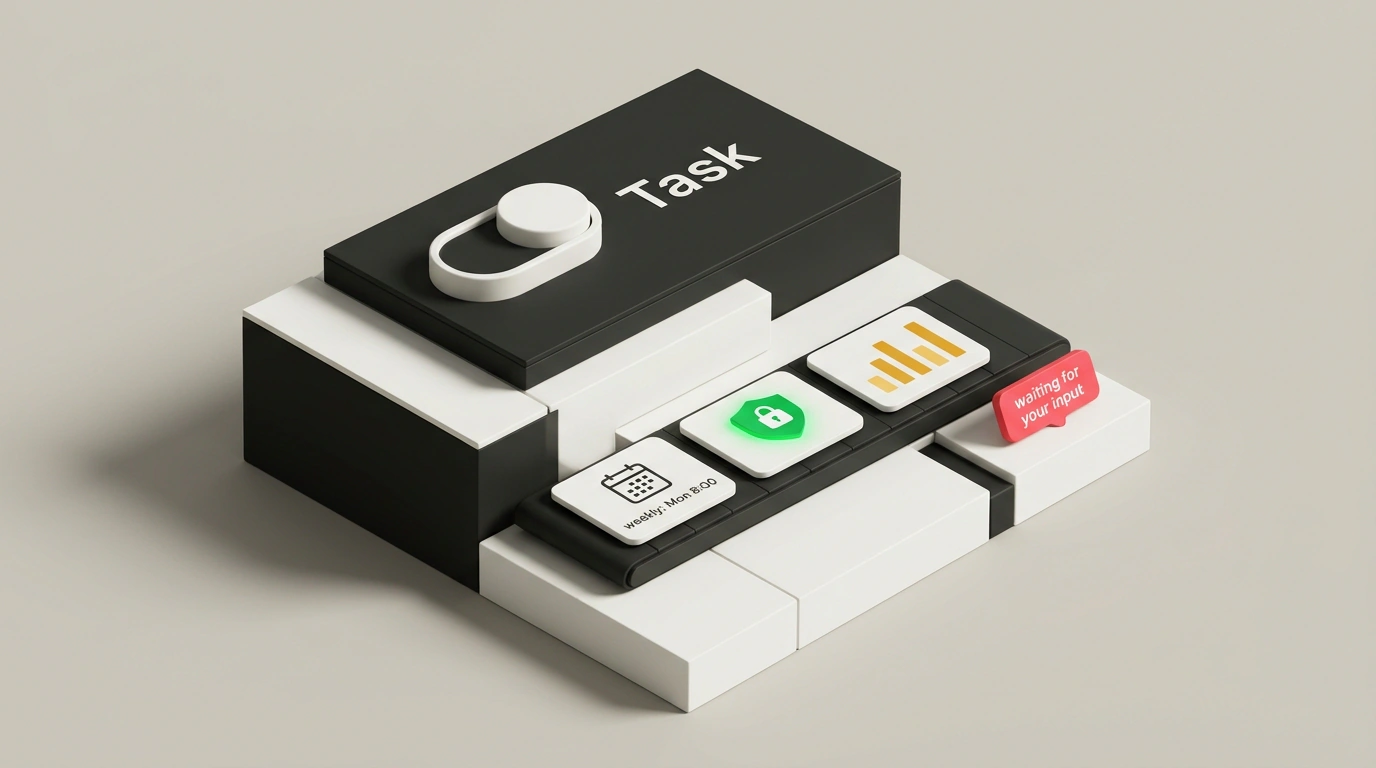
Two buttons now sit below the input box in Gemini: Chat and Task. Think of the difference like a hotel. Chat is a quick question at the front desk. Task is a request to the concierge, after which you walk away to do your own thing. Flip the toggle, see the Let's get to work header, and describe the job in plain words.
From there, the flow is simple. Whereas Chat gives an immediate text reply and stops, Task first builds a step-by-step plan and puts it on screen: which sites it will visit, what it will check, and how it will format the result. Gemini 4 Hydrogen runs under the hood, and every task runs inside a separate, hardware-isolated virtual machine tied to your account—a locked sandbox with defenses against hidden prompt injections on web pages.
Its core safety rule is baked in from the start: 'nothing goes out without your "yes"'. If the agent needs access to Google Drive or approval for an important action, it pauses with a waiting for your input badge and waits for you to confirm.
Start your prompt with a schedule—like 'every Monday at 8:00 AM' or 'every morning at 7:00 AM'—and Gemini creates a scheduled task (a background routine that runs automatically with no extra reminders) and shows a weekly or daily card at the bottom.
What the Agent Already Handles Well
In live tests on the Gemini web app, three scenarios stood out—no n8n, Zapier, or custom scripts required.
First is weekly site monitoring. Ask it to check three domains every Monday at 8:00 AM for SSL expiration dates, homepage load speed, and broken links, flagging anything with under 30 days left on the certificate. Gemini sets up the weekly routine and takes over the monitoring.
Second is a 7:00 AM morning briefing: gather the top launches from OpenAI, Google, Anthropic, and xAI over the past 24 hours and suggest three angles to cover on a single page. That same daily digest is easy to aim at your own competitors or niche.
The third test brought the biggest surprise. The agent was asked to compare meeting-notes tools—Otter, Fireflies, and Granola. It visited their sites and feature pages, compared their promises, and pinpointed three gaps: tracking dropped action items between calls, shared notes for external clients, and privacy without an enterprise budget. It didn't stop at text, even though nobody asked for more: it coded an interactive web report, checked its own code, fixed a small bug, and opened the result in Gemini Canvas—the built-in editor where you can view the report as a live page and export it right away.
Alongside this, Google is rolling out bolder features in the US: calling local businesses via Google Duplex (where the agent discloses it is AI), making purchases via Google Pay with spending caps under the AP2 protocol, working with a password manager, and triggering tasks by forwarding emails to gemini@google.com.
Where the Mode Still Stumbles
Google's help page notes candidly that Tasks is an early feature. On open websites for 'find, read, and summarize' jobs, the agent performs reliably. On pages with anti-bot protection or complex layouts, however, it can miss data or stall partway through.
Login walls are another clear boundary: if a page asks for a password, stop there rather than letting the agent in with your credentials. Exact daily quotas on the free tier compared to Google AI Pro and Ultra aren't detailed in the help docs yet.
Start with safe 'read and report' tasks, keep an eye out for the waiting for your input badge on your first run, and always review the facts yourself before sending a report to a client or team.