Every backend developer knows this fork in the road. Option one: keep a separate heavy tool like DataGrip or DBeaver open—plenty of features, but memory melts away and you spend all day alt-tabbing between windows. Option two: use the editor's built-in client—everything is close at hand, yet it usually only speaks basic PostgreSQL or MySQL and gives up on SQL Server, Kerberos, or Russian enterprise builds.
In OpenIDE 2026.2, Haulmont narrowed that gap noticeably by shipping version 0.0.23 of its built-in DB client (detailed in a Habr post). It's a dense update: six new databases, parameterized SQL, and enterprise authentication.
Six New Databases and Helpful Fixes for Existing Ones
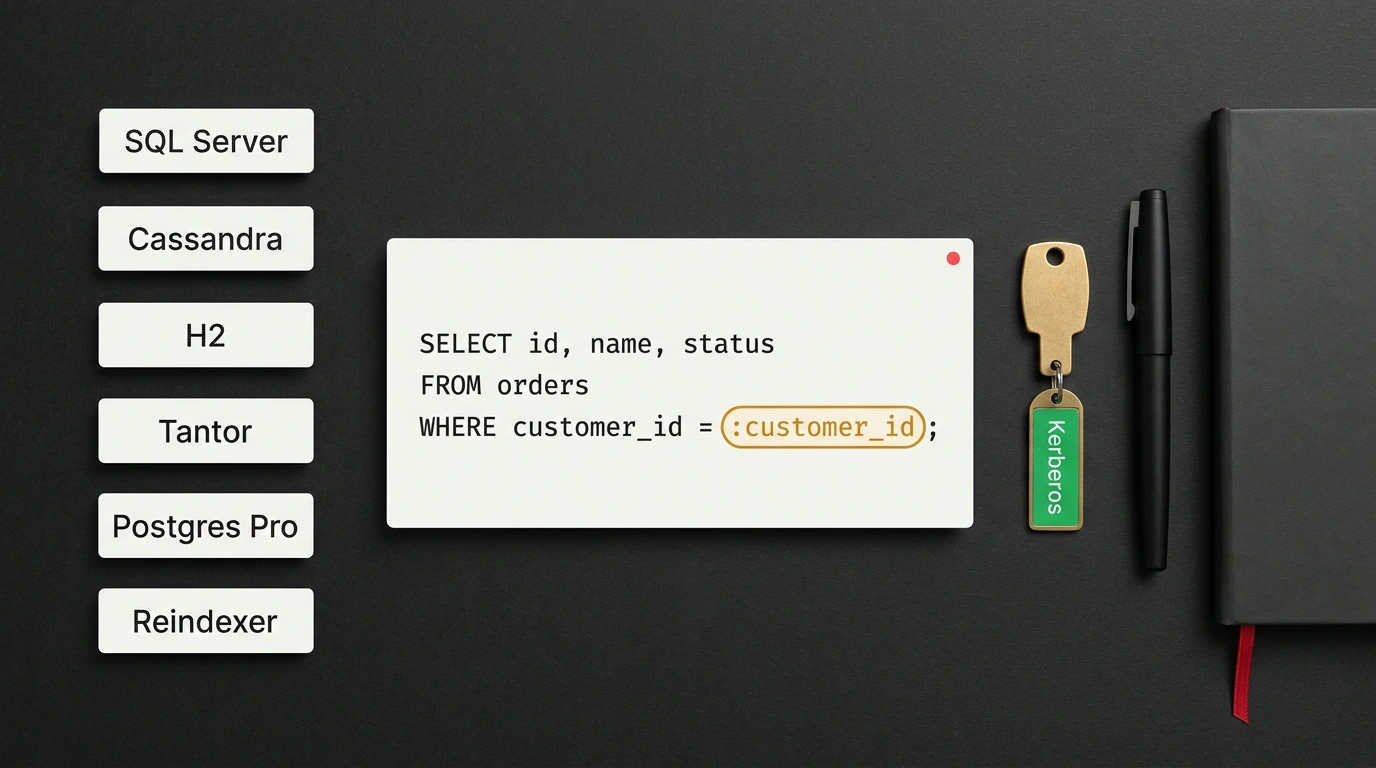
The client now supports Microsoft SQL Server, Apache Cassandra, H2, Tantor Postgres, Postgres Pro, and Reindexer. That lineup targets real production environments: Tantor Postgres and Postgres Pro are Russian enterprise PostgreSQL distributions, while Reindexer is a fast embeddable document database with a SQL-like query language.
Each new database gets its own console with native dialect highlighting: T-SQL for SQL Server, CQL for Cassandra, H2 functions, and Reindexer syntax. Autocomplete knows table columns, and Cyrillic characters render cleanly in query results.
Three existing engines got upgrades too. Oracle gained an expanded object tree, better DDL generation, and data migration supporting PL/SQL and complex types. Greenplum exports of distributed tables now preserve storage, compression, and partition settings. And in SQLite, you can attach extra database files via ATTACH, and those attachments restore automatically when you reconnect.
Parameterized SQL Without Noisy Git Diffs
You've seen this before: a project has an .sql file with a hardcoded WHERE o.customer_id = 1042. You want to check another customer's orders, so you edit the number by hand—and right before committing, you have to remember whether you reverted it.
In 0.0.23, it works like a paper form template: the file stays untouched in the repo, and you fill in the numbers on a copy before running and inspect the output.
-- Replace hardcoded 1042 with :customer_id:
-- the file in Git stays clean, and OpenIDE previews the final SQL
SELECT o.id, o.status, o.total, o.created_at
FROM orders o
WHERE o.customer_id = :customer_id
ORDER BY o.created_at DESC
LIMIT 20;
When you run it, the client prompts for :customer_id, asks for its type, and shows a live preview of the final SQL. You can pick between two modes: substitute the value straight into the query text or pass it to the driver as a bind parameter, matching how a real backend runs. The source file never changes, and your Git diff stays clean.
URL Login with Kerberos, Exports, and Protection Against Accidental Drops
New connections can now be created from a connection string: paste a URL straight from your app config instead of typing host and port by hand, and enable Kerberos under advanced authentication for corporate servers.
# Typical JDBC URL from an app config you can paste into the client
jdbc:postgresql://db:5432/app?gssEncMode=require&jaasApplicationName=pgjdbc
Kerberos works like an office badge: you verify your identity once, receive a temporary ticket, and connect to servers without sending your password on every request. Per-connection keep-alive settings were added as well.
Selected result rows copy into five formats: CSV, JSON, XML, Markdown, and SQL. Markdown gives you a ready-made table for tickets or merge requests, while SQL helps move a few rows into a test database. For cleaning up temporary tables, bulk deletion now previews the generated DROP TABLE script and asks for a confirmation phrase (configurable in settings), making it much harder to wipe a live table by mistake.
For day-to-day debugging in Java, Python, Go, and TypeScript projects—especially in enterprise stacks—this already covers plenty of ground. The limits are clear: 0.0.23 is still young and requires OpenIDE 2026.2, while the expanded OpenIDE Pro is currently free to try for two months with all features unlocked. If you're a full-time DBA living inside complex schema diagrams, it's still too early to uninstall standalone DataGrip.