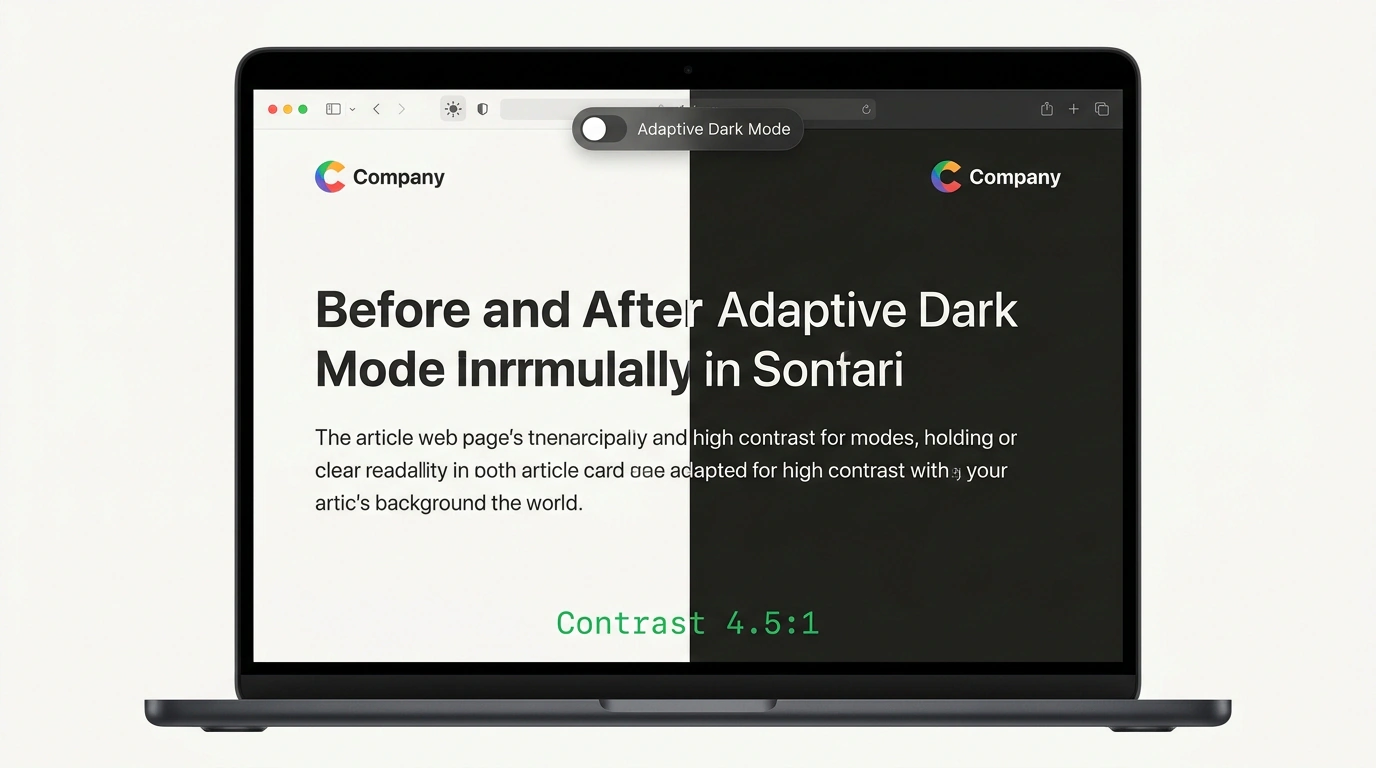
Think of that jarring feeling when you're scrolling a feed on your phone or reading articles on a laptop at night in a dimly lit room with system dark mode enabled, click a search result—and the screen practically explodes in blinding white light (the "flashbang effect").
Although system-wide dark appearance arrived on iOS and macOS back in 2019 (in spring 2019, Safari 12.1 became the first browser to ship the prefers-color-scheme: dark media query), the reality of the wider web remains harsh. According to official WebKit team statistics, nearly 40% of all page views today come from users with system dark mode active. Yet true dark mode support has been implemented by only about 10% of websites over the years.
To protect millions of users' eyes without turning bespoke website designs into mush, WebKit engineers (Simon Fraser, Jen Simmons, and Luming Yin) introduced intelligent Adaptive Dark Mode in Safari 27.3, covered in detail by Веб-стандарты.
Why Naive Inversion Kills Design
Most third-party extensions (like Dark Reader in simplified modes) rely on a blunt instrument: applying a global CSS filter filter: invert(1) hue-rotate(180deg).
As a result, photos of people turn into bluish X-rays, vibrant gradients turn muddy gray, and black vector logos on transparent backgrounds vanish instantly into a black page background.
WebKit built a fundamentally different mathematical adaptation model:
- Luminosity inversion with strict Hue Preservation: the algorithm inverts only lightness (luminosity). A warm cream or beige background turns dark gray while keeping its pleasant warm undertone, and a brand's blue button stays blue instead of turning orange;
- WCAG 4.5:1 contrast enforcement: the browser dynamically analyzes text and background colors, guaranteeing crisp legibility even for thin font weights;
- Smart media and vector protection: content photos (
<img>) and canvases (<canvas>) are left untouched. Vector SVG icons are inspected in the DOM: the engine adaptsstrokeandfillcolors so artwork isn't lost; - Logo histogram analysis: Safari inspects pixels of raster logos and selectively inverts only black-and-white corporate graphics;
- Disabling conflicting effects:
mix-blend-modeblending modes and complex CSS masks are automatically deactivated on modified blocks if the algorithm detects a risk of visual artifacts.
The Zero-Interference Rule: When Safari Stays Silent
Adaptive Dark Mode is an opt-in user setting. If a site already takes care of its readers and declares native dark mode support, Safari makes zero modifications.
To let the browser know a page handles switching itself, you just declare the standard property:
/* Declare native light and dark theme support in CSS */
:root {
  color-scheme: light dark;
}

body {
  /* Use the native light-dark function for automatic color selection */
  background-color: light-dark(#ffffff, #121212);
  color: light-dark(#1f2328, #e6edf3);
}
Or add the equivalent meta tag in your HTML document's <head>:
<!-- HTML meta tag to immediately inform the browser of dark mode support -->
<meta name="color-scheme" content="light dark">
How to Block Browser Intervention via color-scheme: light only
What if your product's brand identity is strictly incompatible with a dark background (for instance, a fine jewelry store, a conceptual art portfolio, or a legal document on watermarked paper)?
Specifically for authors who insist on keeping their visual concept untouched, Safari 27.3 supports the light only directive:
/* Explicitly forbid browser inversion: render ONLY in light appearance */
:root {
  color-scheme: light only;
}
When WebKit encounters that declaration, it completely disables Adaptive Dark Mode heuristics and leaves the page in its original authored appearance.
Fingerprinting Protection and Takeaways for Layout
Apple's attention to digital privacy deserves special credit: analytics scripts and third-party trackers cannot detect whether a user has adaptive mode enabled. Calling window.getComputedStyle(element).backgroundColor from JavaScript always returns the author's original CSS colors, not the browser-inverted values. Canvas rendering also happens in the original color model.
The main practical takeaway for web developers: the era of ignoring dark mode is over. If your site doesn't want to rely on browser heuristics, declare color-scheme: light dark, get rid of opaque white boxes around raster logos, and use native light-dark() and currentColor functions. That will deliver a spotless visual experience for the 40% of users protecting their eyes at night.