Do the simple math on your cloud bill sometime. A standard workweek for engineers, QA testers, and product managers lasts about 45–50 hours: nine in the morning to seven in the evening, Monday through Friday. There are 24 hours in a day and 168 hours in a week. That means test and pre-production environments (development, QA, staging) are actively used by humans less than a third of the time.
For the remaining 118 hours a week—nearly 70% of the cluster's entire lifetime—expensive virtual machines in AWS EKS, Google GKE, or rented data-center nodes just churn air. Pods spin, databases sit idle, and the billing meter in your cloud console ticks steadily in the provider's favor.
The solution seems obvious: set up a schedule and shut down pods at night. But Kubernetes' standard toolkit has an unpleasant surprise waiting for you.
The Horizontal Pod Autoscaler Architectural Dead End
Every systems engineer's first thought is to use the native Horizontal Pod Autoscaler (HPA). Right away, we hit a hard architectural limit in the Kubernetes core: the minReplicas field in an HPA spec fundamentally cannot be less than one.
If you try to apply a manifest with minReplicas: 0, the API server rejects it during schema validation. The controller's designers followed conservative logic: HPA evaluates CPU and memory utilization of existing pods. If there are zero pods in the cluster, there are no metrics to collect—meaning the system would never know when to wake back up.
As a result, teams either write clunky custom bash scripts that call kubectl scale deployment --replicas=0 via cron at night, or put up with massive overpayments.
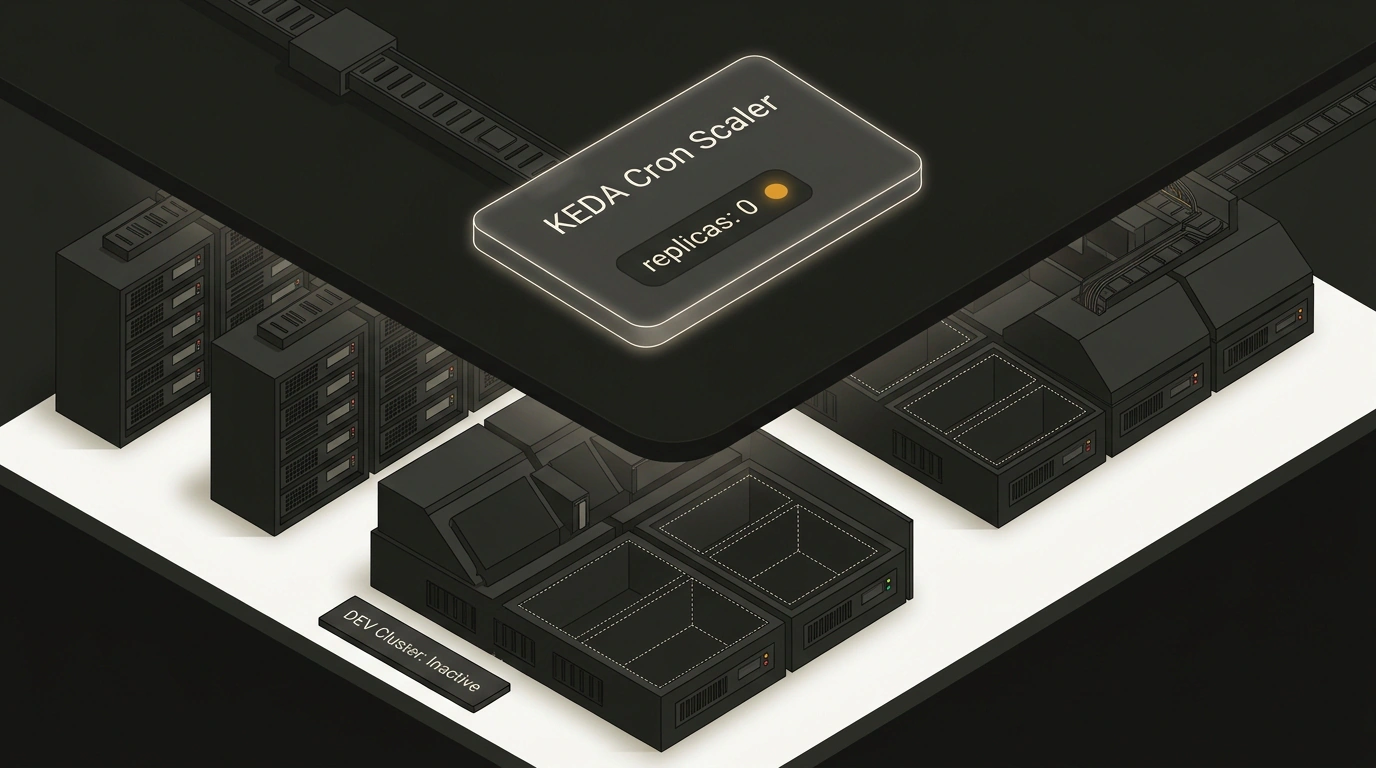
Fortunately, the Cloud Native ecosystem has a mature CNCF Graduated project—KEDA (Kubernetes Event-Driven Autoscaling). Engineer Mijndert Stuij showed in his guide how to elegantly put a dev environment to sleep using the KEDA Cron Scaler trigger.
How KEDA Bypasses the Zero-Replica Limit
KEDA's secret lies in a clean separation of duties between two distinct control layers:
- Awake mode (1 to Max replicas): during active working hours, KEDA dynamically creates and manages a standard HPA object, letting the service scale freely under load.
- Scale to Zero: when sleep time arrives, the KEDA controller takes over and directly rewrites the
.spec.replicasfield on the target Deployment, setting it to zero.
In a ScaledObject manifest, we declare the service's availability window:
apiVersion: keda.sh/v1alpha1
kind: ScaledObject
metadata:
  name: backend-service-autoscaler
  namespace: development
spec:
  scaleTargetRef:
    apiVersion: apps/v1
    kind: Deployment
    name: backend-service
  minReplicaCount: 0
  maxReplicaCount: 5
  cooldownPeriod: 300
  triggers:
    - type: cron
      metadata:
        timezone: Europe/Moscow
        start: 0 8 * * 1-5    # Start at 08:00 on weekdays
        end: 0 20 * * 1-5      # Sleep at 20:00 on weekdays
        desiredReplicas: "1"
Pay attention to the timezone field: specifying an explicit timezone saves you from the classic UTC confusion that cluster nodes default to. Outside the 08:00 to 20:00 window, KEDA automatically brings pods down to 0 current / 0 desired.
The GitOps Trap: ArgoCD vs. KEDA Controller Wars
If your company runs proper GitOps with ArgoCD or Flux, dropping KEDA in naively will immediately spark a "controller war."
Here's how it plays out: at 20:00, KEDA sets the deployment to 0 replicas. ArgoCD sees that the live cluster state has drifted from the Git repository (where replicas: 1 was specified), declares an OutOfSync status, and dutifully spins one replica right back up.
To make KEDA and ArgoCD get along, you need two critical rules:
apiVersion: argoproj.io/v1alpha1
kind: Application
metadata:
  name: development-backend
  namespace: argocd
spec:
  # 1. Prevent ArgoCD from overwriting the replica count managed by KEDA
  ignoreDifferences:
    - group: apps
      kind: Deployment
      jsonPointers:
        - /spec/replicas
  syncPolicy:
    automated:
      selfHeal: true
      prune: true
    syncOptions:
      # 2. Must enable ServerSideApply to install heavy KEDA CRDs
      - ServerSideApply=true
The ignoreDifferences directive tells the GitOps engine: "Watch image versions, environment variables, and ports, but leave the pod count to the external autoscaler."
The Economics and Reality of Cold Starts
What does this setup deliver in practice? If your dev cluster holds a dozen microservices, sleeping overnight and on weekends saves 60% to 67% on compute node costs. If the cluster runs Karpenter or Cluster Autoscaler, empty virtual machines are automatically removed from the pool (node consolidation) once pods go to sleep, physically shrinking your infrastructure bill.
There's no free lunch, of course, and the savings come with a clear engineering trade-off: cold starts. When the first developer or tester opens a service in the morning, the cluster needs 15 to 60 seconds to spin up containers, warm up the runtime, and pass Readiness probes.
For services in Go, Rust, or Node.js, the delay is barely noticeable: they start in a couple of seconds. For heavy Spring Boot monoliths or machine learning services, warm-up can take a couple of minutes. The simplest, cleanest way around this lag is to schedule start 15–30 minutes before the team's actual workday begins. At 08:30, the cluster wakes up smoothly, and by nine in the morning every service is ready and waiting for engineers.