If you've ever tried making YouTube Shorts or Reels with digital avatars, you've probably hit the same wall: views flatline fast. The reason is obvious—a static "talking head" on a plain background looks dull and robotic. Viewers swipe away by the second mark, and social algorithms kill your reach.
The fix seems clear enough: add dynamic editing, pop-up titles, zooms, and B-roll cutaways. Yet if you have to open every clip in an editor and slice tracks by hand, all the time you saved with AI evaporates. You're right back to staring at a timeline until midnight.
The real answer lies in pairing two mature tools: the HeyGen API character generator and the Remotion programmatic video framework. We covered the basics of generation in our piece on video marketing pipelines in Agent OS; now let's walk through how to wire up a fully autonomous pipeline.
A Three-Layer Production Architecture
Instead of chasing a mythical "one-click magic button," the pipeline splits cleanly into three independent layers:
- Layer 1: Consistent Avatar (HeyGen). You create or pick one reliable digital twin and lock in its
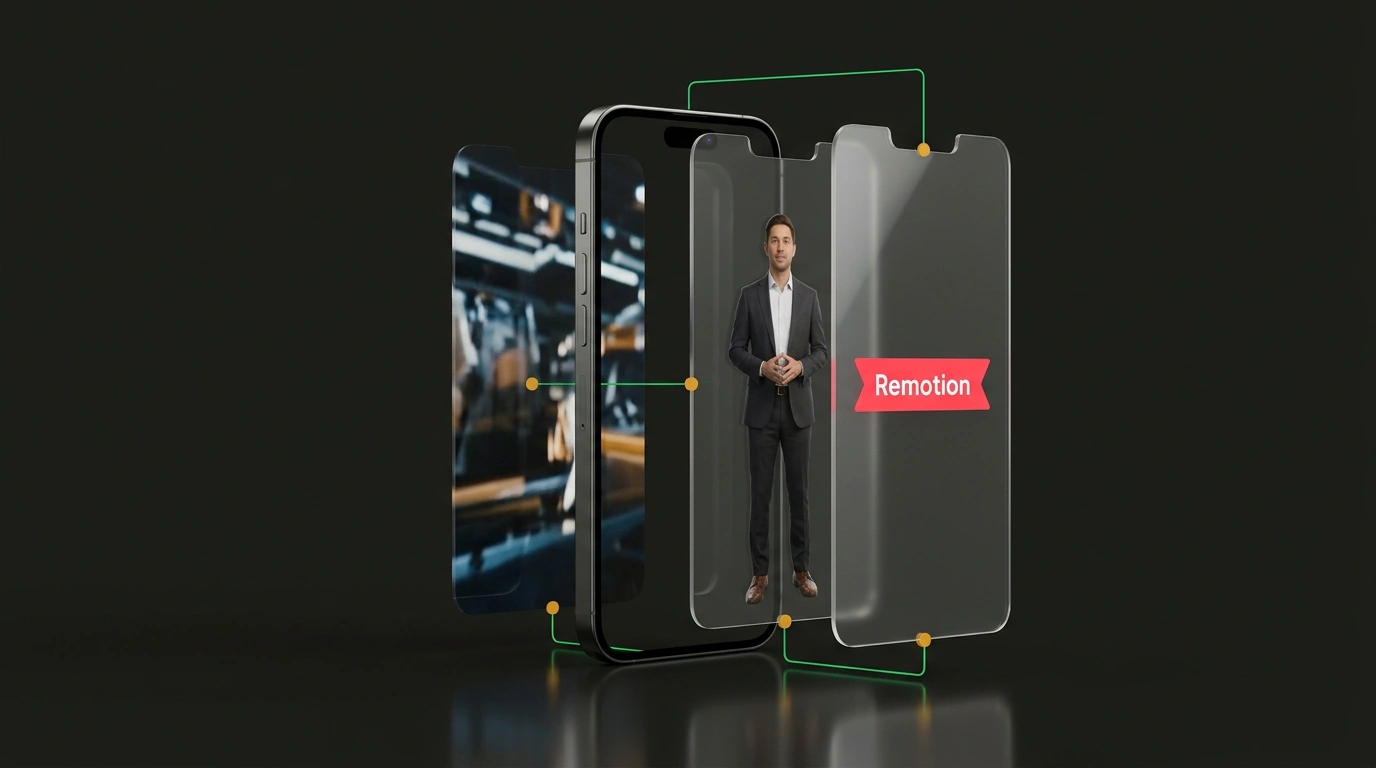
avatar_idandvoice_id. The avatar handles one job only: crisp lip-sync and clean voice delivery. You feed it a script line, and the agent downloads a raw background-free MP4. - Layer 2: Programmatic Editing in Code (Remotion). This open-source library lets you build videos like a standard React app. Your timeline is defined in TypeScript components—where a lower-third sits, when background footage kicks in, and how the camera smoothly scales.
- Layer 3: Orchestration in Agent OS. The agent takes a topic, writes the script, hits the HeyGen API, grabs the raw video, and runs a Remotion CLI command to assemble the final vertical clip.
Defining the Timeline as a React Composition
In Remotion, every visual element is controlled mathematically. Here is what a title-hook component and main composition look like when layering animated text over a generated avatar:
import React from 'react';
import { Composition, registerRoot, Sequence, Video, interpolate, useCurrentFrame } from 'remotion';

// Animated visual hook component
const TitleHook: React.FC<{ text: string }> = ({ text }) => {
  const frame = useCurrentFrame();
  // Smooth fade-in and scale over the first 15 frames (0.5 sec)
  const opacity = interpolate(frame, [0, 15], [0, 1], { extrapolateRight: 'clamp' });
  const scale = interpolate(frame, [0, 15], [0.85, 1], { extrapolateRight: 'clamp' });

  return (
    <div style={{
      position: 'absolute', top: 140, width: '100%',
      opacity, transform: `scale(${scale})`, textAlign: 'center'
    }}>
      <h1 style={{
        color: '#ffffff', fontSize: 60, fontFamily: 'sans-serif',
        textShadow: '0 6px 18px rgba(0, 0, 0, 0.9)'
      }}>
        {text}
      </h1>
    </div>
  );
};

// Main video composition
export const VideoReel: React.FC<{ avatarVideoUrl: string }> = ({ avatarVideoUrl }) => {
  return (
    <div style={{ flex: 1, backgroundColor: '#000000' }}>
      {/* 1. Base layer with the HeyGen avatar video */}
      <Video src={avatarVideoUrl} style={{ width: '100%', height: '100%', objectFit: 'cover' }} />

      {/* 2. Dynamic overlay for the first 3 seconds (90 frames at 30 fps) */}
      <Sequence from={0} durationInFrames={90}>
        <TitleHook text="Автоматизация ИИ 2026" />
      </Sequence>
    </div>
  );
};

registerRoot(() => (
  <Composition
    id="AutomatedReel"
    component={VideoReel}
    durationInFrames={900} // 30 seconds
    fps={30}
    width={1080}
    height={1920}
    defaultProps={{ avatarVideoUrl: 'https://assets.example.com/raw-avatar.mp4' }}
  />
));
Rendering via the CLI
Once the agent downloads the avatar track and passes the title into the composition props, rendering the finished MP4 takes a single terminal command:
npx remotion render src/index.ts AutomatedReel out/final_reel.mp4 --props='{"avatarVideoUrl":"out/heygen_avatar.mp4"}'
Rendering runs inside a headless browser on the server, outputting a frame-accurate video file.
To hold attention in short-form feeds, the visual frame needs to shift every 2.5–3 seconds. Nest <Sequence /> components in Remotion to alternate camera zooms, pop-up key takeaways, and background B-roll.
What you end up with is a scalable content factory: instead of spending hours inside a video editor, you hand the agent a list of topics, and a few minutes later the finished clips are sitting in your out/ folder.