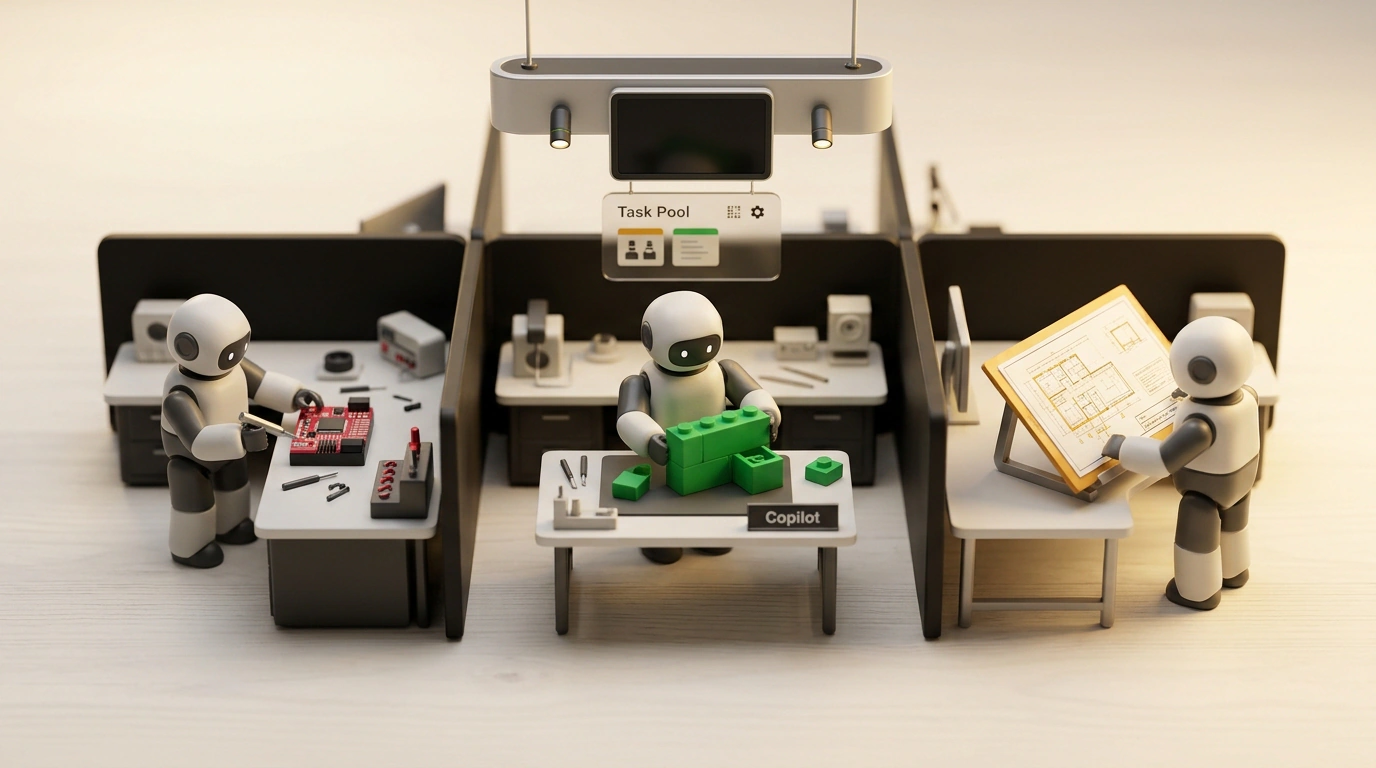
Late evening at your laptop, tea gone cold beside you, multiple editor and console windows open on screen—and instead of acting as a product builder, you are working as a human switchboard for one sluggish intern. You wait for the AI assistant to finish writing a file, manually paste the error log into a neighboring chat, and restart the session whenever the model loses the thread.
At GitHub Universe on October 28, the GitHub team opened the public preview of GitHub Copilot Projects in the Copilot App desktop client for Mac, Windows, and Linux. How do you manage a crew of autonomous coding agents right from your desktop without parallel bots turning your project into a pile of broken files?
How the Orchestrator Separates Bots into Workshops and Preserves Memory
It is tempting to think that speeding up just means opening several AI chats inside the same project folder. In practice, algorithms immediately overwrite each other's files, corrupt the Git index, and break tests with conflicting edits, while a single giant conversation suffers from reasoning degradation (context rot)—memory fills up with leftover code and loses track of logic. What caught my attention in Copilot Projects is how engineers eliminated both traps at once, moving the developer from chat operator to tech lead. In the app or via the /fleet command, you set an overall goal, and the orchestrator splits it into subtasks, creating a branch and an isolated Git worktree via git worktree add for each one—a personal workbench in a separate folder with its own compact context window.
Take an aging microservice with vulnerable packages, bulky code, and missing checks. In a single chat, sequential cleanup would take 20 minutes. In Copilot Projects, the orchestrator spins up three specialists in parallel: the first updates package.json and patches vulnerabilities on the fix/deps branch, the second rewrites functions to async/await in refactor/core, and the third builds integration tests in test/e2e.
All streams finish in sync in 4 minutes—on independent areas this saves 60–75% of the time and conserves tokens, since the tester only reads test templates and method signatures without unrelated UI markup. As Julian Goldie showed in his walkthrough, on the right in the Overview tab every session appears in four states—waiting for your input in Needs input, open changesets in Open, active runs in Working, and completed—while ready pull requests line up in a shared review queue.
Tying a project to code isn't even mandatory: it works with one repository, several, or none at all—for instance, analyzing feedback and assembling specs in the built-in Library—while also supporting scheduled automations, context from Slack and Figma, and a preview of Computer use app control.
Merging Branches Without Breakage and Where a Parallel Pool Stalls
Isolating bots while they edit is only half the job, since in the end the branches have to merge back into the main project. On routine details, the Agent merge assistant steps in, automatically fixing Actions check failures and simple line overlaps, so package updates, tests, and README edits go through smoothly. Yet touch a single hidden architectural layer, and clean branches will collide head-on at the final merge: if one bot changes global data types in the core while a second writes tests in parallel against the old format, you will be untangling the conflict by hand. Such a command center is also overkill for a small edit in a single repo—I checked GitHub's documentation, and they explicitly recommend opening a regular session for those. Also factor in disk space for copies of node_modules or target and the preview status, where quota limits are still being refined; we also covered open local alternatives in our breakdowns of software factories and the Ordewell orchestrator.
To make your crew of assistants save hours rather than breed conflicts, stick to three working rules when setting a goal:
- One project, one goal. Don't mix unrelated ideas: set a single focus and spell out four pillars up front—intent, initial tasks, expected outcome, and constraints.
- Independent work in parallel, shared contracts sequentially. Hand out tests, packages, and docs at the same time, but run edits to core data structures strictly one after another.
- Start your sweep with
Needs input. Check this group in the Overview tab first: as long as an agent is waiting for your approval, its branch sits paused and blocks the whole build.
A tech lead's strength is measured not by typing speed in chat, but by the ability to divide tasks cleanly up front so you can calmly review clean pull requests by evening.