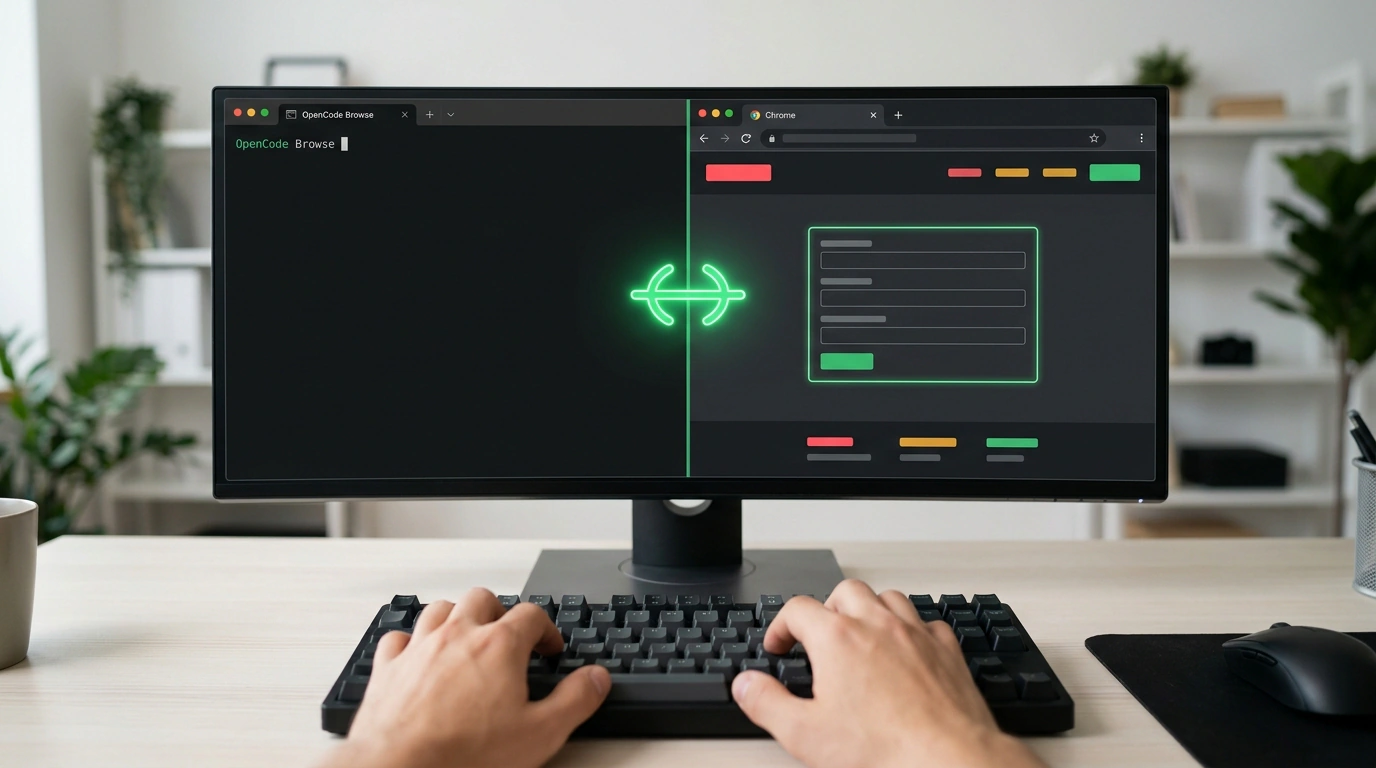
It took just over 2 minutes and zero subscription spend for the free DeepSeek V4.1 Flash model in Julian Goldie's practical test to pull a CSV table of 10 Austin roofing companies—complete with phone numbers, websites, and thousands of reviews—straight from Google Maps inside his live Google Chrome, recognizing and skipping the first two sponsored ads.
Background scripts on Puppeteer or Playwright launch in an empty profile with no cookies, immediately hit Cloudflare walls, and force you to hardcode passwords into scripts. The free MIT-licensed tool OpenCode Browse from Anomaly lets a terminal AI agent into your already-open Chrome—so why is a live profile safer than virtual sandboxes, and what keeps the algorithm from clicking where it shouldn't?
A Local Bridge to the Browser Without Manual Flags or Screen Hijacking
The agent steps into sessions where you are already signed in, and I verified an important detail in the GitHub repository: you do not need to relaunch Chrome with --remote-debugging-port. The local browse server talks to the model over the open Model Context Protocol (MCP) standard via stdio, working in the native OpenCode terminal client as well as Claude Code, Codex, Cursor, or Zed. Commands travel through a local WebSocket relay on port 127.0.0.1:19988—even from a remote Linux server over a Tailscale private network—while inside Chrome or any Chromium browser, the extension reads markup and records session video through chrome.debugger and Playwright.
On a machine with Node.js 22.19+ (or via curl -fsSL https://opencode.ai/browse/install | bash on macOS and Linux), linking the browser takes two commands:
# Install the utility and register the MCP server in clients
npx @opencode/browse install

# Start the relay and issue a ten-minute pairing code
browse pair
In the extension's settings, enter that code next to the relay address and click Pair until it reads Connected. The extension immediately tucks all its pages into a collapsed background tab group: your cursor and window focus stay yours while you answer email next door.
To vet contractors, the agent picks Austin Roofing Company from the table, opens its site in the background, scrolls sections, and shrinks the viewport to phone width to judge the mobile layout through a customer's eyes. Into the terminal drop a video recording of the walkthrough and five marketing recommendations: add a local "before and after" gallery, move reviews up next to the headline, and tighten copy for smartphones.
Safety Brakes in Active Tabs and the Limits of Autopilot
Built-in brakes make it safe to let an auditor into a browser with open email and cards. Unlike console utilities such as agent-browser that run tests autonomously in a separate window, OpenCode Browse includes Human Handoff. Whenever it hits a login, password, two-factor code, or checkout screen, the agent pauses, expands the tab, and waits for you to enter credentials yourself and click Continue—secrets never enter the model's memory. You can lend an open tab manually via Lend a Tab, lock navigation to an allowed sites domain list, and inspect or revoke pairings with browse pair --list and browse pair --revoke.
The reliability boundary runs right through the right to alter external data. In read-only mode, the setup saves hours with zero risk: using the same free model, the agent compared Jasper and Copy.ai—where onboarding hides behind demo bookings and jargon—and parsed 50 top weekly Reddit posts with comments for video ideas, with only Chrome's RAM footprint across dozens of tabs to watch.
Form submissions and messaging, however, cannot be left unattended: your prompt must explicitly include do not submit any form. For Austin Roofing Company, the agent was asked to find contacts and draft a cold email with a two-line follow-up without sending it—the draft landed in a file, and a thirty-second proofread prevented an embarrassing blunder. The model faulted the owner for a 4.5-second page load when actual response was under a second, and claimed there was no pricing button on the homepage: it searched the code for estimate, missing the large green quote button right in the header.
A live Chrome profile eliminates CAPTCHA battles and risky password-in-script workarounds, turning the browser into a quiet background analyst. Before hitting Enter on your next terminal prompt, just ask yourself: if the model misreads a button label right now, will the output stay a draft on disk, or fly out to real people under my name? As long as form submission is blocked in the prompt, domains are restricted by allowlist, and drafts get a quick human scan, your browser stays safe.