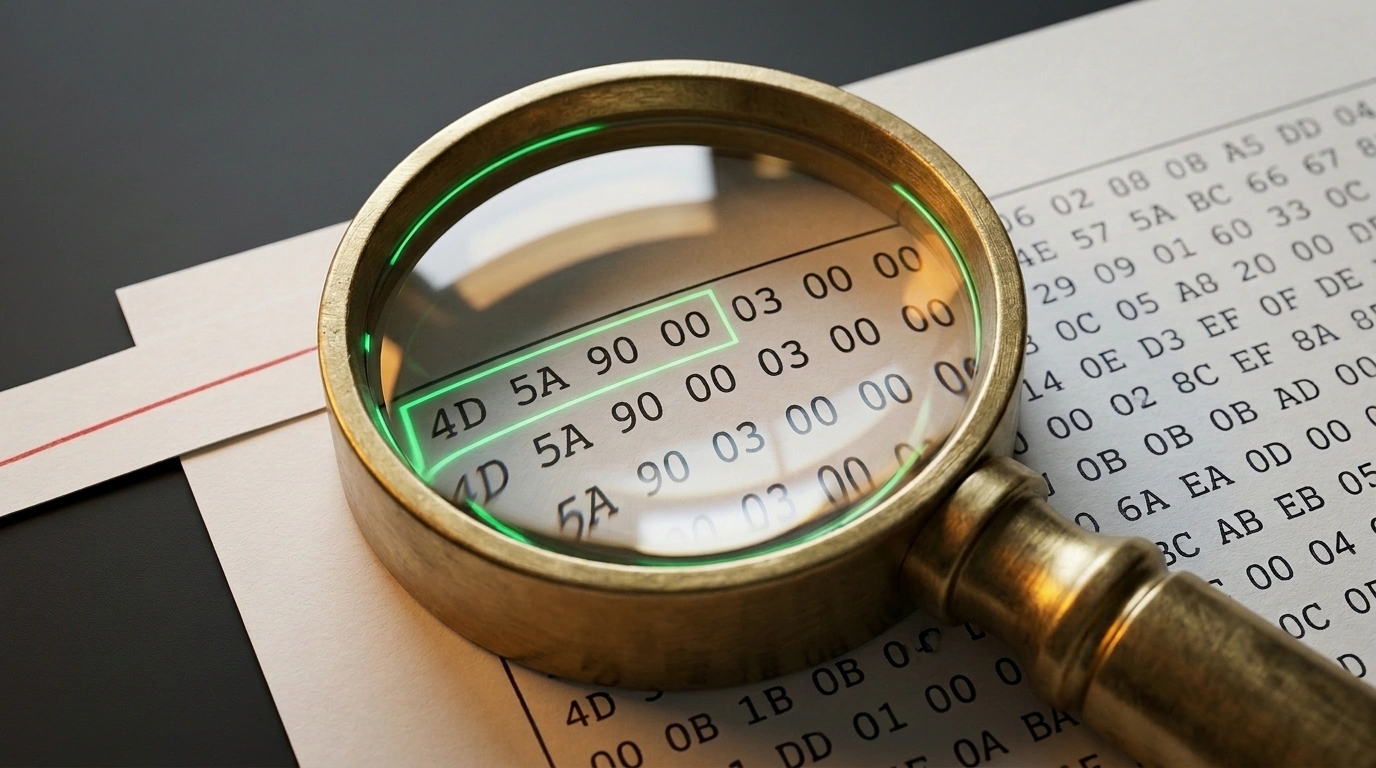
In many services, validating an uploaded file comes down to glancing at the last few letters of its filename. It seems obvious: if a document is named report.pdf, it is a PDF, and if it is avatar.png, it is a harmless image. In reality, every file has two names. The first sits after the dot—just a text label that a user, a mail gateway, or an attacker could slap on. The second name is written in the file's opening bytes, and it almost never lies.
Developer Sentaik ran into this while building the XanderFiles mobile viewer for Android. The app needed to open more than 200 formats—from spreadsheets to winmail.dat mail packages, wallet passes, RAW photos, and CT scans. Users uploaded renamed archives, extensionless screenshots, and documents with broken labels. How do you build a fast validation pipeline that identifies a file's true type and blocks spoofs on the fly without loading massive files into memory?
The Extension Illusion: Why Checking Filenames Has Nothing to Do with Security
When a mobile client sends files to a server or renderer, the most common temptation is to call path.extname(filename) or trust the browser's Content-Type header. Why inspect the byte stream if the client already labeled the payload image/png?
The catch is that browsers derive Content-Type from the suffix after the dot. All it takes is renaming shell.php to invoice.pdf and the client happily reports it is uploading a document. If the backend takes that label at face value and drops the file into a public folder or feeds it to a parser, the service opens the door to Remote Code Execution (RCE) and Cross-Site Scripting (XSS).
In everyday use, trusting extensions hurts just as much. Someone downloads a contract from email that a gateway wrapped in an archive while leaving .pdf at the end. The app tries to parse a ZIP as a PDF page and throws "File is corrupted," even though the data is fine—someone just stuck a "Jam" label on a jar of pickles.
Anatomy of "Magic Numbers": How Byte Signatures Work for Popular Formats
So a reader can identify a data structure right at the door, format specifications reserve a fixed byte sequence at the start of a file—known as "magic numbers" (magic bytes):
| Format | Signature (Hex) | Header Details |
|---|---|---|
| PNG | 89 50 4E 47 0D 0A 1A 0A | 8 bytes (\x89PNG\r\n\x1a\n) checking line-ending integrity |
| JPEG | FF D8 FF | First 3 bytes of the Start of Image marker |
| GIF | 47 49 46 38 | 4 bytes of the string GIF8 (GIF87a or GIF89a) |
| ZIP | 50 4B 03 04 | 4 bytes PK\x03\x04 (Phil Katz's initials) |
| OLE2 | D0 CF 11 E0 A1 B1 1A E1 | 8-byte container for legacy Word, Excel, and .msg files |
25 50 44 46 2D | 5 bytes %PDF- (anywhere in the first 1,024 bytes per ISO 32000) |
It sounds simple: assemble a table of two hundred masks, run a loop, and call it done. I used to think a lookup table solved it too. Yet the author of XanderFiles, who wrote 22,000 lines of JavaScript across 26 viewers, discovered the real trap lies not in the bytes themselves, but in the order you check them.
By specification, the %PDF- marker can appear anywhere within the first 1,024 bytes. If a user uploads an uncompressed ZIP archive, a winmail.dat package (78 9F 3E 22), or a signed .pdf.p7m (CMS/PKCS#7) envelope with a document inside, the embedded %PDF- string lands right inside that first kilobyte. If you check PDF before containers, the scanner will mistake the entire signed archive for a plain PDF and silently lose the other attachments.
The same happens with DICOM medical scans: their DICM tag sits at byte offset 128, while scanners often put a TIFF image header (II*\x00) in the 128-byte preamble. Check TIFF before offset 128 and you will display a thumbnail instead of a CT slice. Meanwhile, camera RAW formats (CR2, NEF, ARW) are built on top of TIFF themselves, so their markers must be checked strictly before the generic TIFF rule.
Tricky Containers: Detecting Nested Types in ZIP, RIFF, and MP4 Without Unpacking
Half of everyday formats are Russian-doll containers. A RIFF header (52 49 46 46 in bytes 0–3) only tells you it is a box: to tell a WebP image apart from an AVI video, you have to check bytes 8–11 for WEBP (57 45 42 50). Meanwhile, MP4 video, HEIC photos, and Canon CR3 RAWs live inside an ISO-BMFF container marked by ftyp at offset 4.
The master of disguise, though, is ZIP (50 4B 03 04). .docx documents, .xlsx spreadsheets, .pptx decks, .epub books, Apple Pages files, CorelDRAW layouts (since X4), and Apple Wallet passes (.pkpass) are all standard ZIP archives. To spot a boarding pass that a messenger renamed to .zip, you do not need to decompress the archive—just inspect its entry list:
export function detectZipSubtype(entries: string[]): string {
  if (entries.includes('word/document.xml')) return 'application/vnd.openxmlformats-officedocument.wordprocessingml.document';
  if (entries.includes('xl/workbook.xml')) return 'application/vnd.openxmlformats-officedocument.spreadsheetml.sheet';
  if (entries.includes('pass.json')) return 'application/vnd.apple.pkpass';
  if (entries.includes('META-INF/container.xml')) return 'application/epub+zip';
  return 'application/zip';
}
detectZipSubtype inspects the entries filename array from the archive's Central Directory without reading gigabytes of payload. Seeing pass.json, the validator returns application/vnd.apple.pkpass, and the app renders a boarding pass with its barcode. Apple iWork files (Index/*.iwa) and CorelDRAW layouts (content/riffData.cdr) are identified the exact same way.
Validator Architecture: Buffering the First 64 Bytes, Decision Trees, and Polyglot Defense
To run in microseconds on a file of any size, the validator reads only an opening slice from the stream: the first 64 bytes cover basic signatures and containers, while a 64–1,024-byte buffer handles offset-based formats following the WHATWG MIME Sniffing Standard. Here is the core of such a scanner in Node.js:
import fs from 'node:fs';

export async function sniffFileHeader(filePath: string): Promise<string> {
  const stream = fs.createReadStream(filePath, { start: 0, end: 1023 });
  const chunks: Buffer[] = [];
  for await (const chunk of stream) chunks.push(Buffer.from(chunk));
  const buf = Buffer.concat(chunks);

  if (buf.length >= 132 && buf.subarray(128, 132).toString('ascii') === 'DICM') return 'application/dicom';
  if (buf.length >= 4 && buf[0] === 0x50 && buf[1] === 0x4B && buf[2] === 0x03 && buf[3] === 0x04) return 'application/zip';
  if (buf.length >= 12 && buf.subarray(0, 4).toString('ascii') === 'RIFF' && buf.subarray(8, 12).toString('ascii') === 'WEBP') return 'image/webp';
  if (buf.length >= 8 && buf.subarray(0, 8).equals(Buffer.from([0x89, 0x50, 0x4E, 0x47, 0x0D, 0x0A, 0x1A, 0x0A]))) return 'image/png';
  if (buf.indexOf(Buffer.from('%PDF-')) !== -1) return 'application/pdf';
  return 'application/octet-stream';
}
Calling fs.createReadStream with start: 0, end: 1023 reads exactly the first kilobyte. First it checks offset 128 for DICOM scans, then catches ZIP and RIFF/WEBP containers in the first 64 bytes, followed by the PNG prefix, and only searches for %PDF- at the end. When an extension disagrees with the contents, XanderFiles opens the file by its real type with a banner: "File is named .pdf, but it is actually an archive—opened as an archive." For signatureless formats like TGA, it checks for non-zero dimensions and valid color depths of 8, 15, 16, 24, or 32 bits.
Reading just the opening bytes is not enough against polyglots: an attacker can glue a GIF89a header onto a PHP or JS script inside (we covered hiding code in file tails in Anatomy of Threats in Vibe Coding: Why One in Five AI Agent Skills Is Dangerous). On the server, back up your scanner with image re-encoding and the X-Content-Type-Options: nosniff header.
Validating data at boundaries is the best insurance for production, as we discussed in From Vibe Coding to Production: Architectural Traps and Security of AI-Built Software. And you do not need to write a parser for two hundred formats in one evening. Start by checking the first 64 bytes for the five or ten core types your service accepts and turn on nosniff. That immediately protects your storage from spoofed extensions, and you can add new branches to the decision tree as needs arise—just like XanderFiles grew Wallet pass support from a single boarding pass that refused to open before a flight.