Modern video models can render cinematic lighting and raindrops on asphalt from a couple of sentences, yet stumble over a single extra letter in the closing title. If a background beat drowns out the narrator's voice or a price tag drifts off-center, the whole video goes in the trash for a full regeneration.
Why is AI video moving away from "one-click" clips toward multi-track timelines and code? As long as a model outputs a baked MP4 where frames, fonts, and audio are fused together, any tiny flaw turns production into a lottery—but splitting generation into independent layers turns the neural network into a controllable tool. Let's trace this shift by building a short vertical promo video for an expense-tracking app, where the Manus AI video editor and the Open Design Motion agent work from two different angles.
Layered Video Editing in Manus AI
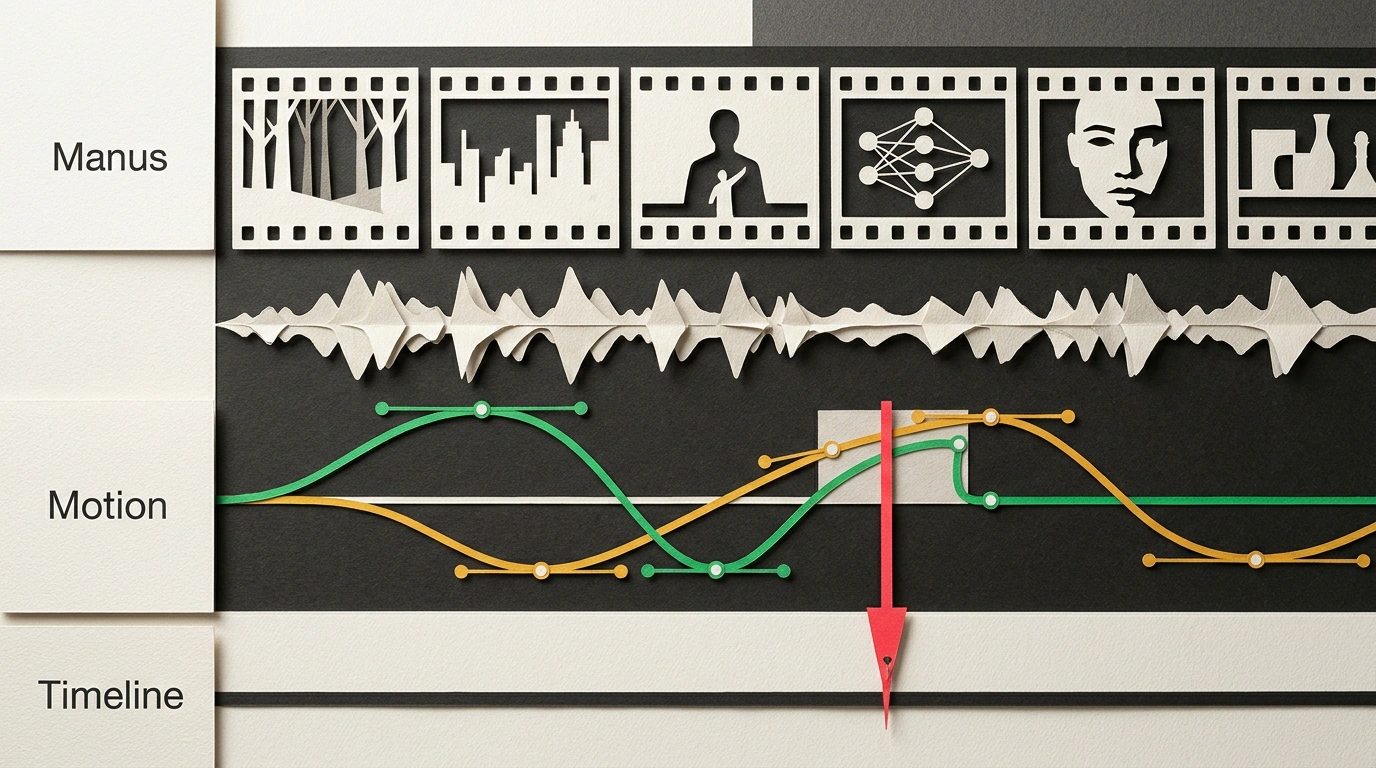
When a generator outputs a flat video file, every tweak forces you to spend credits all over again and breaks good shots from the previous take. The Manus AI team solved this in their built-in Video Editor: the agent assembles a non-destructive editing project (changing one detail does not affect neighboring ones). It is the difference between a paper postcard and a stack of transparent overlays: you cannot erase a typo on a postcard without leaving a smudge, whereas swapping a title overlay takes a second.
In the Manus Studio desktop app, video footage, voiceover, music, sound effects, and subtitles sit on separate timeline tracks, handling 80–90% of the rough grunt work for 30–60 second clips. You can start in three ways:
- From a description: set the topic, audience, language, and aspect ratio (
9:16for Reels and Shorts, or16:9) to get a ready-made cut. - From source footage: connect a local folder of takes or screen recordings—the agent transcribes speech and assembles the best clips.
- In Alchemy mode: pick one of six templates (from product ads to 3D scenes from a sketch), where the system drives the script, storyboard, and audio.
Let's apply this to our finance app promo. The agent assembled the base, but the music drowns out the narrator on the line about the savings jar, and there is a typo in the tagline. As automation practitioner Julian Goldie demonstrates, there is no need to rebuild the clip from scratch: you ask in the chat below the player to lower the music track, then fix the letter with your mouse on the title track. The agent applies commands on top of manual edits, preserving the video frames, and keeps versions in adjacent tabs before exporting to MP4.
I checked the editor's documentation to flag its limits up front. Drafts often run longer than requested, so it is better to ask for a segment plan ahead of time; facts from auto-search require proofreading; nudging something by half a second is easier with a cursor than in chat; and the timeline is only available in desktop Manus Studio on Windows and Apple Silicon Macs (access rolls out in waves, and generation spends credits). Yet there is one area where every pixel generator fails: crisp animation of numbers and charts.
Vector Generative Animation in Open Design Motion
Hand a standard video model an app screen, and small labels melt into unreadable smudges. While raster neural networks guess pixel colors, the open-source agent Open Design Motion (Apache-2.0 license, version v0.25+) works through code: from a short prompt, it writes HTML markup and a script for the GSAP (GreenSock Animation Platform) animation library.
In traditional motion design, hours go into manually placing keyframes (control points on a timeline) and tuning Bezier curves—graphs of smooth acceleration and deceleration. Here, the model writes that "motion recipe," and a browser engine or the HyperFrames module renders the vector scene to MP4 with razor-sharp fonts at any scale. The environment runs locally and pairs with wrappers like Hermes Agent or Kimi CLI, letting you connect free models through OpenCode and produce 20-second clips or dashboards with zero API spend.
Watch how both approaches come together in the second half of our expense-tracking video. Footage, voiceover, and music are already on Manus Studio tracks, and in the middle we need to show falling expenses and growing savings. You open Open Design Motion, set the tempo in beats per minute to match the music track, and describe the stats card.
In minutes, a snappy vector scene is ready. Want to recolor a bar green or speed up a badge's entrance? You change a parameter without losing sharpness, export an MP4, and drop it onto the top layer of the Manus AI timeline over the narrator's words. A task that used to eat an evening bouncing between Premiere Pro and After Effects—or dozens of blind rerolls—is solved by one person quickly with full control over every layer.
Before putting this into a commercial workflow, keep two nuances in mind: complex scenes tax the computer's browser, and if you embed GSAP code directly into a paid web product instead of exporting MP4, you must comply with GreenSock's own license. If you are interested in adjacent code pipelines, check out how combining HeyGen and Remotion automates avatar editing, and how subtitle timestamps turn into SVG scenes via Claude Design.
Judging by how both directions are evolving, a division of labor in AI video will soon become standard: diffusion models will keep the live atmosphere of the shot, code agents will take typography and charts, and everything will come together on multi-layer timelines. Neural networks are ceasing to be a "black box" with random outcomes and are taking over routine work on separate tracks, handing the director's console back to humans.