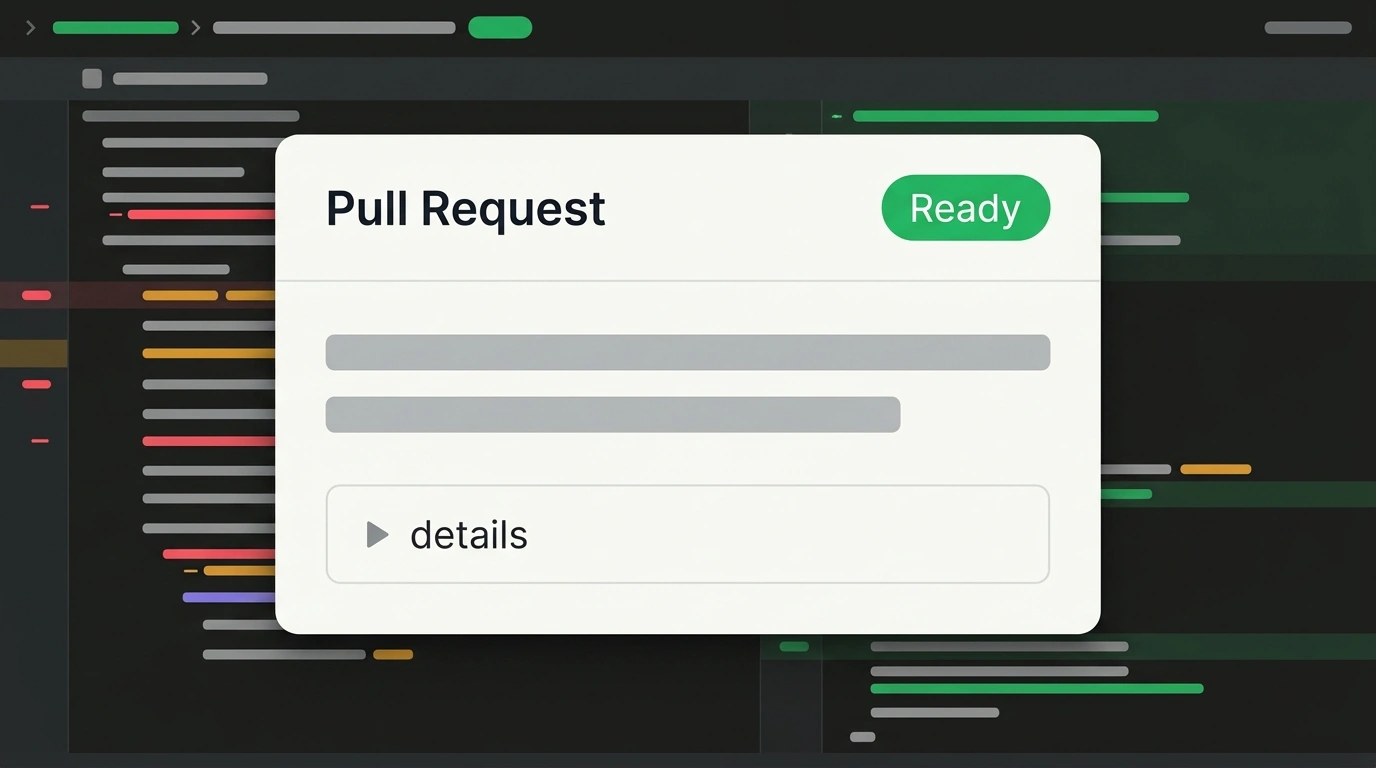
"It's not necessarily AI slop, it just reads like AI slop!"—that is how Django co-creator and Datasette author Simon Willison described a side effect of coding agents in a recent post. Nearly all changes in his projects are opened by Claude Code and Codex as pull requests (PRs—requests to merge code into a shared branch). The models write impeccably accurate explanations, yet a human's immediate gut reaction is simple: "I'm not reading all that."
Willison catches himself feeling that same irritation even when he launched the agent himself two minutes earlier: reading a machine-written essay takes longer than assigning the task, and team review stalls. How do you preserve the neural network's detailed log for history while bringing respect for your teammates' attention back into engineering?
The Perfect-Report Trap: Why Accuracy Turns into White Noise
It is not about hallucinations—agents are simply too thorough. In Datasette PR #3042, an agent refactored how edit-tools.js (~220 KB) loads: previously the file downloaded on every page for every visitor, whereas now it lazy-loads only for editors on hover or click of an edit link. The change is straightforward, yet alongside the working code the model attached a 150-line report full of backstory, branches explored, and check logs that instantly glazes over a reviewer's eyes.
When everything in a piece of text is equally emphasized, the reader loses what actually matters.
It is like calling a plumber for a dripping faucet and asking what went wrong. Instead of a crisp "Hot-water gasket split, replaced it—dry now," the technician drops a thick dossier on the table: brass grade, riser pressure, and a timestamped log of every wrench turn. Not a single word is false, yet by page two you lose the thread and miss the critical note—that the valve threads are barely holding. Multi-screen AI descriptions on GitHub trigger that exact same defense reflex in me.
In code review—checking code before it ships—your teammate doesn't need a robot's stenography; they need a human editorial filter.
The Two-Layer details Template and a Rule for Your Agent
To bring back that filter while keeping the audit trail, Willison split PR descriptions into two tiers. Up top sit two sentences from the author (sometimes with a screenshot or --help output) that orient the reader immediately; often you can just lift that crisp summary straight out of the model's own draft.
Meanwhile, the agent's full report goes inside collapsible HTML <details> and <summary> tags.
According to GitHub's documentation, GitHub Flavored Markdown supports them natively (as do GitLab and Bitbucket). Simon puts the model name and effort level in <summary>—such as Claude Opus 5.5 Medium—and to avoid mixing up the tag order, suggests saying "details-summary" out loud: two syllables plus three sounds smoother than "summary-details." One crucial catch: a blank line must follow </summary>, otherwise lists and code blocks inside collapse into raw soup. Let's pack our edit-tools.js PR into that template:
`edit-tools.js` (~220 KB) previously downloaded on every page for all visitors. It now lazy-loads via a lightweight loader only for editors on hover or click of an edit link.

<details>
<summary>Agent work details (Claude Opus 5.5 Medium)</summary>

**What changed in code:**
- Extracted a loader for deferred initialization of editing tools.
- Verified access scenarios for readers and editors.
</details>
On GitHub, the long wall of text folds into a neat bar beneath two clear sentences. A teammate grasps the optimization in two seconds and opens the code tab, while six months later—when hunting a rare bug—the full check history unfolds in one click. To avoid typing angle brackets by hand (especially from a phone, where GitHub has no spoiler button), add this rule as a single line in CLAUDE.md—just don't bloat your config with bureaucracy, as we discussed in our breakdown of auditing system prompts in Claude Code.
A collapsed description spares the reviewer's eyes, though it never excuses rubber-stamping code: you still have to read the diff and tests yourself (how to build that discipline is covered in our article on quality control and code review when working with AI assistants).
Looking back at your own workday today—in which other status reports, emails, or chats are people around you missing your two human sentences sitting on top of a long AI draft?