Ever noticed how carefully you phrase ultra-short prompts to save money, yet your weekly limit still hits the ceiling by Wednesday? In Anthropic's terminal assistant Claude Code, trimming your own sentences barely moves the spending needle.
The agent lives right in the command line: it opens files on its own, runs tests, and counts all text in tokens—chunks of roughly four characters. I compared Julian Goldie's practical breakdown with Anthropic's documentation: 70–80% of your budget is eaten not by your questions, but by accumulating command output and repeatedly re-reading the same files.
Where Tokens Go in Iterative Terminal Tasks
Short replies don't save your balance because the model has no memory of its own between turns. Imagine a sharp but forgetful teammate who walks out the door after every sentence: to ask them to fix a comma, you have to put the entire folder of today's messages and long test printouts back on the table every time. The context window works the exact same way—on every message you send and every tool call, the agent re-sends the entire session history from minute one to the server.
Even before your first command, the window is already loaded with 8,000–30,000 tokens: that's where system instructions, CLAUDE.md rules, and schemas of connected external integrations (MCP servers) sit. Then the debugging avalanche begins. Suppose a developer is fixing a web service, and the compiler fails with a 500-line report. Without filtering, the agent swallows the entire raw output and re-reads 3 unchanged dependency files on every edit. One loop burns around 45,000 tokens, and on the next step the old log travels in the request all over again, diluting the model's attention at the same time.
Noise Filtering and Session Hygiene: Benefits and Hidden Costs
To avoid paying for the same walls of text twice, noise is cut off at the door. In our web service, we block static folders from being read via .claudeignore, and restrict test runs to outputting only the actual failure:
# Hide unchanged dependencies and build output from repeated reads
printf "node_modules/\ndist/\n" >> .claudeignore

# Pass only error lines and the last 15 lines into context
npm test 2>&1 | grep -i error | tail -n 15
The picture changes immediately: instead of five hundred lines of console noise and third-party modules, the model sees a compact digest with the exact cause of the breakage. Per-cycle cost drops to 6,500 tokens—over 85% savings on the spot, responses get faster, and your weekly limit stops melting away on a single bug.
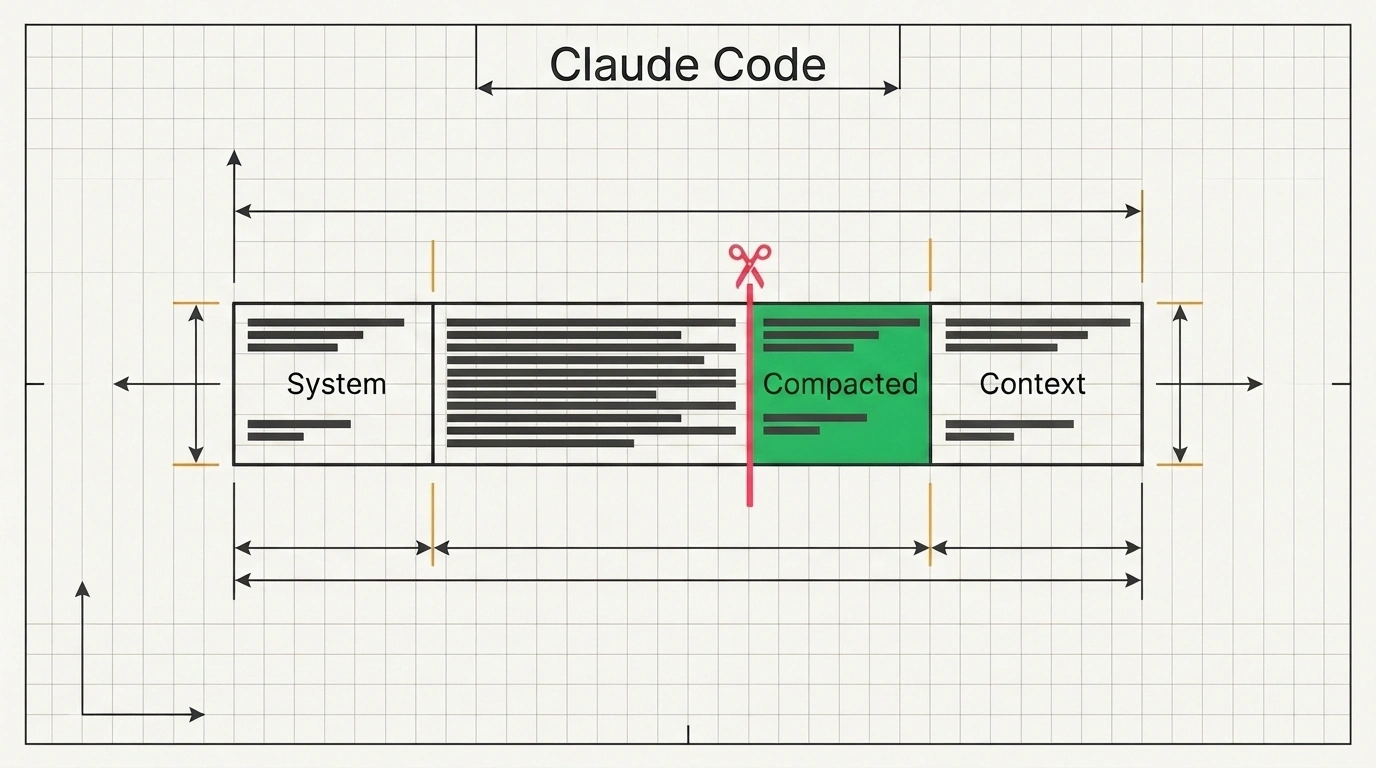
Inside a long session, built-in commands keep things clean. Calling /context shows a breakdown chart of window usage: it is easy to spot extra integrations and a bloated CLAUDE.md (we covered how this file's structure preserves cache in the guide on Claude Code in production). The /compact command folds past steps into a checkpoint, keeping git status, project rules, the plan, and up to 5 recent files (files over 5,000 tokens are replaced by paths), while the autoCompactWindow setting in ~/.claude/settings.json (for example, 200000) automates that threshold.
Compression has a hidden cost, though. Summarizing via /compact can smooth over subtle edge cases from earlier in the branch, so on a new task it is safer to commit code to git and clear the window with /clear to guard against attention degradation (context rot), moving side questions into a /btw side chat. Third-party text compressors can be treacherous too: in JetBrains benchmarks, aggressive command filtering at low effort raised total spend by 7.5%—half-blind, the agent started wandering and burning extra turns. Otherwise, it is enough to attach large tables as files, pick fast Sonnet via /model, and lower reasoning depth with /effort on simple edits (108 output tokens on low versus 963 at max), cutting the cost of a complex iteration from 40,000–60,000 down to 8,000–12,000 tokens.
Saving budget in the terminal starts not with telegraph-short prompts, but with the habit of not forcing the model to re-read raw logs and tails of already-closed tasks on every single step.