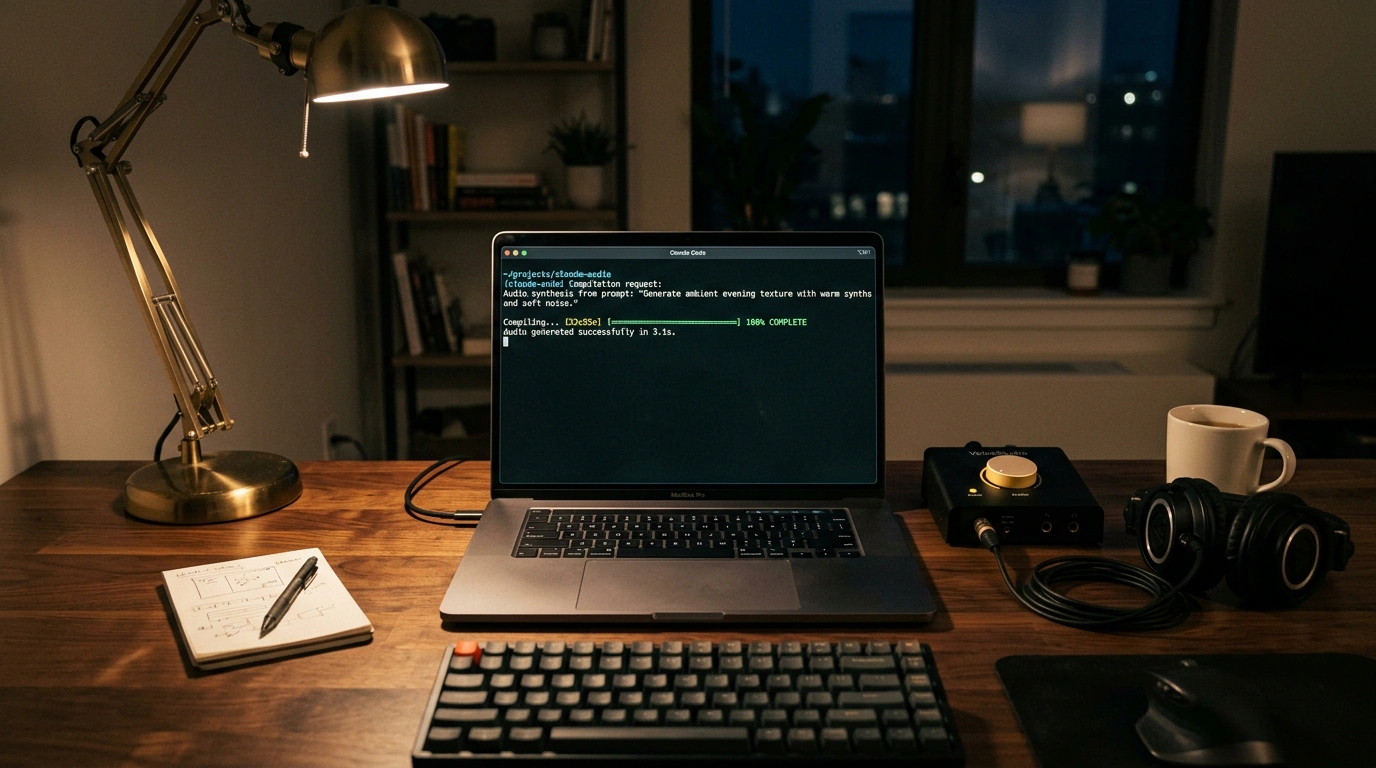
How do you set up voice cloning and video dubbing straight from the terminal without paying tens or hundreds of dollars for cloud subscriptions or sending your voiceprint to someone else's servers? Pairing Palash Debnath's open-source VoiceStudio (AGPL-3.0) with Anthropic's command-line agent Claude Code solves that—letting the agent manage files and tools via plain text commands.
I cross-checked Julian Goldie's practical walkthrough against the project's documentation to separate working settings from myths about server hardware. Let's walk the full route using a YouTube creator's task: you have a 10-minute English video video.mp4 and a clean 15-second voice sample sample.wav, and you want one terminal prompt to produce Spanish and German versions in your own timbre with the original music intact.
Deploying VoiceStudio, Protecting Context, and Cloning Timbre
On Apple Silicon macOS and Linux, the studio installs with curl -fsSL https://voicestudio.sh/install | sh (a Docker image is also available). The backend immediately spins up an agent bridge on port 3900—a Model Context Protocol (MCP) server at http://127.0.0.1:3900/mcp/, with none of the paid keys required by the official ElevenLabs MCP server. Once you create a .mcp.json file in your project root pointing to that address (not a mythical claude.json on port 8080), Claude Code immediately sees the clone_voice, generate_speech, and transcribe tools.
In the MCP server documentation, however, I spotted a trap: by default, audio is returned as a base64 string (OMNIVOICE_MCP_OUTPUT_MODE=resources)—a wall of millions of characters, like handing a voice actor a thousand-page code printout instead of a flash drive. Push that through chat, and the agent's context chokes in two turns. Switch to OMNIVOICE_MCP_OUTPUT_MODE=files and set a working folder in OMNIVOICE_MCP_BASE_PATH, and WAV and Opus files are written straight to disk while the model receives only an output_path.
Session memory stays clean, and your voice sources never leave your drive.
Can you monetize that clone on YouTube or in ads? If you leave the default model for personal testing, commercial use is prohibited—so pick the open VoxCPM2 engine from OpenBMB under the business-friendly Apache-2.0 license. It needs only 5–20 seconds of clean speech without echo or music. Register sample.wav and test synthesis in the terminal:
curl -X POST http://127.0.0.1:3900/profiles \
  -F "name=author_voice" -F "file=@sample.wav" -F "language=Auto"

voicestudio speak "Hello! This is local voiceover via VoiceStudio." \
  --voice "author_voice" --output "output.wav"
The database stores the author_voice profile and writes a test output.wav with your pauses and delivery right beside it. No more warming up the mic for small edits: Claude Code sees the profile via .mcp.json, and dubbing an episode kicks off with one phrase in the console.
Timecoded Dubbing Pipeline, VRAM Needs, and Method Limits
On the agent's command, the studio separates vocals from music in video.mp4, marks line timestamps using pyannote and WhisperX (for clean meeting transcription, compare with NVIDIA Nemotron 3.5 Transcribe), translates subtitles (up to 646 languages), and reads them in VoxCPM2. Spanish and German phrases run longer than English, so the Smart Fit algorithm tightens pauses and pacing to fit scene timestamps, and ffmpeg mixes the new speech with the music track into video_es.mp4 and video_de.mp4.
Will this bring a home PC to its knees? If the neural network were redrawing the host's lips frame by frame, you would need a 16–24 GB GPU. VoiceStudio performs speech-timed audio dubbing without touching the video frames and unloads the synthesis model to RAM while WhisperX runs, so an RTX 3060/4060 with 4–8 GB VRAM or an M-series Mac with 8–16 GB of unified memory via MLX is enough (on CPU via CTranslate2, processing simply takes longer).
On that hardware, the real-time factor (RTF) stays below 1.0—the track renders faster than the video's runtime at zero cost per minute.
Along the way, watched folders make it easy to turn articles into chaptered audiobooks (the agent strips links and tables itself) and generate voices from descriptions with a built-in AI watermark.
There is no one-size-fits-all recipe for every shot: on tight close-ups, lip-sync mismatch with foreign speech stands out, echo in a sample adds a metallic ring, and pyannote requires accepting license terms on Hugging Face. For screencasts, slide decks, and tutorials, though, the playbook is clear: a quiet sample, the VoxCPM2 license, cloning strictly your own voice (or with the speaker's consent), and labeling AI content on the platform.