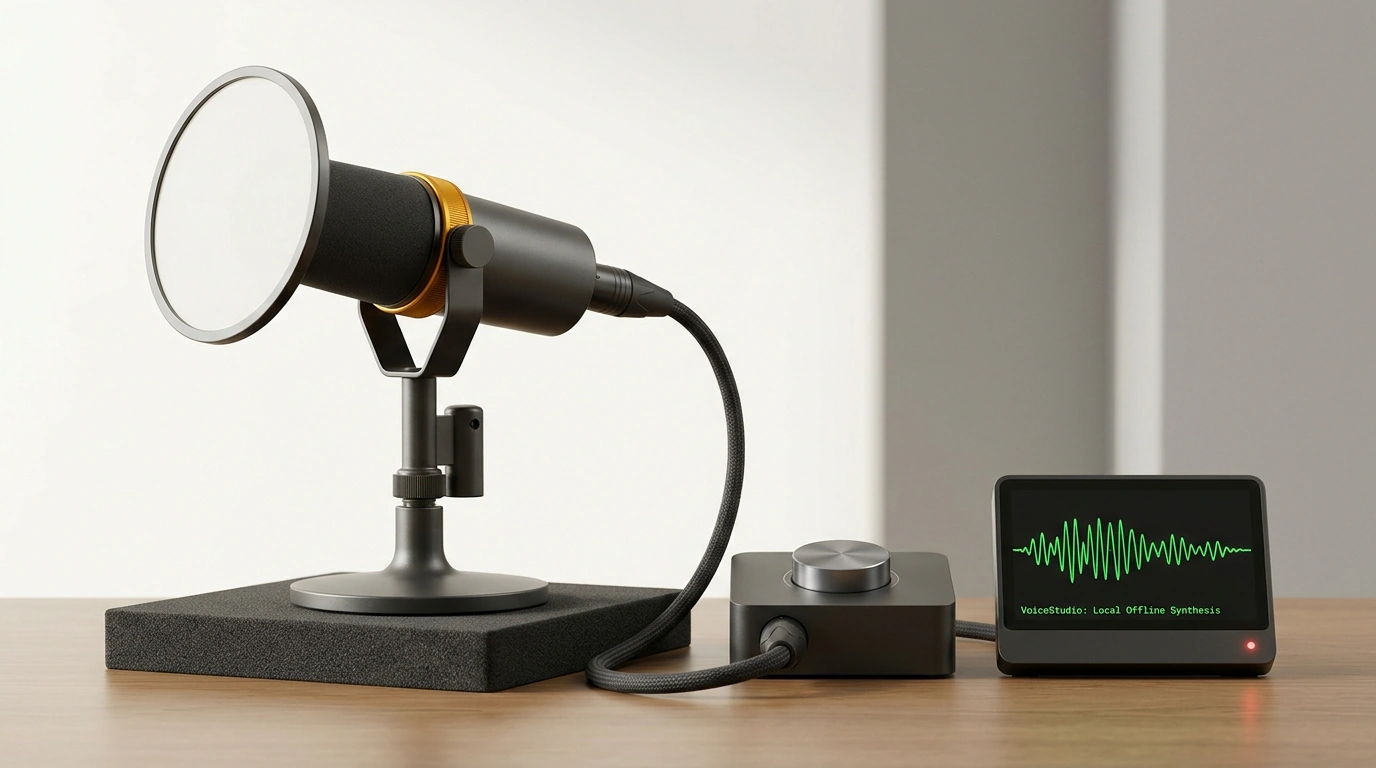
When a voice assistant reads your morning brief or test results aloud, a cloud pipeline is usually running behind the scenes. Your text goes to someone else's servers, character counters burn subscription credits, and client or project names land in external logs. Install the open-source VoiceStudio app on your Mac, and everything moves onto your Apple Silicon GPU cores. Not a single byte leaves your machine, and a 16 GB Mac generates 33 seconds of natural speech in roughly 18 seconds.
Installing on Mac and the Red Badge Trap
VoiceStudio is a free, open-source project with over 111,000 stars on GitHub. Windows and Linux installers live on the releases page, and macOS installs in three commands:
brew tap debpalash/tap
brew trust --cask debpalash/tap/voicestudio
brew install --cask debpalash/tap/voicestudio
On first launch, the app sets up a local Python environment and checks your memory and GPU cores. Pick a model pack like Balanced, turn off telemetry on the privacy screen, and leave the invisible watermark on for honest audio labeling.
There's a licensing trap in the default setup, highlighted in a Julian Goldie SEO review. The default OmniVoice model uses a CC-BY-NC license—fine for personal tests, not for business. In settings, each engine shows a badge: red means non-commercial only, while green clears it for commercial use.
If you plan to voice client reports or courses, switch to a green-badged engine right away.
Two Apache 2.0 engines let you design a voice from scratch. The heavy VoxCPM2 model takes minutes per sentence on a 16 GB laptop, so on a standard Mac it's better to pair MLX-Audio with the compact 1.4 GB Qwen3-TTS VoiceDesign. As for voice cloning, only clone your own voice or recordings where you have written consent.
How to Design a Voice from a Text Description
In the Voice Design tab, you don't even need a microphone. Describe a character across five traits: persona, age, delivery, accent, and sound quality. For a Jarvis-style assistant named J, a prompt like this works well:
A calm, refined British male AI butler in his forties. Smooth, warm baritone, crisp and precise, quietly witty, unhurried, close-mic studio quality.
The first generation takes longer while the model loads into memory, and after that clips render in seconds. Try three or four random seeds and save the best take to profile J. If the voice sounds dry or harsh, tweak one trait at a time so you can hear exactly how the engine reacts.
The MCP Bridge: Teaching Claude Code to Speak
VoiceStudio ships with a local Model Context Protocol HTTP server on port 3900 that needs zero cloud keys. To wire it into Claude Code, drop a .mcp.json file in your project root:
{
  "mcpServers": {
    "voicestudio": {
      "url": "http://localhost:3900/mcp/",
      "headers": {
        "X-OmniVoice-Client-Id": "claude-code"
      },
      "settings": {
        "outputMode": "files",
        "outputDirectory": "/tmp/voicestudio-output"
      }
    }
  }
}
The X-OmniVoice-Client-Id header ties requests to the client, and the VoiceStudio docs warn about outputMode: "files". Leave it out, and the server dumps the audio straight into your chat as a giant Base64 string. That's like asking a courier for a vinyl record and having them hum every track over the phone—your model's context window fills up with tens of thousands of wasted tokens.
In file mode, the agent only gets a short path to a WAV file in /tmp/voicestudio-output. Here's how it plays out: Claude Code runs integration tests, checks CI status, and boils the result down to four sentences on failing checks and pull requests. Using voicestudio_synthesize, the agent sends that text to profile J, and your Mac speaks the verdict through its speakers. Just note that running a heavy coding model alongside quality speech synthesis feels comfortable only on Macs with 16 GB of RAM or more.