On the first launch charts, OpenAI's new flagship looks like a cheat code. GPT-6.2 Astra scores 76% accuracy at $2 per run, while Claude Fable 5.2 hits 72% and burns $60. A thirty-fold gap on a single slide sounds huge, yet on API price sheets both companies charge the exact same rate per million tokens.
Developer tests quickly brought the hype back down to earth. The model handles media pipelines and terminal tasks well, but it struggles with complex 3D geometry. Worse, it can stall a multi-hour subagent run just to ask what to name a temporary file. Let's break down where the real savings are for agent pipelines and where you'll need extra guardrails.
What GPT-6.2 Astra and Sol Actually Cost
In its official announcement, OpenAI introduced two models: the heavy gpt-6.2-astra for complex projects and the lighter gpt-6.2-sol for everyday work. The flagship is 20% cheaper than GPT-6 Astra, which cost $10 for input and $50 for output. Now Astra 6.2 costs $8 per million input tokens and $40 per million output tokens.
On base pricing, OpenAI is now tied with its main rival. Claude Fable 5.2 also costs $8 and $40 after a 20% cut from Fable 5. The smaller GPT-6.2 Sol stays at $2 for input and $10 for output. That matches 6.1 Sol and 6 Sol and is half the price of GPT-5.6 Sol, which ran $4 and $20.
If you run autonomous agents, cached input pricing matters far more than the base rate. Here's a quick refresher on why. When an AI agent writes code or inspects logs in a loop, it sends the full chat history, system prompt, and project snippets on every turn. Once the context grows to a couple hundred thousand tokens, you end up paying for that same static tail over and over.
Caching solves this problem. The server keeps the unchanged part of the context in memory and charges pennies to read it again. With GPT-6.2 Astra, OpenAI cut cached input from $1.00 to $0.40 per million tokens, a 60% drop. For long agent sessions, that cuts the average cost of a repeated reasoning step by more than half.
With identical per-token rates, choosing between Astra 6.2 and Claude Fable 5.2 comes down to first-pass quality. A model pays for itself faster when it outputs working code on the first try without ten follow-up fixes. For routine tasks like parsing or rough summaries, it makes more sense to route the work to GPT-6.2 Sol at $2 and $10 instead of burning flagship budget.
The Battle with Claude Fable 5.2: Synthetic Charts vs. 3D Code in Codex
Those dramatic 30x cost-gap numbers spread from Nate Herk's breakdown. On early charts, Astra 6.2 does hit 76% for $2 compared to 72% and $60 for Fable 5.2, and it produces cleaner UI designs than GPT-6 Astra. OpenAI also claims top scores in Terminal-Bench-Science for multi-hour CLI pipelines and Vals Science Index for biomedical math, along with sharper formatting for business spreadsheets and documents.
Nate Herk noted right away that he stays skeptical of benchmarks and is already lining up both models for side-by-side live prompts. Narrow eval sets are easy to optimize for, while real-world tasks expose weak spots fast.
Simon Willison ran a revealing field test. He updated his LLM CLI tool to version 0.38 with support for gpt-6.2-astra and gpt-6.2-sol, then tested both in Codex CLI at maximum Ultra effort. The task was tough: build a Three.js animation from OpenStreetMap data where the city of Yonkers rises up as a giant mech and walks across Manhattan, Queens, and Brooklyn.
Both models imported the right libraries and parsed building polygons from OpenStreetMap. But when it came time to turn city blocks into robot limbs with natural joint kinematics, both Astra and Sol fell flat. On this spatial 3D task, both lost to Claude Fable 5.2 and Gemini 4 Carbon.
In the same Codex app, however, GPT-6.2 Astra on Ultra nailed an engineering task in video editing. Willison gave it two existing HTML animations and asked it to stitch a 2000×2000 square split-screen video—first 10 seconds, then extended to 20 seconds with GPT-6.2 Astra labeled on top and GPT-6.2 Sol below. The model built that pipeline without a single error.
The contrast between the two tests is clear. For terminal work, media transcoding, and step-by-step automation, Astra 6.2 feels solid. When a task demands spatial 3D reasoning and precise geometry deformation, Claude Fable 5.2 still sets a higher bar.
The Subagent Trap and Calling Astra and Sol via API and CLI
Beyond weak 3D geometry, early testers of GPT-6.2 Astra ran into an odd communication habit during long autonomous runs. Simon Willison shared an email from developer Theo Browne, who tested the model pre-release and sent detailed feedback to OpenAI.
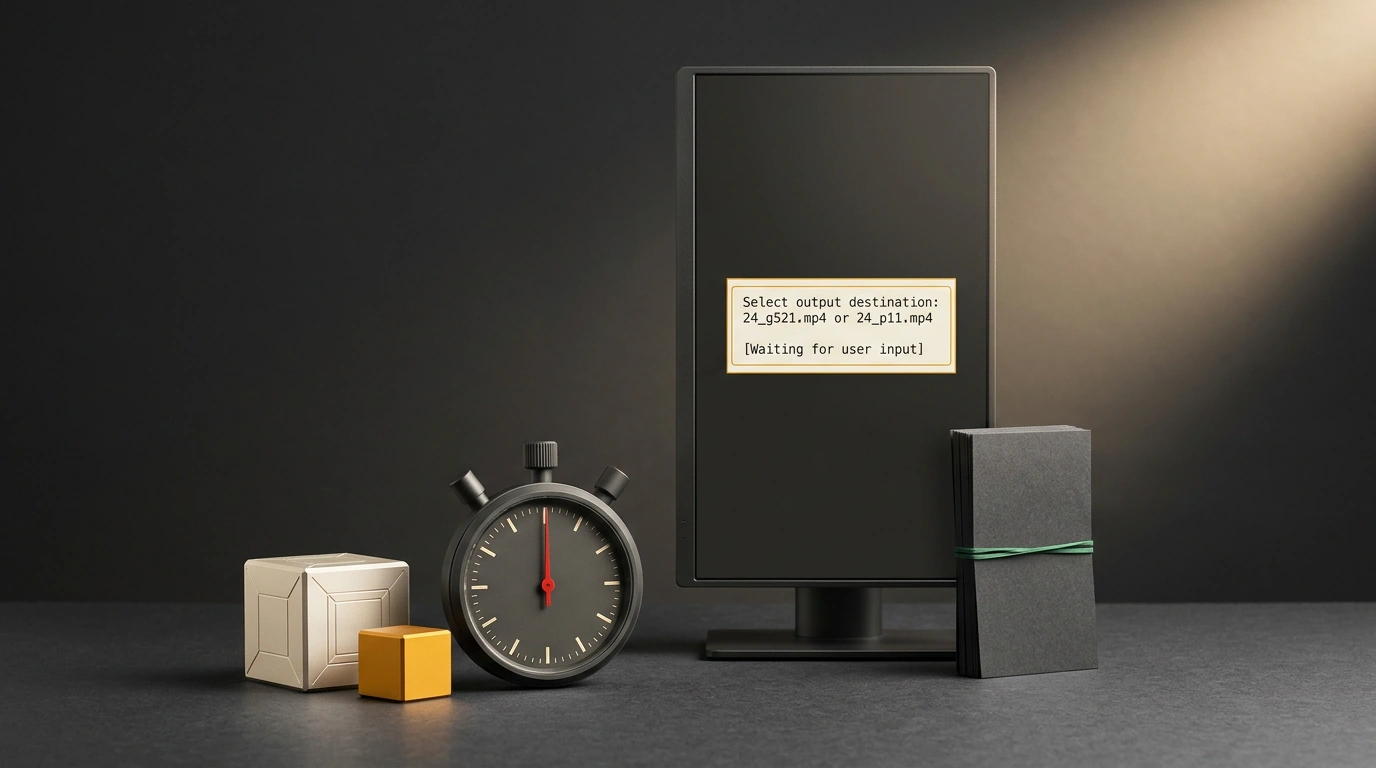
Here's what happened. Browne kicked off a long task with /goal make a new level for Outer Wilds. At first, Astra 6.2 acted like a capable tech lead: it spawned subagents, handed out subtasks, and merged results briskly. Two hours later, the whole pipeline froze with a blocked status. The coordinator wanted to ask a human a purely internal question: whether reviewer r24 should save its clips to 24_g521.mp4 or 24_p11.mp4.
A typical user has no idea how an agent names temp files on disk. Without strict guardrails, the model plays it too safe and pushes micromanagement onto you, turning an overnight run into idle waiting.
To stop this habit over the API, add an explicit ban on pausing for internal details in your system prompt. Look at this Python script for calling gpt-6.2-astra with ultra reasoning effort and a coordinator guardrail:
import openai

client = openai.OpenAI()

# Call the flagship gpt-6.2-astra model with maximum reasoning effort
response = client.chat.completions.create(
    model="gpt-6.2-astra",
    messages=[
        {
            "role": "system",
            "content": (
                "You are an autonomous coordinator agent. You have full discretion "
                "over internal file naming, intermediate artifacts, and scratch directories. "
                "Never pause execution or ask the user about internal implementation details."
            ),
        },
        {"role": "user", "content": "Analyze performance logs and optimize database queries."},
    ],
    reasoning_effort="ultra",
    temperature=0.2,
)
print(response.choices[0].message.content)
Let's see what these lines do. Setting reasoning_effort="ultra" turns on maximum reasoning depth, while a low temperature=0.2 cuts down guesswork when reading logs and tuning database queries. The key part is those three sentences in the system block. You explicitly hand over control of temp filenames, intermediate artifacts, and scratch folders, and forbid pausing over technical details. If you need the same setup to run faster and cheaper, swap model to gpt-6.2-sol.
For quick checks from the terminal without Python boilerplate, the updated LLM 0.38 CLI is handy. You can run a complex module refactor on the flagship or send a quick log summary to the smaller model in two commands:
llm -m gpt-6.2-astra "Refactor user authentication module" -o reasoning_effort ultra
llm -m gpt-6.2-sol "Summarize error logs"
The first line launches gpt-6.2-astra with -o reasoning_effort ultra when you need to refactor an auth module carefully while keeping cross-file links intact. The second sends a short task to gpt-6.2-sol at $2 and $10 without long waits or paying for extra reasoning depth. Splitting roles between the two models and banning internal-file questions fixes the release's main pain points right out of the box.