On November 13, 2026, Google released Antigravity 2.32.0. The main additions are the /run-workflow command for dynamic workflows, an upgraded /swarm mode with a shared task board, and local Gemma 4 model support in the Python SDK. Instead of managing agent chains inside a long chat, the platform now delegates orchestration to a regular Python script.
Why Long Chats Break Agents and Where Python Fits In
You've probably seen this happen in a long AI chat. You give an agent a multi-step task: read files, check code, fix bugs, and write a summary. The first two steps go smoothly, and by step three the model forgets the format, skips a check, or edits things you didn't ask it to touch.
Developer reports call this prompt drift. As the agent opens files, runs searches, and collects test logs, all that raw output piles up in one window. In practice, users notice long conversations start slipping once the context fills to about 40%.
The /run-workflow command moves the script out of the chat and into code. You describe the task in plain language in the app or terminal, and the planner opens the built-in Run Workflow skill to generate a short Python script. You don't need to install Python separately: Antigravity bundles Python 3.8+, though you can point to your own interpreter via ANTIGRAVITY_PYTHON.
Before running anything, the environment shows the generated code and waits for approval. The app gives you four options: allow once, allow in this chat, allow always, or cancel. Approval is tied strictly to that exact script version—change a couple of lines, and it asks again.
Once started, each helper works in its own chat. Files it reads and logs stay inside its session, and only a compact JSON object—validated against a JSON Schema of required fields—comes back up. You can save a solid script as scripts/review_changes.py or scripts/roundup.py and reuse it on every release.
Under the Hood: Phases, Parallel, Pipeline, and Client Audits
Let's see how a workflow runs on a real client audit from Julian Goldie's demo. The input is a call summary with a business owner plus five department folders: sales, onboarding, delivery, content, and support.
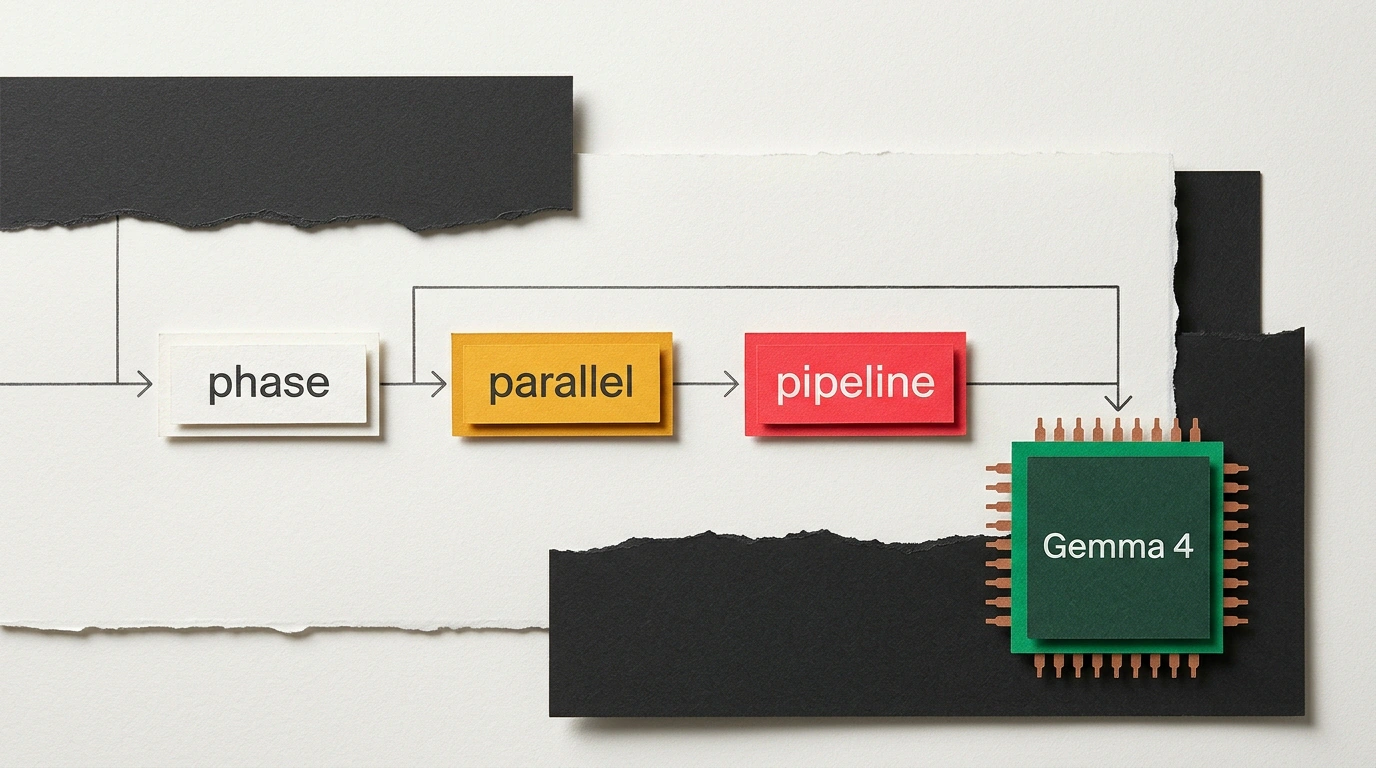
Inside the Python SDK, a workflow is built from four primitives. agent launches a single subagent with its own prompt and model. phase groups work into stages so logs and agent cards stay organized. parallel runs the same task across a list at once and returns results in the original order, canceling the rest if one branch fails. pipeline runs steps strictly in sequence when the next agent needs the previous one's output—say, a weekly summary first, then a three-item to-do list.
In the client audit, a persistent reviewer agent ties it together. First it reads the owner's call notes. Next, five department agents run in parallel to propose three automations each. Finally, the same reviewer scores all 15 ideas against the original call.
Here's what a similar pattern looks like in code. Suppose you need to audit a pull request with 40 changed files before a release:
# dynamic_workflow.py: repository review orchestration
from antigravity_sdk import workflow, agent, parallel, phase

@workflow.run
async def audit_repository(files: list[str]):
    # Phase 1: Parallel static file audit
    with phase("Security & Quality Audit"):
        audit_results = await parallel(
            files,
            lambda f: agent(
                model="gemini-4-flash",
                prompt=f"Perform static security analysis of file {f}. Return findings.",
                workspace="share",
            )
        )

    # Phase 2: Senior reviewer aggregates a single report
    with phase("Report Aggregation"):
        summary = await agent(
            model="gemini-4-pro",
            prompt=f"Aggregate findings into markdown summary: {audit_results}",
            workspace="inherit",
        )
    return summary
Let's walk through the code. The @workflow.run decorator marks the entry point, and the first phase uses parallel to run fast gemini-4-flash across every file. Teams usually pick flash or flash_lite for scanning dozens of files, saving gemini-4-pro for the final synthesis in phase two.
Keep two practical rules in mind. Subagents inside the script can't see the Python file itself or each other, so pass all needed context directly in prompt. Also, workspace controls file access: inherit uses the current folder, share exposes a shared tree without duplicating files on disk, and branch creates an isolated Git worktree so writing agents don't overwrite a neighbor's edits.
When a Linear Script Isn't Enough: Swarm and the Task Board
The rule of thumb is simple: if your steps fit on a sticky note, use /run-workflow on Google AI Pro or Google AI Ultra. When the outcome is open-ended and agents need to debate, test, and react to bugs on the fly, use /swarm on paid plans.
In a swarm, roles mirror a real team: a planner breaks down the goal, two builders edit code in parallel, a tester runs checks, and a browser subagent opens the site, clicks forms, and catches console errors. Coordination happens on the shared Swarm Board—open it with /swarm board or Alt+S to see a live dependency graph. Agents asleep in waiting state spend zero tokens. In tests with Gemini 4, a swarm built a Three.js Eiffel Tower scene and recreated an office from roughly 906,000 triangles.
Local Agents on Gemma 4 Without the Cloud and Real-World Limits
When your work involves client emails or financial spreadsheets, you don't want data leaving your machine. The SDK now supports open Gemma 4 models completely offline with no API keys.
Machines with 24 GB of RAM or more can run the 26B Gemma 4 model via LiteRT. On a standard 16 GB laptop, compact Gemma 4 runs through Ollama, LM Studio, or vLLM. In an offline agent demo, a laptop sorted email every 10 minutes without delete permissions, drafted replies, organized notes, and built an HTML dashboard from a 30-row Search Console export. In hybrid mode, the cloud only drafts the plan from filenames while 97.2% of tokens run locally.
You can wire a local model into a script in four lines using Ollama:
# Run a local Gemma 4 model via the SDK without calling the cloud
from antigravity_sdk import LocalModelClient

client = LocalModelClient(provider="ollama", model="gemma-4:9b")
result = client.generate("Analyze internal financial spreadsheet without leaking data.")
print(result.text)
Here, LocalModelClient connects the script to your local ollama server and gemma-4:9b weights, while generate runs the prompt on your hardware and returns result.text. You can attach custom Python functions and MCP servers while keeping private files on disk.
Local autonomy comes with trade-offs. On 16 GB of RAM, the practical context window shrinks to 16k–32k tokens, though Google recommends raising the Ollama limit to 64,000 tokens if you have the memory so long runs don't cut off mid-task. Small local models are slower than cloud flagships and fussier about vague prompts, so give them a dedicated folder and one clear goal. Finally, isolated branch worktrees in a swarm eat gigabytes of SSD space for tree copies, and a fuzzy prompt can trigger extra branching in the script—so you still need to read the code at the approval step.