You have thirty minutes before a morning client call, two weeks of unread emails sitting in your inbox, and action items waiting in Slack. A basic chatbot can't help here, and handing an AI full control of your mouse is terrifying—one slip, and an unpolished draft lands in the client's inbox. On November 10, n8n Labs tackled that risk by releasing Nod, an open-source desktop assistant under Apache 2.0, which Julian Goldie SEO reviewed.
Its Own Desktop Instead of an n8n Server
It's easy to mix up the two products. Even though it comes from n8n, Nod doesn't ask you to host an automation server or wire up node graphs. It's a standalone personal app—available on macOS 14+ and in preview for Windows 11 and Linux. You can connect it to existing n8n workflows if you want, but it gets things done on its own.
Under the hood, the assistant spins up a set of Docker containers—sealed environments inside your OS. One holds a Linux workspace, another runs Chromium, and a local database sits alongside them. The agent never hijacks your cursor or touches your personal browser. You send commands via the app, Telegram, or WhatsApp, and wiring up Gmail, Slack, Notion, Google Drive, and your calendar takes about ten minutes.
Three Barriers: Permission Gate, Vault, and Visible Memory
When Computer Use rules live only in a system prompt, clever text on a webpage can trick the model. Nod splits safety into three layers, keeping the real brakes outside the prompt.
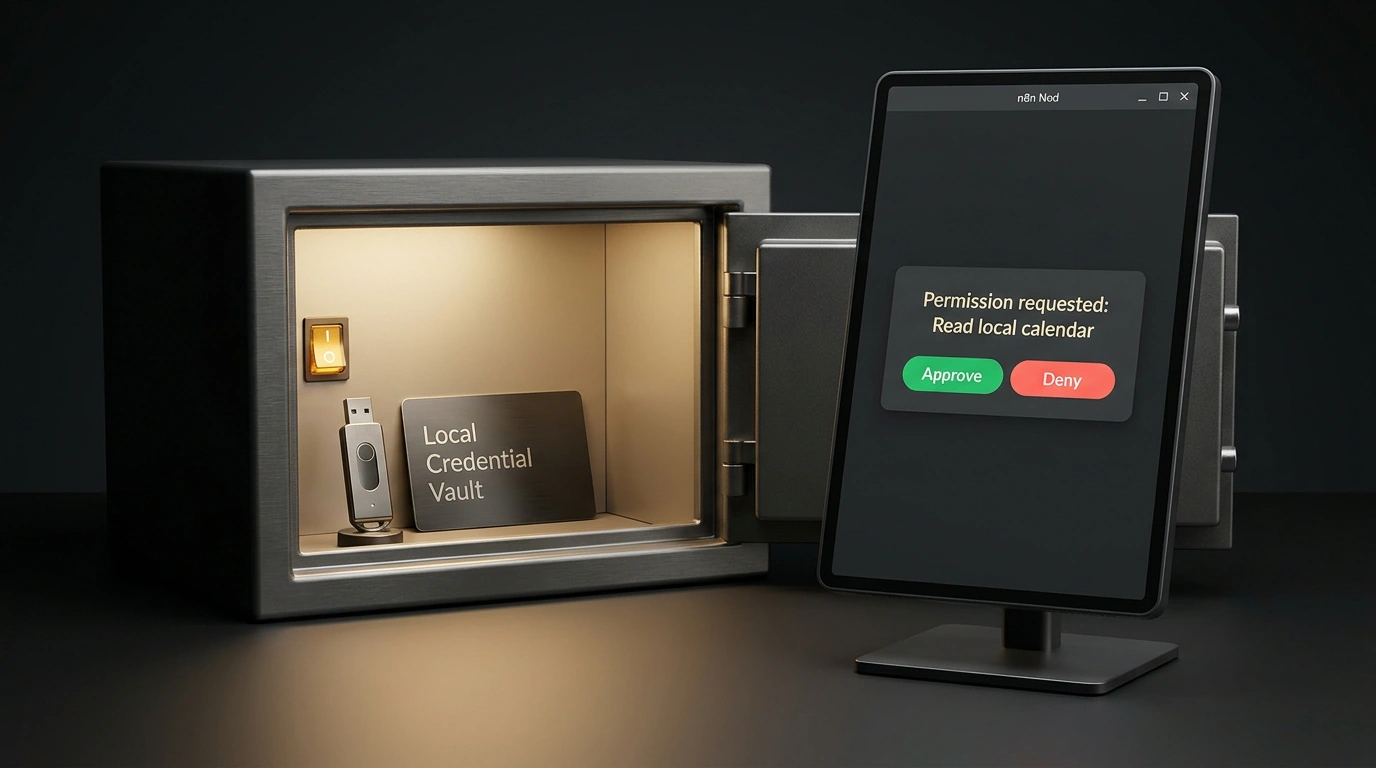
The first layer is a server-side Ask Before Action check. It pauses any risky move: sending an email, submitting a form, deleting a file, or reading the clipboard. Take that pre-call brief: Nod opens webmail in its Chromium container, pulls the agreed terms, and writes a summary. Before posting to Slack, though, a preview window pops up—nothing sends until you click approve.
The second layer is a local Vault. Passwords and 2FA codes are injected straight into websites without ever entering the model's context, and every step goes into an activity log. The third layer is Memory Vault, an SQLite database encrypted with AES-256-GCM. You can inspect every entry and delete anything in one click, and the assistant learns only from your messages while ignoring incoming emails from others.
Config, Models, and the Main Catch in Benchmarks
Nod supports Bring Your Own Model across more than thirty providers plus local Ollama and vLLM servers, as long as the model supports tool calling and at least 64,000 tokens of context. You set the model and safety boundaries in ~/.config/n8n-nod/agent.config.json:
{
  "model": {
    "provider": "anthropic",
    "modelName": "claude-opus-5-5",
    "temperature": 0.1
  },
  "security": {
    "askBeforeAction": true,
    "requireConfirmationFor": [
      "form_submission",
      "email_send",
      "filesystem_delete",
      "clipboard_read_sensitive"
    ]
  },
  "memoryVault": {
    "enabled": true,
    "storage": "local_sqlite",
    "encryption": "aes-256-gcm"
  }
}
The askBeforeAction flag pauses the agent before acting, requireConfirmationFor lists sensitive operations, and memoryVault encrypts memory with AES-256-GCM. After editing the config, launch the process:
nod-agent --config ~/.config/n8n-nod/agent.config.json --headless-browser chromium
The --config flag loads your safety rules and model profile, while --headless-browser chromium runs the isolated browser in the background without extra windows.
Even with server-side checks, risk judgment still depends on the model you set in modelName. In n8n's October 2026 benchmarks, 226 tasks were run three times each; across 678 runs, GPT 6.1 Sol finished 98% of tasks with zero unsafe steps. On 240 borderline decisions, GPT 6.1 Sol and Claude Opus 5.5 made zero mistakes, while the lighter Claude Haiku 5.5 let eight risky actions slip through. Cutting corners on the model in your config weakens your defenses.
On the 500-question LongMemEval-S memory test, the agent scored 93.2%. Out of 216 fake-email injection attacks, not a single one made it into the memory database, though the attack phrase did surface in twelve replies when re-reading the inbox. Everyday limits apply too: closing your laptop puts the agent to sleep, so scheduled jobs belong on a Mac Mini or server. Site redesigns require re-training selectors, and it's smart to turn off basic telemetry in privacy settings right away.