"I had a video editor working for me for a couple of years. Once Opus 5.5 came out, passing revisions back and forth to another person just wasn't needed anymore—the vision for how the video should look is already in my head."
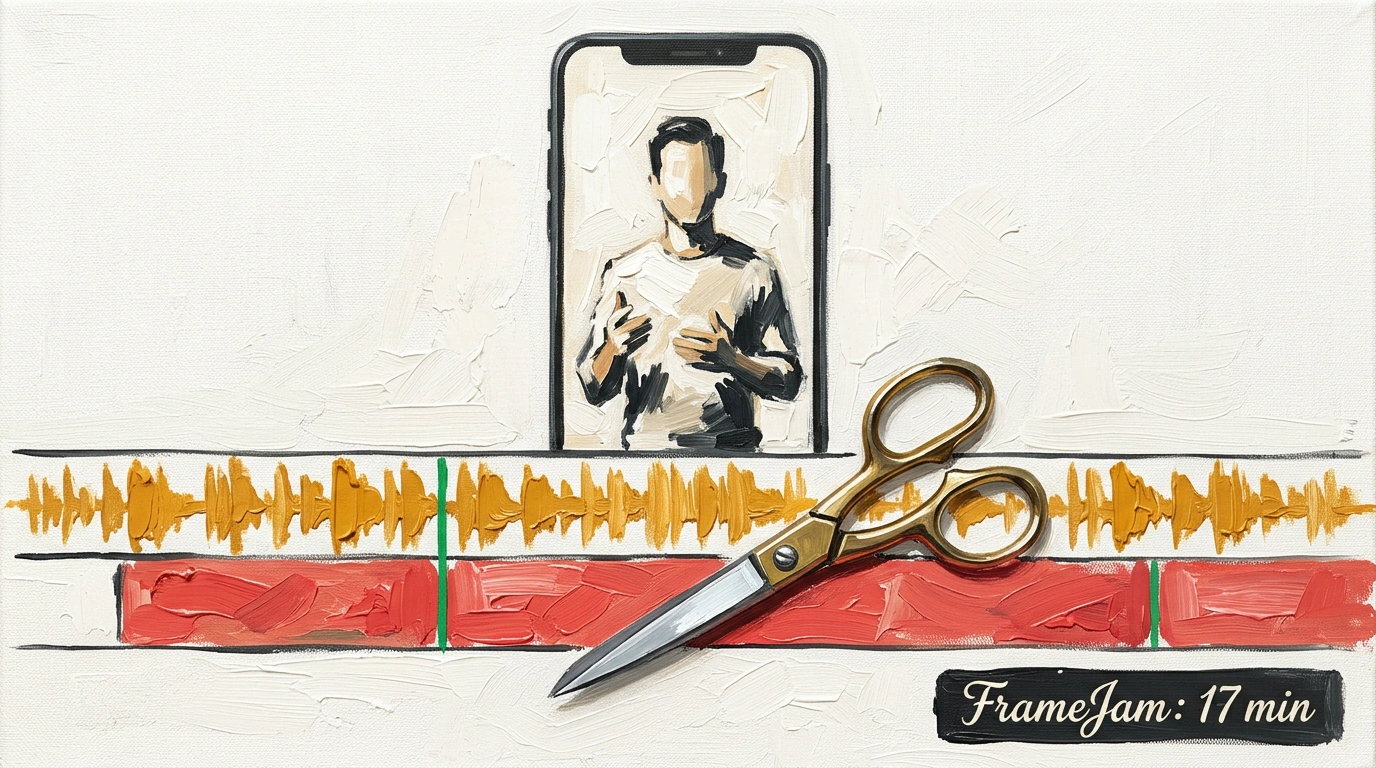
That's how FrameJam creator Moritz Kremb described moving to agentic editing in an interview on Kieran Flanagan's YouTube channel. Let's trace the workflow on a real task: you have a 20-minute phone recording full of stumbles and retakes. From that raw clip, you want a tight 60-second vertical short with captions and zoom cuts.
Previously, going back and forth with an editor took one or two days; in Kremb's demo, it took 17 minutes. The difference is that the agent drives a local video engine from a clear playbook instead of vague chat requests.
Why Programmatic Editing Beats Sora and Runway
Diffusion generators like Sora and Runway create eye-catching b-roll from text, yet they fail on real human speech: they warp facial expressions, break pauses, and scramble caption sync.
Programmatic editing works differently—the model never redraws your face pixel by pixel. Under the hood, Node.js, the FFmpeg CLI, and HeyGen's HyperFrames framework turn animated HTML into a finished video. Open-source under MIT, FrameJam connects to Claude Code or Cursor over MCP.
Speaking with co-host Kipp Bodnar, Kremb warned to run this setup only in desktop Cursor or local Claude Code. A browser chat lives in the cloud and can't reach your local FFmpeg renderer or heavy source clips.
A Skill File Instead of a Brief: Three Build Phases and the Audio Bug
So the agent doesn't improvise blindly, FrameJam uses Markdown playbooks and skill files—basically job descriptions for an editor. Whether it's a product launch, tutorial, or short, they define three phases: cutting pauses from the transcript, syncing cuts to the beat, and burning in captions.
Here's .framejam/skills/video-editor.md, which Claude follows to assemble a vertical clip:
---
name: video-editor
description: Automates raw footage trimming, beat-synced pacing, and captioning.
---

# Video Editing Playbook: Vertical Short
1. Ingest subtitle track from `input/audio.vtt`.
2. Remove silent pauses longer than 400ms and conversational disfluencies ("um", "uh").
3. Detect audio beats and align cut transitions to every 2nd downbeat.
4. Apply 1.15x digital zoom punch-in on emphasis keywords.
5. Render burned-in subtitles with 2-word active karaoke highlighting.
Following these five rules, the model works like a disciplined assistant. It pulls the track from input/audio.vtt, cuts silences over 400 ms and filler words, snaps cuts to every second beat, adds a 1.15x zoom on key phrases, and burns in captions with two-word active highlighting.
Early runs uncovered one quality killer: without guidance, the agent used local Whisper and tripped over technical terms. A half-second transcription slip shifts captions and slices words in half. Kremb switched to the ElevenLabs API, added Claude Eyes for screenshot checks, and created a feedback memory file where the agent logs past notes.
Frame-by-Frame Calibration in 17 Minutes and the Method's Limits
Say your 17-minute draft is ready, but at the 14-second mark a title covers the speaker's face. In a text chat, you'd have to type out timecodes by hand. In FrameJam's player, you pause the frame, click right on the problem spot, and leave a note.
The UI instantly turns your click into an exact instruction for the model:
{
  "timestampMs": 14250,
  "frameNumber": 428,
  "target": "text_overlay",
  "feedback": "Change highlight color from yellow to neon green and increase font weight to 800."
}
The agent doesn't have to guess what to fix: timestampMs pins the millisecond, frameNumber points to frame 428, and target aims straight at text_overlay. After review, the build script recalculates coordinates in five seconds, and a fresh render finishes in about 15 minutes instead of two days. That's how 20 minutes of raw phone footage becomes a clean 60-second clip.
Still, the method has three practical limits. FFmpeg effects put a heavy load on your CPU and GPU, DaVinci Resolve-style color grading and direct Adobe Premiere Pro export aren't supported, and a speech-to-text error can trick the agent into cutting a key sentence as a bad take.