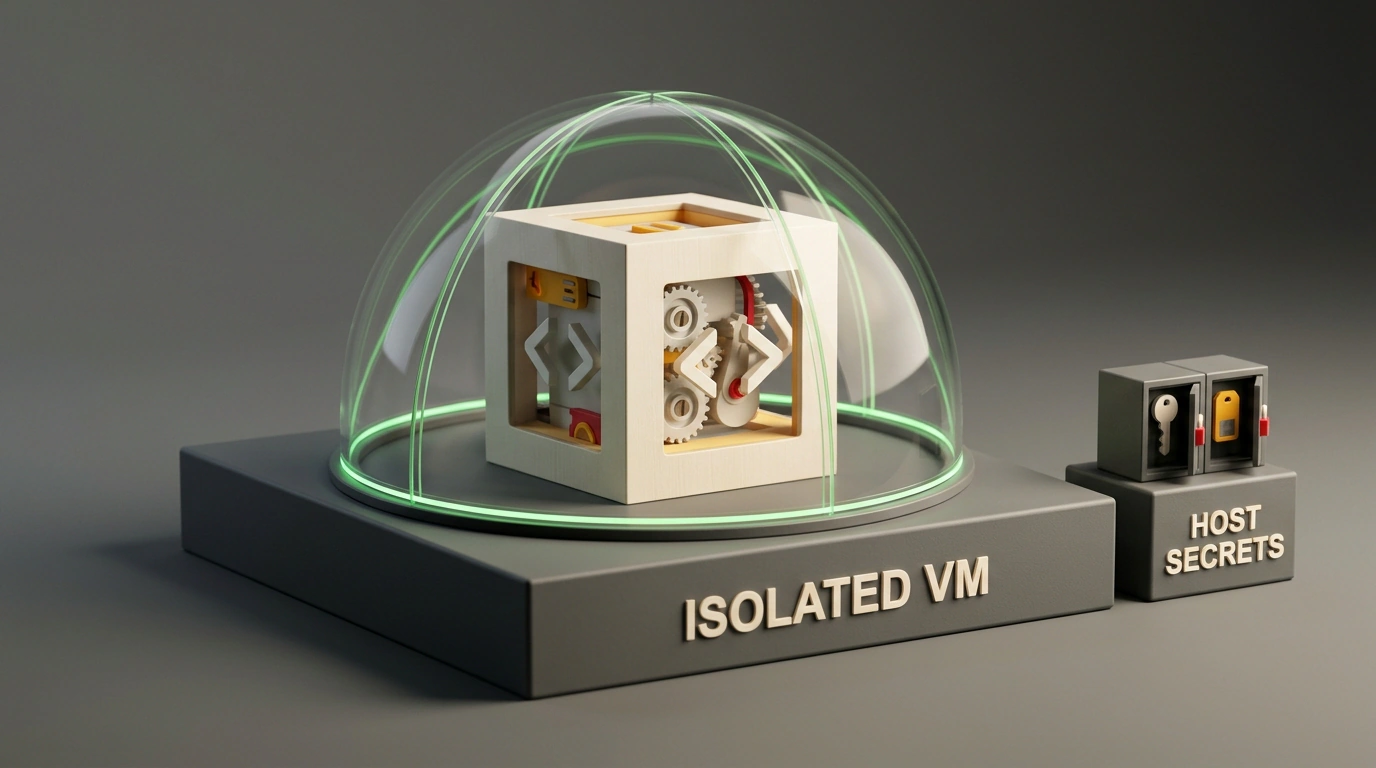
Suppose you open a Go service full of Python scripts in your terminal and turn an autonomous coding agent loose to run tests and fix a bug. While the agent roams your files, it sees everything your macOS or Linux user account can access. One bad directory delete or an accidental .env dump to the console turns your local setup into a mess.
An open-source Go utility called devvm (MIT license) tackles this problem. It follows a "one project folder, one virtual machine" model, spinning up an isolated sandbox with ready-to-use compilers straight from your working directory.
Why Regular Containers Fall Short for Coding Agents
It's fair to ask: why bother with a virtual machine when Docker is right there? There are two reasons. First, Docker requires maintaining Dockerfiles and configs for each stack. If you write a Go backend by day and test Python scripts at night, managing separate images becomes pure busywork.
Second, containers on Linux share one kernel with the host. Since an agent runs shell commands, builds, and network calls, a misstep or kernel bug hits your main system. On top of that, CLI agents like Claude Code, Codex, opencode, pi, and Cursor CLI are often installed globally right next to your SSH keys and tokens.
With devvm, the agent lives inside a guest VM. Its configs, skills, and MCP servers sit in isolated storage, and nothing needs to be installed on your host machine.
How the Lima and QEMU Sandbox Works
Under the hood, devvm uses the Lima 2.2 virtual machine manager and QEMU with /dev/kvm acceleration on Linux. Instead of wrapping shared OS processes in a container, it boots a lightweight VM with its own Linux kernel for each project.
On first launch, the tool asks for disk size, desired agents, and options, then builds a base image in a couple of minutes. After that, new sandboxes boot from copies in seconds, with toolchains mounted read-only. It inspects go.mod, pyproject.toml, package.json, or Cargo.toml in your project root and pulls in the right compilers automatically. Built-in layers cover Docker, Nix, and desktop environments, and you can build custom layers with devvm layer new.
The standout detail is how it handles source code. By default, only the project folder mounts into the guest at the same relative path, and your shell prompt shows (devvm). For risky refactoring, though, you can cut off access to your local working folder completely.
devvm --clone
git fetch devvm
git log -p main..devvm/main
The --clone flag creates a separate copy of the repository inside the VM and opens a shell there. The agent edits files and commits changes inside the sandbox while your host working tree and .git folder stay untouched. When it's done, you pull the branch on your host via git fetch devvm and inspect the diff before merging. Network access uses a host allowlist by default, and GitHub and Claude tokens stay on the host.
Installation, Diagnostics, and Safe Agent Launches
The tool supports macOS 13 and newer (Apple Silicon) as well as Linux (arm64 and x86_64); Intel Macs aren't officially tested. On macOS, you install it via Homebrew alongside Lima, while Linux users get a script signed with Minisign for verification before running.
# Install on macOS via Homebrew
brew trust --formula devvmhq/tap/devvm
brew install devvmhq/tap/devvm

# Install on Linux or macOS via script
curl -fsSL https://github.com/devvmhq/devvm/releases/latest/download/install.sh | bash

# Verify a downloaded install.sh with its Minisign signature
minisign -Vm install.sh -P RWSjzFsn7ETaijKJ2y7F4DtZobXmyv+LmdclJwZP/KmAkLUwOCzWF/2b
On macOS, brew trust approves the formula from the third-party tap. The Linux installer prompts before setting up Lima, QEMU, and /dev/kvm, and minisign -Vm verifies the script against the project key before execution.
Next, check that your hypervisor is ready using built-in diagnostics:
devvm doctor
This verifies Lima, QEMU, and /dev/kvm permissions on Linux, flagging anything missing. Once everything passes, head into your Go and Python project and launch the sandbox:
cd ~/my-project
devvm
devvm agent login claude
claude
Running devvm detects your toolchains and drops you into a (devvm) shell. devvm agent login claude authenticates the agent inside the sandbox and stores its token separately from host environment variables. You can bring over existing local configs, skills, and MCP servers with devvm agent import, and running devvm in the same folder later reopens the exact same VM with its state intact.