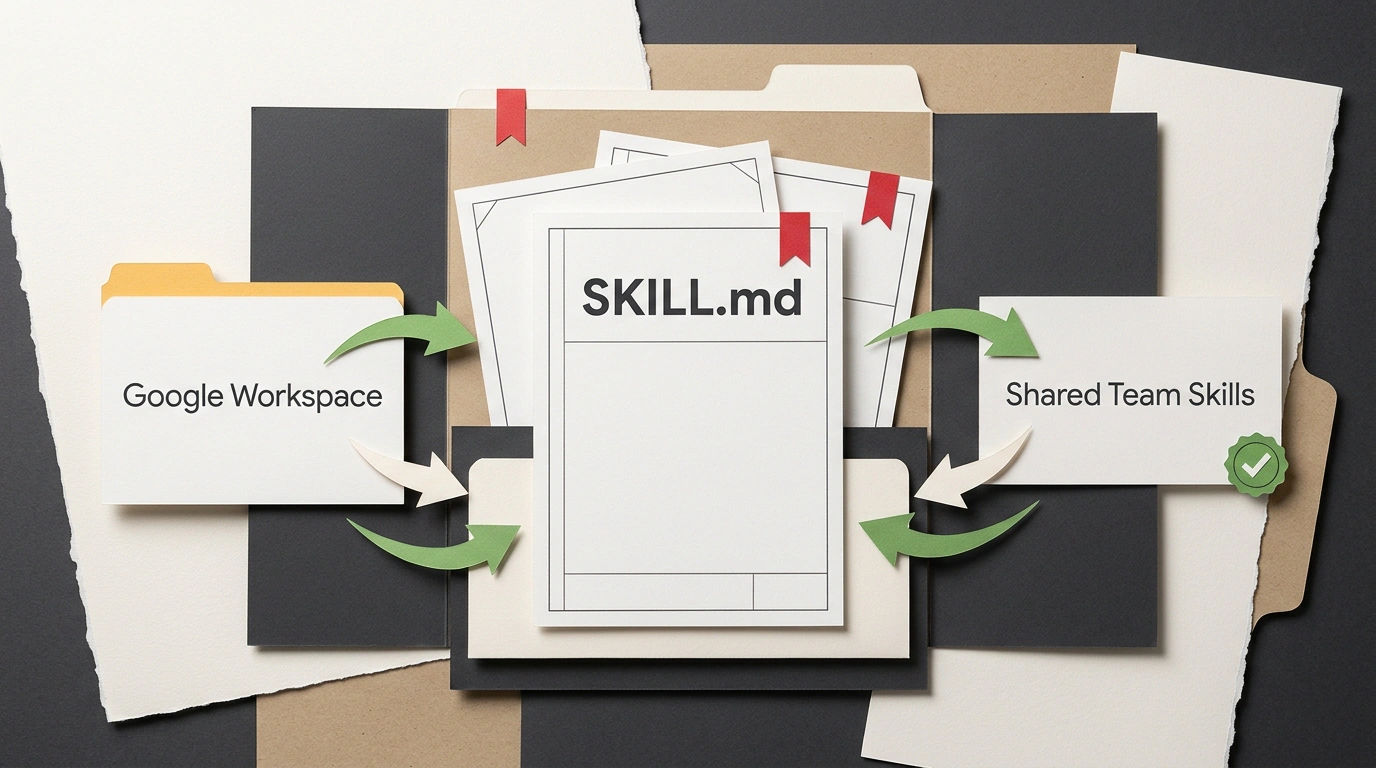
Your team updates the brand guide in Google Docs, tweaks a few lines in email templates, and gets back to work. A week later, half of your decks and client replies still follow the old rules because everyone has their own copy of the prompt and last year's PDF saved locally. Google fixed this gap in an official update to Gemini Skills: you can now share skills with teammates and attach live cloud files.
From Personal Prompts to Shared Skills with Live Files
Gemini Skills replaced the older custom Gems. A skill is a reusable instruction set that locks in rules, tone, response structure, and step-by-step workflows once. Previously, everyone kept their own copies, and any policy update meant pasting a new prompt into team chat and begging people to re-upload files.
Now, from the Skills page in the Gemini web app, you can share any workflow with colleagues using View access (run only, no accidental rule edits) or Edit access (collaborative updates). Recipients get an email notification, inspect the skill before installing, and then trigger it with @skill-name or just write a normal prompt and let Gemini load the right skill automatically.
The biggest win is live attachments. When creating or uploading a skill, you can attach files straight from Google Drive, Gemini Notebook (a research workspace holding sources and notes), and Google Photos. Attach your Drive brand guide and a working Notebook to a shared skill, and the workflow stays fresh automatically: an editor updates the doc today, and tomorrow when anyone runs @brand-email, Gemini pulls the latest version. Nobody has to re-upload PDFs by hand—everyone works from one source of truth. Google Photos lets you attach logos, visual references, and brand assets the same way.
Gemini App vs. Google Workspace: Two Systems, One SKILL.md
One obvious question comes up right away: if you build a team skill with a brand guide in the Gemini app, does it automatically show up inside Gmail, Docs, and Slides?
There is no automatic cross-sync yet. Inside Google Workspace apps (Gmail, Docs, Slides, Drive, and Chat), skills work similarly—they trigger automatically or via @name, are built and tested in Google Docs or Workspace Studio, and plug into Workspace Studio Flows automations. Under the hood, however, Gemini app skills and Google Workspace skills live in two separate systems with no single "publish everywhere" button.
What saves the day is the open SKILL.md format—a plain Markdown instruction file supported by both environments. Once you tune a skill in the Gemini app, you don't have to rebuild it from scratch for Workspace Studio: just copy the SKILL.md text and move the instructions over.
Three Launch Limits, Admin Controls, and Rollout Timing
Before rolling shared skills out to a department, it helps to know three early limits that trip teams up on day one.
First, sharing skills and changing View or Edit permissions only works in the Gemini web app for now. The mobile app doesn't have those controls yet.
Second—the biggest gotcha—Google Drive file permissions do not inherit automatically. If you share a skill with your team but forget to grant Drive access to the attached document, their Gemini session won't see that file. The skill will still run, just without the context it needs.
Third, uploaded files are capped at 100 MB total per skill. You can't dump an entire company archive in there, so stick to core playbooks.
In the Google Workspace Admin Console, skill sharing is on by default (admins can turn it off) and follows your organization's external Drive sharing policies: if external document sharing is allowed, skills can go to outside contractors too. There is no separate toggle to block file attachments in Admin. The gradual rollout began November 12, 2026, and takes up to 15 days for Rapid Release and Scheduled Release domains across all Google Workspace tiers and personal Google accounts.
Pre-launch checklist before sharing a skill with your team
- Share the skill in the Gemini web app with View access for users and Edit for maintainers.
- Separately grant teammates read access to all attached Google Drive files and Gemini Notebooks.
- Confirm uploaded files stay under the 100 MB cap with no extra archive clutter.
- Copy the
SKILL.mdtext into Google Workspace skills if the team needs it in Gmail, Docs, or Slides.