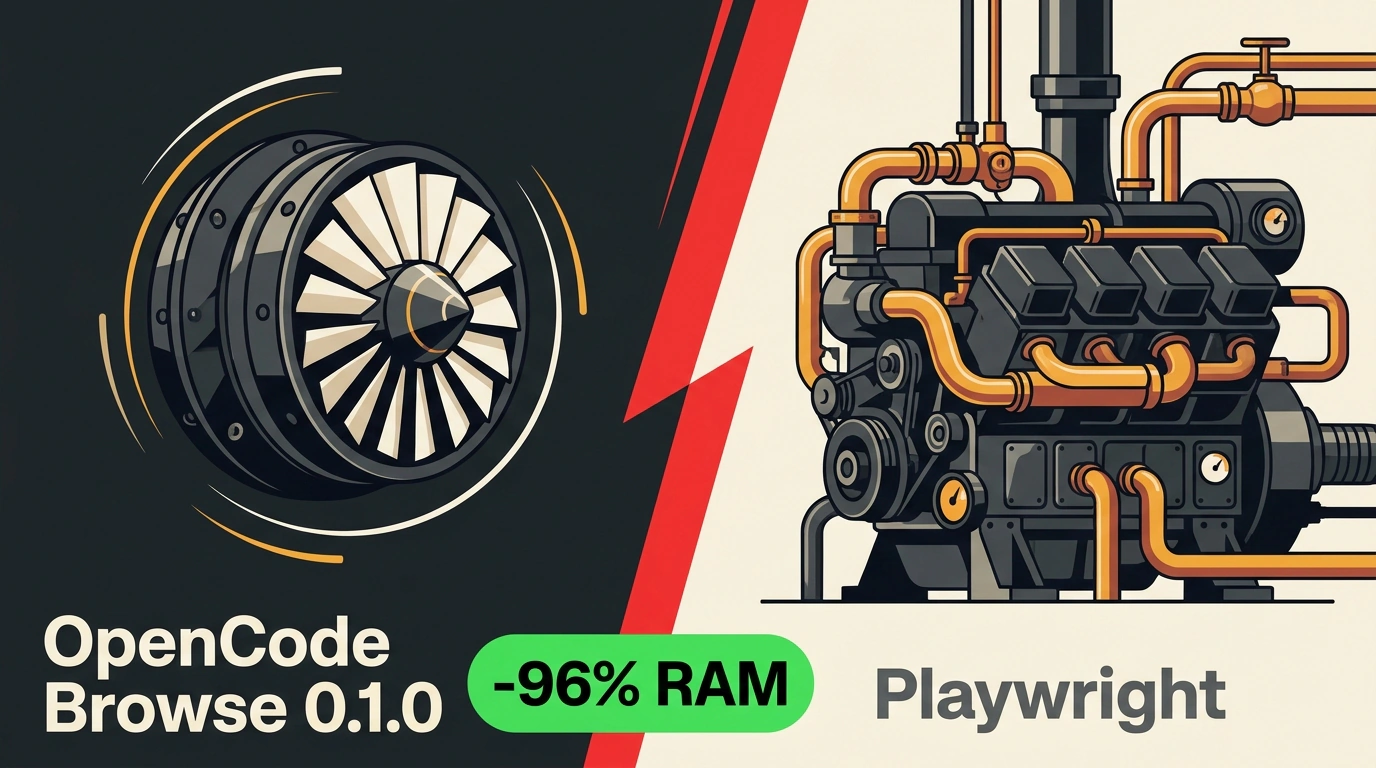
When you ask an AI agent to check a layout or inspect an admin panel, a heavy stack usually spins up behind the scenes. Node.js paired with Playwright (a browser automation framework) launches a separate, blank Chromium window with none of your cookies or logins. That connection eats around 190 MB of RAM and stalls on the very first sign-in screen.
In release 0.1.0, developer Dax Raad rewrote open-source OpenCode Browse in Rust and threw out both Node.js and Playwright. The result is a single compact binary that works directly inside your everyday browser.
What Changed Under the Hood
Dropping Node.js slashed two numbers right away. Connection memory dropped from ~190 MB to ~5.6 MB—nearly 25x less, or a 97% cut. The binary shrank from 53–64 MB down to ~4.3 MB (and 23x smaller once dropped dependencies are counted). With a footprint that small, you can leave it running in the background all day.
The architecture is straightforward. Running browse mcp starts a local MCP server (Model Context Protocol, a standard adapter for wiring tools to AI agents) and a lightweight Rust relay on 127.0.0.1:19988. A browser extension connects over WebSocket and drives tabs through chrome.debugger. It supports Chrome, Edge, Brave, Arc, Helium, Vivaldi, Opera, and Chromium, and works with over 30 MCP clients including OpenCode, Claude Code, Cursor, Codex, VS Code, Windsurf, Gemini CLI, and Zed.
OpenCode Browse — architecture diagram of the MCP server and extension for a real browser (Source: github.com/anomalyco/browse)
Release 0.1.0 removed "sessions" in favor of direct tab control by tab id (patches through 0.1.5 the next day added named tabs like work-mail and background relay auto-updates). OpenCode gets direct commands (navigate, snapshot, click, fill, screenshot, network, recording) for Code Mode, letting it open a page, collect links, and loop them through another MCP server. Claude Code, Cursor, Codex, Zed, and other clients get an execute tool powered by embedded QuickJS with a Playwright-style page API, plus status and tabs.
Agent tabs open quietly inside a collapsed tab group. Whenever a task hits a password, 2FA prompt, or checkout, Browse hands control back to you (handoff): you enter the code, click Continue, and the agent picks right back up. You can also "lend" any open tab to the agent from the toolbar button. For debugging, you get screenshots, screen recordings, and HAR files (HTTP Archive logs of network requests and errors, with auth tokens automatically stripped out).
Installation and MCP Client Setup
The binary installs in one command, and browse install updates JSONC, TOML, and YAML configs without stripping comments (for Node.js 22+, there's a fallback npx @opencode/browse install).
# macOS and Linux: installs binary to ~/.local/bin/browse
curl -fsSL https://opencode.ai/browse/install | bash

# Windows PowerShell
irm https://opencode.ai/browse/install.ps1 | iex

# Auto-connect selected agents without prompts
browse install -a claude codex

# Check relay, extension, and open tabs
browse status
The extension pairs with the relay using a one-time code (XXXX-XXXX) that expires in 10 minutes and exchanges a key over ECDH. For manual setups, browse install --agent none prints ready-to-paste JSON for any stdio MCP client:
{
  "mcpServers": {
    "browse": {
      "command": "/home/you/.local/bin/browse",
      "args": ["mcp"]
    }
  }
}
After updating your config, restart the agent, run browse status to confirm the relay and extension see each other, and test it on an open page.
Security Pitfalls and 0.1.x Limitations
Letting an agent into a live browser with open email and admin panels is convenient, but it brings a major risk: prompt injection. A malicious web page or email can hide instructions that trick the model into clicking the wrong button or leaking data from another tab.
Browse includes an allowedOrigins domain allow-list and a readOnly mode, yet the maintainers warn that these prevent wandering rather than acting as a true sandbox. allowedOrigins blocks navigation and new tabs outside the list, but it doesn't filter background page requests (fetch, XHR, iframe), and both eval and WebMCP run JS inside the page context. For sensitive accounts, use a dedicated browser profile with only the logins you need and isolate agent tabs in a separate window via OPENCODE_BROWSER_AGENT_WINDOW=separate.
Version 0.1.x comes with two more honest caveats. It's brand-new software (five patches up to 0.1.5 landed within 24 hours of 0.1.0), so commands and flags are still shifting. Also, sites behind Cloudflare or anti-bot walls may still block sessions—the browser shows a debugging banner, and Browse intentionally leaves CAPTCHAs for humans to solve.