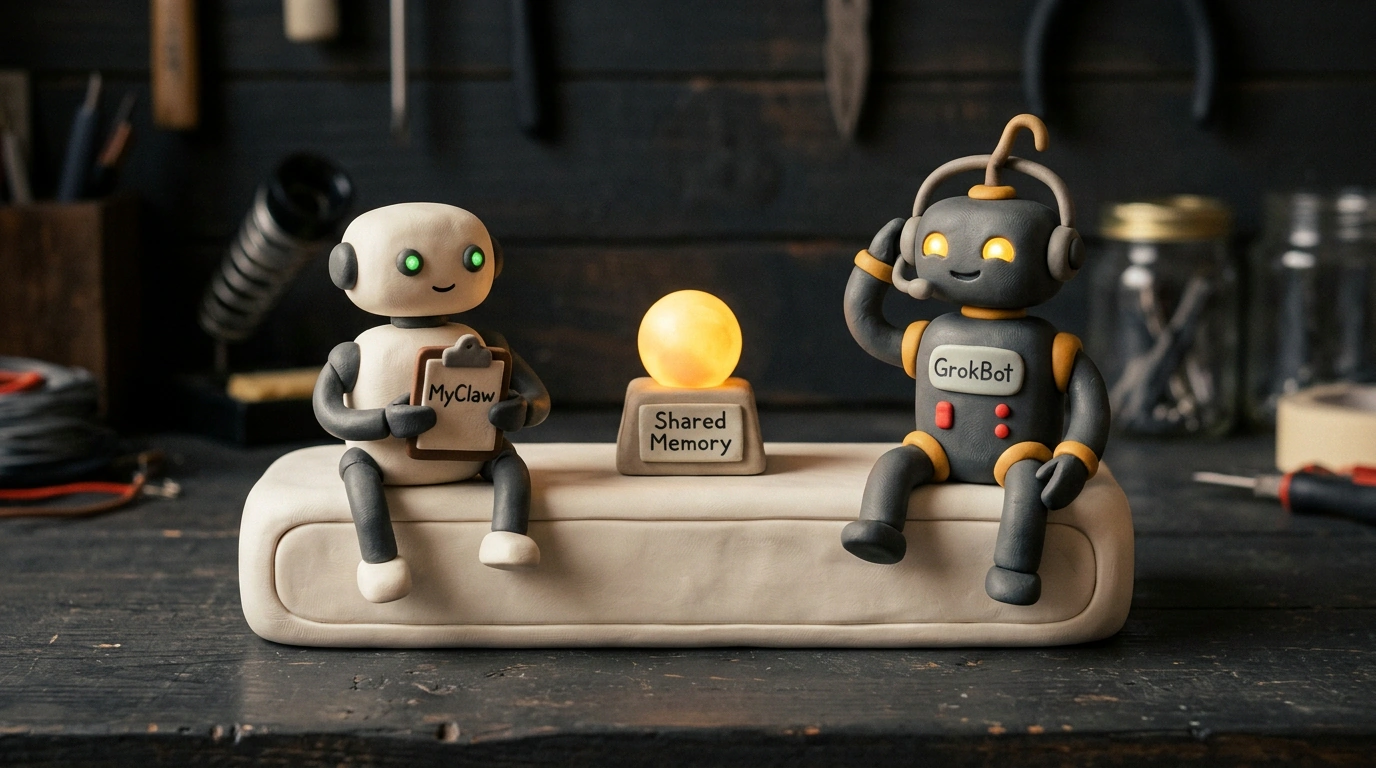
"One memory across all agents" is the slogan greeting visitors on the homepage of MyClaw 3.0. It's a short line, yet it captures where cloud AI agents are heading. Keeping a bot running in an open laptop tab feels cramped—close the lid and work stops. In fall 2026, platforms are moving onto 24/7 cloud servers and placing bots inside team chats, video calls, and site dashboards. Below are two fresh updates tackling this from different angles: the multi-model hub MyClaw 3.0 and team features in xAI's GrokBot.
MyClaw 3.0: Six Cloud Agent Harnesses Working Straight Inside Slack
Normally, working with agents feels like assembling parts from separate boxes: one tool writes code, another scrapes market data, and neither talks to the other. MyClaw 3.0 bundles that mix into one cloud and gives you six agent harnesses to choose from. To keep terms clear: the LLM acts as the brain, while the harness is its workshop with tools, files, and a browser. Inside, you get OpenClaw, Hermes Agent, Pi, Claude Code, Codex, and DeepSeek Harness, paired with over 50 models depending on the harness.
The real hook is shared memory: a research agent gathers market notes, and your coding or writing agent picks up those exact facts right away. No more copy-pasting walls of text between windows.
MyClaw 3.0 platform for team cloud AI agents (Source: myclaw.ai)
For live information, the platform builds in a Data Router. Instead of feeding agents dozens of separate API keys for search, SEO, social media, ads, or news, everything bills on a pay-as-you-go basis inside one account. Still, take the release claim of 5,000 live data sources with a grain of salt—there is no public directory listing all 5,000 sources on the site.
The same goes for the 24/7 cloud servers that keep running when your laptop is off. The announcement highlights peak specs up to 64 vCPUs, 128 GB of RAM, and 1.28 TB of storage. The key words are "up to." MyClaw 3.0 plans tie to 4,000, 8,000, or 40,000 monthly credits plus separate model usage, while baseline CPU limits aren't listed on the pricing page.
On messaging channels, it lists a web UI, Slack, Telegram, and WhatsApp, though Slack has the clearest documentation by far. Connect your workspace, bind an OpenClaw or Hermes agent to a channel, and assign tasks right in threads by mentioning the bot—no extra tabs needed. For the other chat apps, test them in a sandbox channel before rolling them out.
GrokBot on Calls and On-Call Duty: Zoom/Meet Notes, Slack Dashboards, and 5-Minute Site Checks
Where MyClaw 3.0 wins on model choice, xAI's GrokBot embeds itself into daily team routines. Its headline update lets the bot join Google Meet, Zoom, and Microsoft Teams calls on its own. Drop a link in chat, tag it in Slack, or set a schedule like "join weekday standups at 9:30 AM." Once admitted by the host, it sits in with a transcribing label, records a transcript, replies in meeting chat, and sends out a summary with action items and follow-up reminders afterward. If you want it quiet in chat, turn on Disable Interactivity or type Quit; scheduled joins start in note-taker mode by default.
What if you put a shared bot in team Slack and a coworker feeds it a weird instruction? Team Bots handles that neatly: personal employee chats stay private (managers can't read them), and while the knowledge base is shared, edits from regular members go into a manager approval queue (Review Learnings). On top of that, admins get Slack analytics dashboards tracking messages, active users, and bot adoption, while bots proactively pick up unassigned tasks. All of this sits behind paid plans: meetings require Team, Enterprise, Ultra, or Super, and Team Bots requires Team or Enterprise.
Another practical workflow is 24/7 site monitoring. A coordinator bot (chief of staff) spins up an on-call helper from a simple text command to check target pages every five minutes. If a site goes down, the bot checks Cloudflare, WordPress, or your hosting panel at pre-approved URLs. It's a handy safety net when you don't want to hear about downtime three hours later from a customer.
In xAI's security docs, the baseline protection is solid: each user gets an isolated micro-VM in the U.S., OAuth tokens stay server-side hidden from the model, admins set domain allow-lists, and Auto Review pauses risky actions for human approval. Even so, if you manually hand over a Cloudflare or WordPress login, create a separate restricted account and never turn off manual approval for edits.
For all its thoughtful tooling, GrokBot hits one hard ceiling: the underlying model. On complex multi-step tasks, current Grok still trails Gemini 4 Neon and top Claude models, so many teams restrict it to narrow routines like standup notes, Slack digests, and uptime checks. Unlike MyClaw 3.0, you can't swap in a third-party brain—you just have to wait for xAI's next model release.