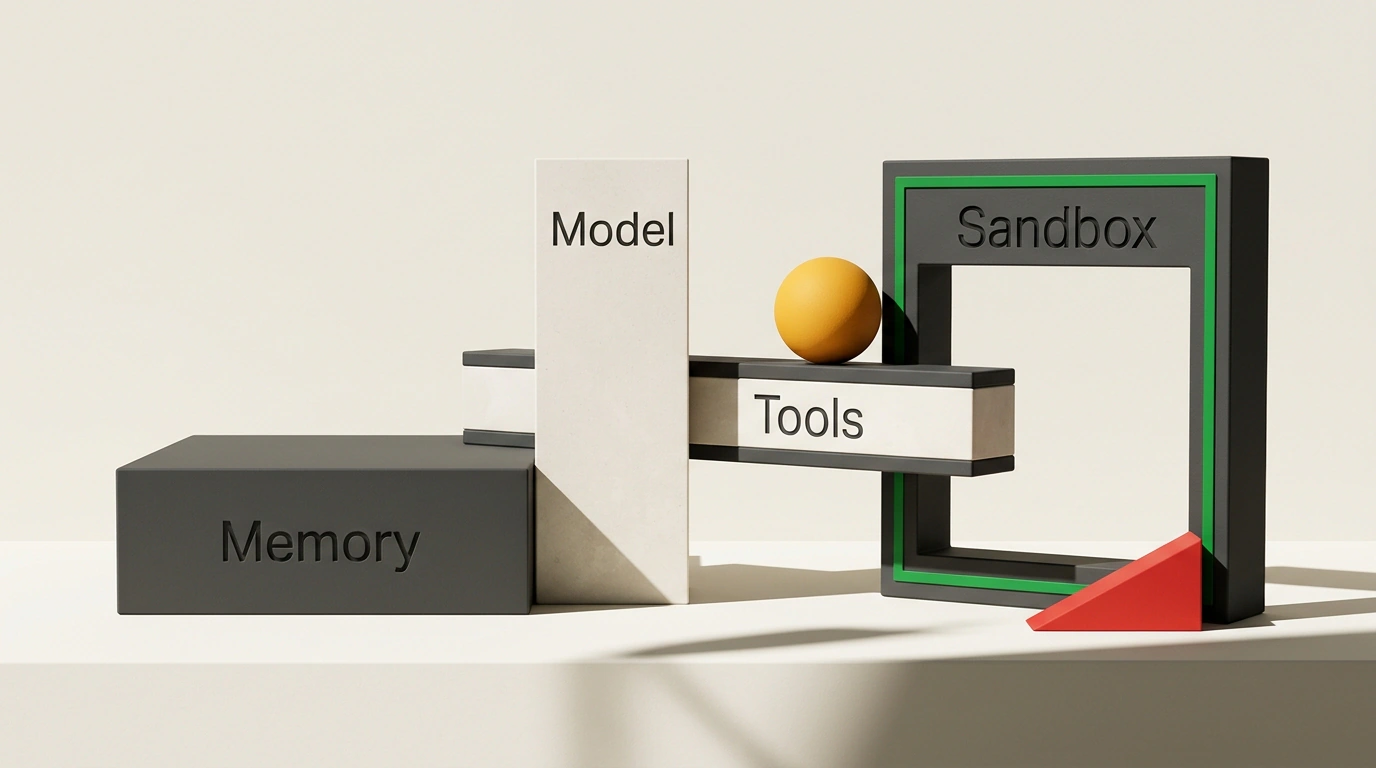
You drop the latest flagship model into your coding agent, expect magic, and an hour later it still breaks tests and skips the linter. Early on, it's easy to miss a simple truth: a model can write code, but on its own it is blind and has no hands. It can't open a file, run a build, or stop itself from deleting a folder. All of that comes from the harness—the environment around the neural network. Google Cloud's engineering framework breaks it into four pillars.
Brain in a Jar: Why an Agent Beats an Assistant
Here, the model acts as the "brain," while the harness supplies eyes, hands, a notebook, and a safety net. A chat assistant spits out a code snippet and leaves you to copy edits, run tests, and read logs. An agent works in a loop: it reads files, edits code, runs tests, sees an error, and fixes it.
With a weak harness, even a smart model flies blind. You end up in "prompt and pray" mode, firing off requests and hoping nothing breaks.
Memory, AGENTS.md, and Guardrailed Hands
When an agent doesn't know your repo, it guesses. Google's setup splits memory into three layers: the session holds the current chat, state tracks a scratchpad of attempts, and long-term memory stores habits across sessions.
To avoid repeating project rules by hand, teams put AGENTS.md in the repo root—an open Markdown standard used by over 60,000 repositories and read by Codex, Jules, Gemini CLI, Cursor, Copilot, Aider, Windsurf, and Devin.
# AGENTS.md

<!-- Build and test commands -->
## Setup
- Install: `pnpm install`
- Test: `pnpm test`

<!-- Style rules and hard boundaries -->
## Boundaries
- TypeScript strict, single quotes, no semicolons
- Never commit `.env` or credential files
- Run `pnpm test` before opening a PR
With that file in the root, any compatible agent immediately knows your commands, code style, and off-limits areas without copy-pasting a checklist into every chat.
Next, the agent needs tools and routing. Narrow tasks get Python functions, while external services connect via MCP (Model Context Protocol). To keep the agent from looping forever, you define steps in the open-source Google ADK (Python, TypeScript 2.0 GA, Go, Java, Kotlin). It gives you SequentialAgent, ParallelAgent, LoopAgent, and Graph Workflows with parallel checks, human-in-the-loop pauses, timeouts, and retry caps.
Sandboxing, Prompt Injection Defense, and Kill Switches
An agent with terminal access will eventually run something destructive, so code belongs inside a sandbox (a container or VM). To stop prompt injection—where text inside an issue or comment hijacks the agent—enforce one rule: external text stays data and never gets permission to issue commands. Also check privacy: know where logs and memory live and who can read them.
Block dangerous commands with human confirmation and ADK's before_tool_callback hook:
from typing import Any, Dict, Optional
from google.adk.agents import LlmAgent
from google.adk.tools.base_tool import BaseTool
from google.adk.tools.tool_context import ToolContext

# Dangerous patterns blocked for the shell tool
BLOCKED = ("rm -rf", "DROP TABLE", "DROP DATABASE", "git push")

def shell_guardrail(
    tool: BaseTool,
    args: Dict[str, Any],
    tool_context: ToolContext,
) -> Optional[Dict[str, Any]]:
    if tool.name == "run_shell":
        cmd = str(args.get("command", ""))
        if any(p in cmd for p in BLOCKED):
            name = tool_context.agent_name
            return {"error": f"Blocked in {name}: {cmd}"}
    # Only returning None allows the tool to run
    return None

agent = LlmAgent(
    name="coding_agent",
    model="gemini-2.5-flash",
    tools=[run_shell_tool],
    before_tool_callback=shell_guardrail,
)
If the model reaches for rm -rf, a table drop, or git push, the hook returns an error and the tool never runs. Watch out for two Python ADK gotchas: only None permits execution (returning {} cancels the call), and filtering text replies requires before_model_callback.
Three-Layer Evals and Where to Start
Teams skip this layer most often, mistaking code that looks finished for code that works. Evals verify results in three stages: tests and linters (binary pass/fail), LLM-as-a-judge (a second model grading style and clarity), and human review on small PRs that grow larger as trust builds.
Models change every few months, while a good harness stays and boosts every new release. Start with one step:
Four quick steps to get started
- Add
AGENTS.mdto your repo root with commands, style, and boundaries. - Connect one MCP server to an external service.
- Turn on confirmation or a
before_tool_callbackhook for dangerous commands. - Add at least one automated test the agent must pass.