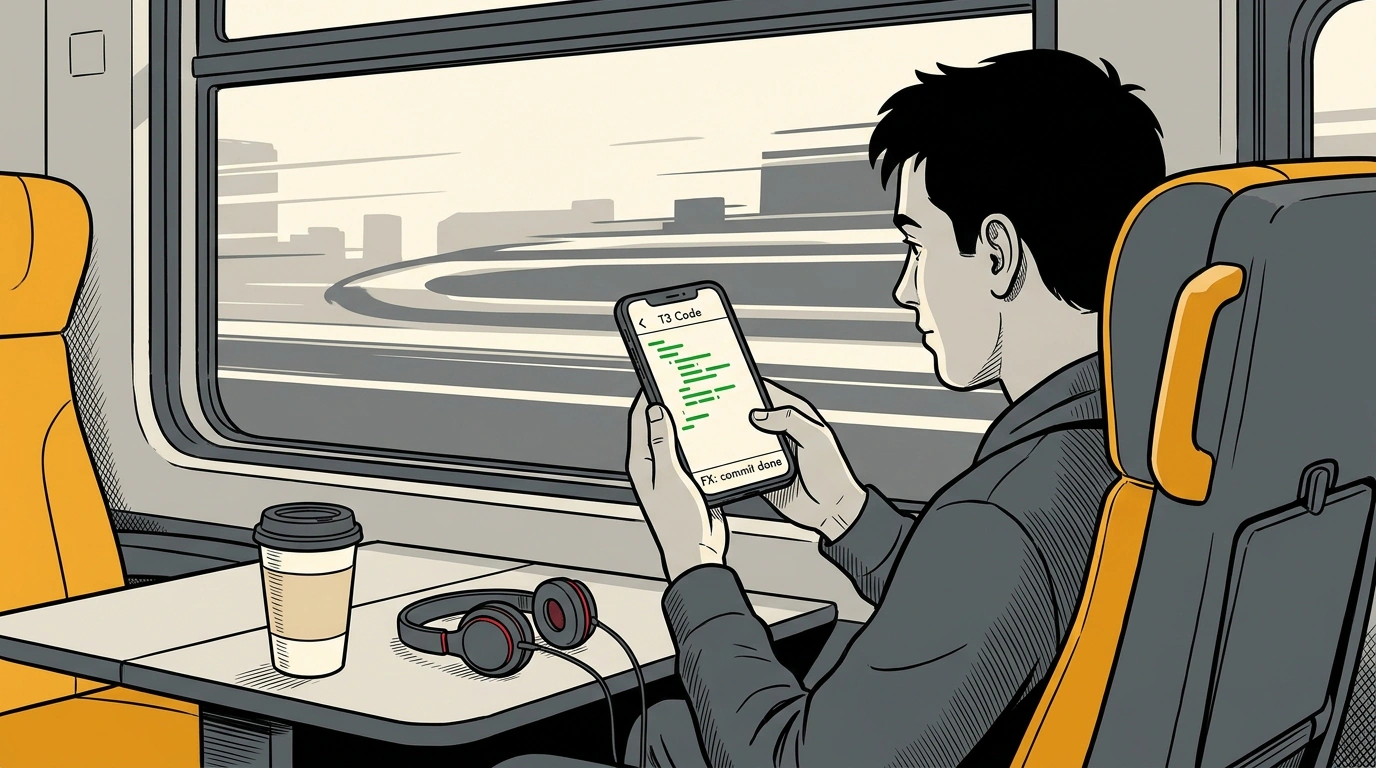
The moment you point an autonomous coding agent at a large task — rewriting routing, refactoring components, or adding test coverage to a legacy module — you become a hostage to your terminal. Close your laptop lid, drop an SSH session, or lose coworking Wi-Fi, and the process crashes mid-flight. Your branch is left half-dismantled, the model's reasoning context vanishes, and you're stuck cleaning up the mess in git status by hand.
Until recently, agentic development stayed welded to the desktop. In late October 2026, Vercel Labs and the Ping Labs team led by Theo Browne (creator of the T3 Stack) shipped a fix. They paired Vercel's open-source FX terminal agent with the cross-platform T3 Code control plane. The result is remarkably practical: a full-fledged agentic coding pipeline you can steer from your smartphone on the move.
FX Architecture: Minimalism in Zig and Resilient Sessions
Most modern coding assistants drag along a monstrous stack: heavy Node.js or Python runtimes, bloated Electron wrappers, and gigabytes of RAM. Vercel Labs took a radically different route, engineering the FX agent engine in the Zig systems language.
The FX binary weighs around 6 megabytes, boots instantaneously, and barely touches host system resources. That makes it an ideal fit for dense container environments and lightweight VMs. Yet FX's main engineering strength lies in its Durable Execution architecture powered by libfx:
- Context persistence: the agent logs every execution step, filesystem snapshot, and reasoning tree to an external journal.
- Seamless resumption: if the network drops or a virtual machine reboots, the FX session picks up from the exact point of failure without losing accumulated context.
- Vercel AI Gateway integration: requests to language models route through a gateway with prompt caching, load balancing, and automatic failover when rate limits hit.
We previously examined how cloud platforms are reshaping their architecture for autonomous systems in our breakdown of Vercel's agentic engineering architecture. The FX integration is the logical next step.
Bridge to Mobility: Integrating with the T3 Code Platform
On its own, the FX terminal agent is great, but in the console it remains just a CLI utility. Turning it into a distributed workspace tool required a control plane. That role is filled by T3 Code (t3.codes), pitched by its creators as a universal harness for orchestrating heterogeneous AI agents. We covered the concepts behind such systems in our review of orchestration and interfaces for agentic development.
Paired with T3 Code, the FX agent doesn't run on your laptop — it runs inside an isolated cloud container or on a remote server via the T3 Connect protocol. The architecture rests on three core principles:
- Isolation via Git Worktree: the agent never touches your working branch directly. Each task automatically spawns its own isolated worktree. If the model hits a dead end, your main codebase remains untouched.
- Asynchronous event protocol: communication between the T3 Code mobile client and the remote FX daemon runs over lightweight WebSockets. You get a live stream of command logs without taxing your phone's CPU.
- Granular access control (Human-in-the-loop): critical operations — deleting files, running untrusted shell scripts, installing packages, or pushing to a repo — require explicit user approval.
Permissions Config and Launching the Agent: From Manifest to Terminal
The agent's autonomy boundaries are defined in a standardized fx.config.json manifest. Here, the developer draws the sandbox perimeter: which directories are readable or writable, which commands can run automatically, and where an interactive pause is mandatory.
Here's what a typical remote worker config looks like for a frontend project:
{
  "name": "fx-remote-worker",
  "version": "1.2.0",
  "engine": "zig-harness",
  "model": "anthropic/claude-3-5-sonnet",
  "gateway": "https://gateway.ai.cloudflare.com/v1/account/vercel-ai",
  "permissions": {
    "fileSystem": {
      "allowRead": ["src/**", "package.json", "tsconfig.json"],
      "allowWrite": ["src/components/**", "src/lib/**"],
      "deny": [".env*", "secrets/**", ".git/**"]
    },
    "shell": {
      "allowedCommands": ["npm test", "npm run build", "git diff", "pnpm lint"],
      "requireInteractiveConfirmation": ["npm install", "git push", "rm -rf"]
    }
  },
  "t3Connect": {
    "enabled": true,
    "notificationWebhooks": ["https://t3.codes/api/webhook/session-012"]
  }
}
Spinning up a session on a server or local machine takes one concise CLI command, after which the developer can safely disconnect:
# Start an autonomous FX session linked to the T3 Code platform
fx run --harness t3-code \
  --task "Refactor checkout modal to Server Actions" \
  --sync-branch "feat/checkout-actions"

# Check remote session status via the helper CLI tool
t3-connect session status --id "sess-fx-9921" --json
Once fx run executes, the agent spins up the worktree, pulls task context, drafts an edit plan, and starts generating code and running tests in the background.
Field Scenario: Mobile Coding in Real Life
Picture a real-world moment: you're out at lunch or riding the subway when monitoring alerts you to a webhook handler bug. Instead of frantically pulling out your laptop, tethering to your phone, and balancing on your knees, you open the T3 Code web UI on your smartphone.
The screen displays the live status of your remote FX session:
- The agent pinpointed the faulty route file and prepared a patch with signature validation.
- Ran unit tests via
npm test— all checks passed. - Generated a line-by-line diff with syntax highlighting.
- Paused right before
git pushand requested permission to push the branch.
You review the diff with your thumb right in the mobile browser, confirm the exception handling looks solid, and tap "Approve." The agent pushes the branch to GitHub, Vercel automatically spins up a Preview Deployment, and you verify the fix live right from your phone.
Pitfalls and Capability Boundaries
The Vercel FX and T3 Code pairing is a specialized engineering tool with its own limitations:
- Network lag on weak connections: when cellular signal dips, streaming heavy diffs and live logs to your phone can lag. The server-side agent keeps working uninterrupted, though feedback reaches you with a delay.
- AI Gateway economics: launching an agent from your phone makes it tempting to delegate every minor chore. Without daily Spending Limits configured in the AI Gateway dashboard, refactoring sessions on Claude 3.5 Sonnet will burn through token budgets fast.
- Interactive CLI wizards: FX handles standard non-interactive build and lint commands effortlessly. However, if a command tries to open a complex pseudo-terminal UI (ncurses or an interactive package prompt), the headless runtime risks timing out.
- Not suited for GUI development: the stack targets web apps and backends. Debugging native desktop UIs (macOS Cocoa, Windows WPF) that require a hardware display isn't possible in this remote setup.
Pairing Vercel FX with T3 Code marks a meaningful step in how software gets built: coding is no longer chained to a desk. Models handle the grind of compiling and refactoring, leaving humans in the architect's seat, making key calls from anywhere.