Have you noticed how your reaction to flashy research-lab keynotes has changed over the past year? When a VP walks onstage and breathlessly announces their latest language model scored 92.4% on MMLU-Pro or shattered a synthetic quantum electrodynamics benchmark, normal people just shrug. Who cares how many abstract geometry puzzles a neural network solved if it still can't remind you to pick up milk on the way home or mixes up parent-teacher conference dates?
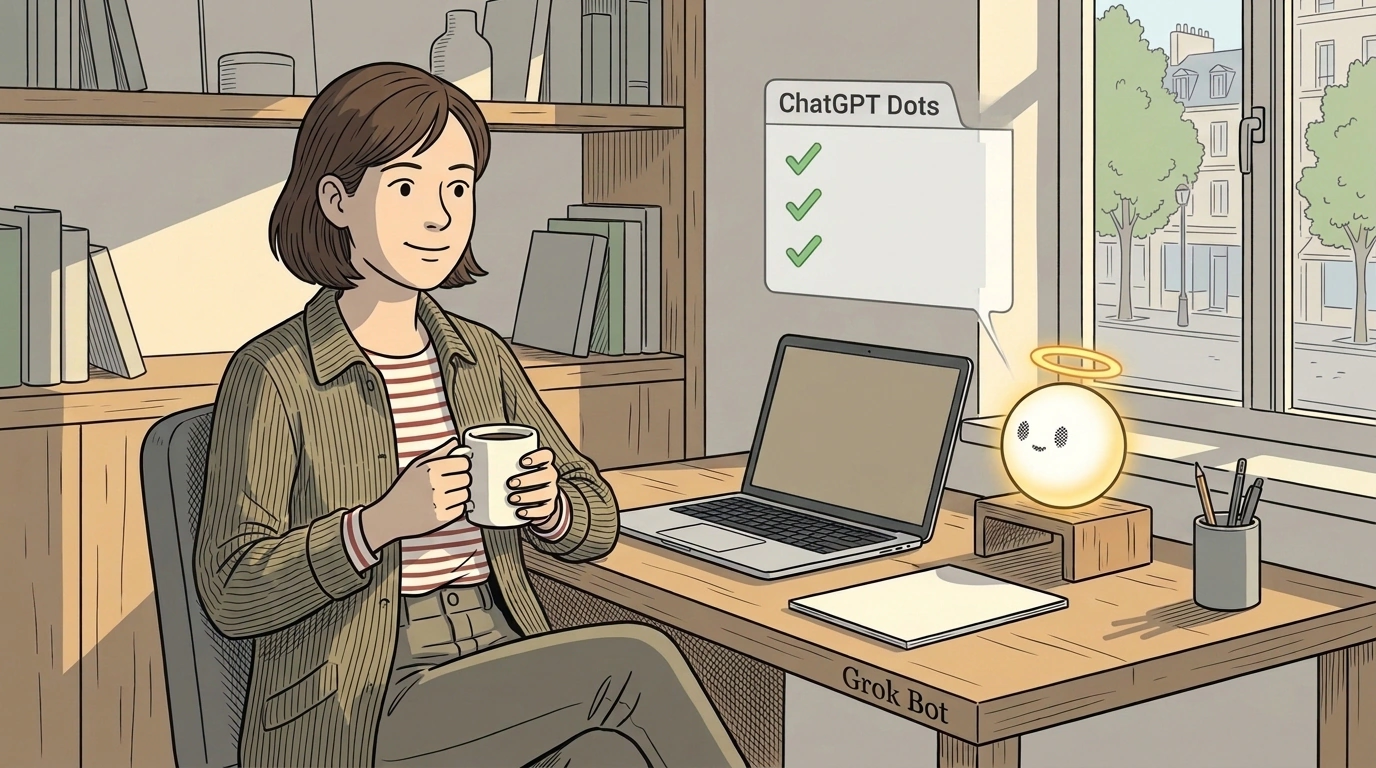
The AI Advantage community zeroed in on this turning point. Instead of chasing marketing vanity metrics, analysts audited practical features that directly save time in daily life. Two fresh ecosystem updates took center stage: OpenAI's personal ChatGPT Dots assistants with Apple iCloud support, and xAI's Grok Bot with direct desktop app control.
Let's cut through the noise and break down 7 practical updates from late October 2026 that turn an AI from an abstract chat partner into a dependable digital secretary.
1. The Bridge Between ChatGPT Dots and Apple iCloud: Reminders, Notes, and Calendar
The most eagerly awaited entry in ChatGPT Release Notes is native wiring between custom Dots assistants and Apple iCloud. Previously, any useful idea born in an AI chat stayed trapped inside the app: you had to highlight text by hand, copy it to the clipboard, and paste it into your system to-do lists.
Now ChatGPT Dot connects straight to Apple Reminders, Notes, and Calendar:
- Dictate into your earbuds, "Add wall primer and replacement filter cartridges to my weekend shopping list," and the bot instantly drops neat items into the right Reminders list on your iPhone;
- The assistant reads your notes: if you keep a workout log or rough idea scraps in Apple Notes, the bot factors that context in when planning your day;
- Schedule syncing: the model checks open slots in your system calendar before suggesting a time for a call or meeting.
2. Grok Bot with Computer & Apps Mode and 1Password Integration
While OpenAI shores up mobile turf, Elon Musk's team at xAI rolled out a groundbreaking desktop control mode for Grok Bot, documented in xAI Grok Bot Docs. The model can now do more than offer advice — it physically interacts with open app windows on macOS and Windows.
The headline breakthrough is official integration with the 1Password manager. Previously, letting an AI agent log into websites on its own was an unacceptable risk: you can never feed a master password into a prompt context. Through an official encrypted connector, Grok Bot requests credentials via a system cryptographic bridge: you confirm with Touch ID, and the agent fills the form without ever exposing the raw secret to the language model.
3. Instant Voice Trigger via the Action Button
The second convenience leap for Grok Bot and mobile ChatGPT moves the trigger onto a physical phone button. Instead of hunting for an app icon on a cluttered home screen, you bind the assistant to your iPhone's side Action Button via Apple Shortcuts.
Hold the button for one second and start talking immediately. No splash screens, no intermediate menus. Your voice note is transcribed on the spot, stripped of filler words, and routed straight into the right workflow.
4. A Fleet of Narrow Family Bots Instead of One Catch-All Chat
Using a single catch-all thread to plan vacations, help kids with homework, and sort utility bills always turns into context soup. The AI Advantage case study highlights a shift toward a "family agent fleet" — spinning up a couple dozen narrowly focused micro-bots:
- School coordinator: tracks kids' after-school clubs and sports schedules, reminding you which days need gym gear;
- Meal planner: checks what's left in the fridge and drafts a three-day menu with a list of missing groceries;
- Receipt tracker: accepts photos of bills and logs monthly household utilities into a clean spreadsheet.
5. Lifting Message Caps on Plus Plans
For a long time, heavy users slammed into a hard wall: a cap of 40 or 80 messages per three hours forced awkward pauses right in the middle of deep work. Lifting those strict limits — alongside faster parsing of hefty PDFs and spreadsheets — turned the service from an experimental sandbox into a nonstop everyday production tool.
6. An Antidote to Vaporware Announcements: Filtering Marketing Noise
An essential skill in 2026 is tuning out "paper" releases. Labs routinely tease upcoming architectures (like early previews of Gemini Carbon lines) months before public launch. The AI Advantage urges teams to judge tool maturity by one simple test: "Does it run on my devices right now?" Products gated behind closed waitlists get crossed off active workflows until general availability.
7. Moving to Actionable AI: Measuring Hours Saved
The final stage of maturity is measuring AI's value in hours saved. Artificial intelligence isn't useful when it waxes poetic about the future of technology — it's useful when it spares you 40 manual mouse clicks, reconciles two expense sheets on its own, and fills out tedious web forms.
Pitfalls and Reliability Boundaries
Appealing as personal-data integrations are, digital hygiene still matters:
- iCloud sync lag. On spotty cellular signal, tasks handed to ChatGPT Dot can take 2–3 minutes to land in system Reminders — worth keeping in mind before walking out of a store;
- Accessibility permissions for Grok Bot. When granting an agent screen-control and mouse-click rights, make sure banking apps and confidential work folders stay outside the utility's visibility;
- Dual subscriptions. Running the full OpenAI and xAI stack side by side means paying for two separate plans (ChatGPT Plus and X Premium+), so do a sober ROI check before subscribing to both.
The real worth of modern neural networks isn't measured in server teraflops — it's measured in how much calmer and cleaner your everyday life becomes. Wiring agents into OS infrastructure is a solid step toward finally taking daily drudgery off your plate.
