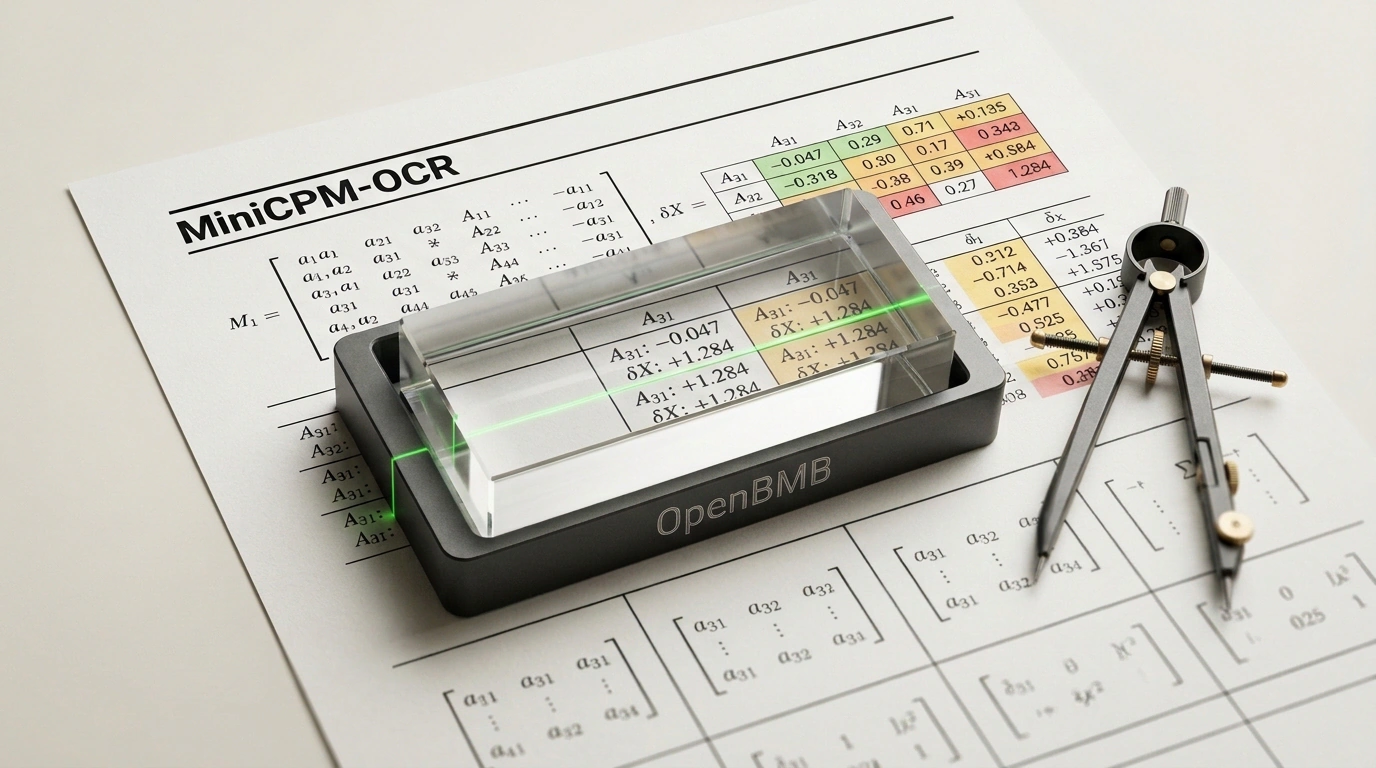
Every developer who has built enterprise RAG pipelines or electronic document workflows has run into the nightmare of optical character recognition (OCR). You face a classic fork in the road: either send confidential scans of contracts, accounting statements, and passports to cloud APIs like Google Cloud Vision or AWS Textract, or try deploying Tesseract locally.
The first path means astronomical monthly bills and a direct risk of leaking sensitive data outside your controlled perimeter. The second path is a technical dead end: classic Tesseract chokes on any page skew, multi-column layouts, stamps, and borderless tables. If a user snaps a photo of an invoice on a phone at an angle in dim light, the output turns into unreadable character soup.
The OpenBMB research lab, together with Tsinghua University, has offered an elegant engineering fix. They released a specialized open-source family of compact multimodal models, MiniCPM-OCR, under the permissive Apache 2.0 license. The new architecture runs on ordinary consumer hardware and turns scans of any complexity into structured Markdown. Let's look at how this stack works and how to deploy it on your own servers.
Tandem Architecture: MiniCPM-OCR 1.0 Parser and Jev 2.0B Judge
Instead of bloating a model to tens of billions of parameters, OpenBMB's engineers opted for narrow functional specialization. The family pairs two models with distinct roles:
- MiniCPM-OCR 1.0 (1.3 billion parameters). A high-speed encoder-parser trained on dense bilingual documents (English and Chinese), blueprints, stamps, and financial ledgers. It handles tables with merged cells (
rowspan/colspan) effortlessly, turning them into valid HTML or Markdown syntax, and translates math formulas into clean LaTeX. - MiniCPM-OCR Jev (2.0 billion parameters). A dedicated Quality Judge model. In production, knowing exactly where an algorithm might have misread a SKU digit or invoice total is critical. Jev doesn't re-recognize text from scratch: it takes the original raster scan and the parser's generated Markdown, compares them pixel by pixel, and assigns a confidence score, flagging dubious regions for human review.
Thanks to the DSpark visual token compression mechanism, the model outperforms heavy multimodal networks in generation speed by 3–5x. In 16-bit precision (BF16), weights take about 3.5 GB of VRAM, and under 4-bit quantization (AWQ/GGUF) memory use drops below 2 GB — letting you run OCR even on modest GPUs like a GeForce RTX 3060.
Hands-On: Writing a Local OCR Pipeline in Python
Integrating MiniCPM-OCR 1.0 into a Python backend takes nothing more than the standard Hugging Face Transformers library. The script accepts a raster image (scan or document photo), builds a multimodal prompt, and returns a structured text document:
import torch
from PIL import Image
from transformers import AutoModel, AutoTokenizer

def process_document_scan(image_path: str) -> str:
    model_id = "openbmb/MiniCPM-OCR-1.0"

    # Load tokenizer and model weights with remote code trust
    tokenizer = AutoTokenizer.from_pretrained(model_id, trust_remote_code=True)
    model = AutoModel.from_pretrained(
        model_id,
        trust_remote_code=True,
        torch_dtype=torch.bfloat16,
        device_map="cuda"
    )
    model.eval()

    # Open and prepare the image
    image = Image.open(image_path).convert("RGB")
    instruction = (
        "Extract all content from this document into clean Markdown format. "
        "Preserve complex table layouts and format mathematical expressions as LaTeX."
    )

    messages = [{"role": "user", "content": [image, instruction]}]

    with torch.no_grad():
        response = model.chat(
            image=None,
            msgs=messages,
            tokenizer=tokenizer
        )
    return response

if __name__ == "__main__":
    markdown_output = process_document_scan("sample_invoice_scan.jpg")
    print("--- Extracted Structured Content ---")
    print(markdown_output)
In this setup, the model automatically detects paragraph structure, headings, and lists. If a document contains a complex accounting table, it doesn't shatter into disconnected lines — it assembles into clean markup.
Production Deployment: Serving via vLLM
For high-throughput document queues, running a standalone Python script won't scale. The production standard for serving hundreds of requests per second is the dedicated vLLM inference server with quantized weights:
# Install and launch a high-throughput MiniCPM-OCR service via vLLM
pip install vllm transformers accelerate

vllm serve openbmb/MiniCPM-OCR-1.0 \
  --trust-remote-code \
  --quantization awq \
  --gpu-memory-utilization 0.85 \
  --max-model-len 4096 \
  --port 8000 \
  --host 0.0.0.0
The server exposes an OpenAI-compatible /v1/chat/completions endpoint. Any local agent or microservice can post Base64-encoded images there and get parsed Markdown back in an instant. We covered how to optimize these compute environments and speed up server inference in our breakdown of the open-source DeepInfer engine architecture.
Comparison with Alternatives and Role in Data Pipelines
On Real5-OmniDocBench and OCRBench v2, MiniCPM-OCR 1.0 matched proprietary cloud giants while comfortably beating popular open-source options like Surya OCR and Meta's specialized Nougat model. Its big edge over Nougat is versatility: while Meta's model is tuned strictly for academic PDF papers, MiniCPM-OCR handles crumpled retail receipts, customs declarations, and handwritten margin notes.
High-quality scan digitization solves the foundational problem of cleaning inputs for large language models. As we noted in our review of Microsoft's MarkItDown tool, converting messy heterogeneous files into clean Markdown is the key prerequisite for hallucination-free AI agents.
Limitations and Practical Caveats
Before rolling MiniCPM-OCR into production, keep a few nuances in mind:
- Source resolution requirements: although resilient to glare and warping, reading micro-fonts smaller than 6 points requires scans of at least 300 DPI; otherwise characters bleed into visual blobs.
- Language coverage: the primary dataset focuses on English and Chinese. It handles printed Russian text reliably, though complex handwritten Cyrillic may require lightweight LoRA fine-tuning.
- llama.cpp support: DSpark architectural layers require careful integration into C++ engines, so PyTorch-based Transformers and vLLM remain the most stable runtime options for now.
OpenBMB's MiniCPM-OCR gives companies back independence from foreign clouds: a complete high-precision archive digitization pipeline now runs locally on standard server hardware.