With the rise of autonomous coding agents like Claude Code, Cursor, and Aider, the familiar rhythm of development has shifted: neural networks rewrite dozens of files, change function signatures, and reshape entire modules in a couple of minutes. But as soon as it comes time to verify what exactly the agent has churned out, you hit a brick wall.
A standard git diff in the terminal turns into an endless soup of green and red lines. Colors blur together, long lines wrap awkwardly across the console width, and comparing "before" and "after" code side by side is practically impossible. The most natural urge at that moment is to push the branch to GitHub, open a draft Pull Request, and calmly inspect the changes in a clean web interface.
Right away, though, a serious conflict of security and common sense arises. Pushing raw, possibly broken code—or code containing private tokens—to external cloud servers is simply risky. And cluttering a remote repository with dozens of throwaway commits just for visualization is hardly a pleasure. Developer yoshiko-pg offered an elegant engineering solution to this pain point by publishing the open-source utility yoshiko-pg/difit. It is a lightweight local tool that spins up a full GitHub-style code review web interface on your machine with a single command, without sending a single network packet outside.
Under the Hood: Architecture of the Local Inspector
What immediately won me over in difit is the cleanliness of its technical implementation. Instead of trying to package the project into a clunky half-gigabyte Electron app, the author assembled a compact tandem of Node.js and a lightweight single-page application.
The whole setup is launched via Commander.js, which validates command-line arguments and starts a local Express-based HTTP server. The server binds exclusively to the local 127.0.0.1 interface on a random free port (or a port specified via the --port flag). To extract data from Git, the tool uses the battle-tested simple-git library, invoking the git binary in the context of your repository.
The client side is built with React 18 using Vite, and its visual style reproduces GitHub Dark Mode practically pixel-for-pixel using Tailwind CSS v4. Syntax highlighting is handled by the lightweight Prism.js engine with dynamic grammar loading: whether your agent is editing TypeScript, Rust, Go, Python, C++, SQL, or Terraform templates, lines are highlighted instantaneously with zero lag.
# Instantly inspect all uncommitted changes (index + working directory)
npx difit .

# View only staged files ready to be committed
npx difit staged

# Compare the current working branch against the target main branch
npx difit main...HEAD

# Inspect a specific commit by its hash
npx difit 7a3b1c9
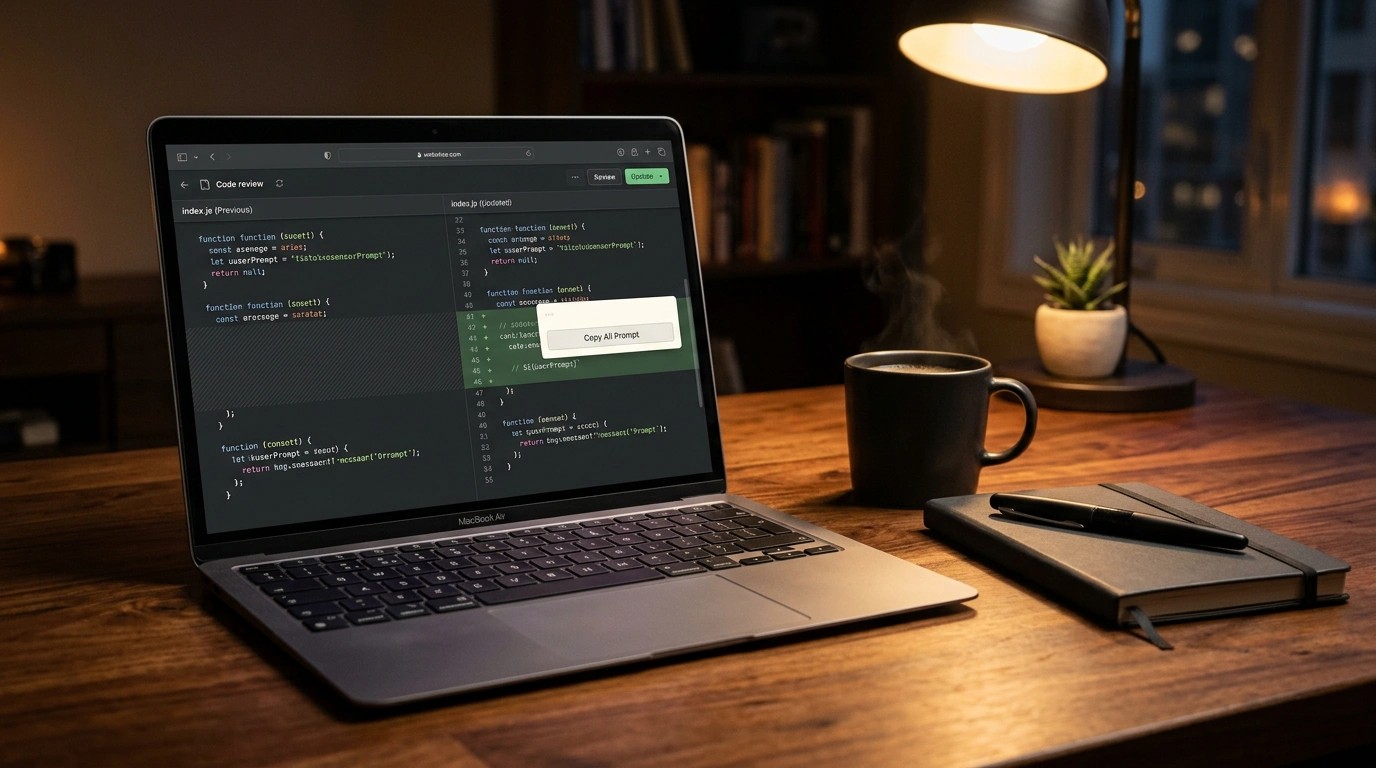
On launch, the utility automatically opens your default browser. You get the familiar two-column file tree on the left and a central pane with switching between Split (side-by-side) and Unified (line-by-line) modes, collapsing of reviewed files, and counts of added and deleted lines.
A Bridge to Language Models: From Comments to Prompts
However, if difit were just another local diff viewer, it would hardly deserve such close attention. The utility's real superpower shines in how it fits into an AI-assisted workflow.
Imagine a typical scenario: an agent wrote a method implementation, but missed an edge case or forgot to close a database connection. In the terminal, you have to manually copy the filename, recall the exact line numbers, and spell out the context for your chat with the model. In difit, this process is automated down to the last click.
By hovering over any line of the diff (in either the old or new version), you can click the add-comment button or drag your mouse to select a range of lines. In the input field that appears, you write your note in plain human language—for example: "Add a nil check here before dereferencing the pointer and return ErrNotFound."
Next to the save-comment button, difit provides two key actions:
- Copy Prompt: copies a structured snapshot of that specific comment to the clipboard, automatically including the relative file path, line range, and your note;
- Copy All Prompt: gathers every single comment left during the current review session across different files and builds a single structured list of edits ready to paste into Claude Code, Cursor, or Aider.
{
  "task": "review_feedback",
  "files": [
    {
      "path": "internal/service/user.go",
      "lines": "L45-L52",
      "issue": "Missing context timeout check before calling the external API",
      "fix": "Add a select with ctx.Done() and return ctx.Err()"
    },
    {
      "path": "internal/repository/postgres.go",
      "lines": "L118-L124",
      "issue": "Potential connection pool leak: rows.Close() must be called via defer",
      "fix": "Wrap closing the result set in defer rows.Close() right after checking err"
    }
  ]
}
difit carefully saves all your comments in the browser's localStorage, tying them to the current commit hash or branch name. Even if you accidentally close the browser tab or restart the terminal server, your notes and feedback won't be lost.
Automation via Agent Skills and CLI Pipelines
Another intriguing engineering facet of difit is the ability to turn it into an autonomous Agent Skill for AI assistants themselves. It supports the open skills specification, allowing an agent to initialize a review session on its own and invite a human in for an interactive check.
# Add difit skills to a coding agent's working environment
npx skills add yoshiko-pg/difit
Once the skill is added, the agent gains access to two programmatic manifests: difit and difit-review. When a model finishes a large-scale refactoring, instead of just printing a dry summary in the terminal, it can run difit in the background and send you a link to the local dashboard. You mark up the questionable spots, click "Copy All Prompt", paste the result back into the conversation, and the agent moves on to fixing the issues in a second iteration.
This approach pairs nicely with multi-agent session management systems like the codeg utility we covered earlier: while codeg isolates the consoles of parallel agents, difit serves as the unified code verification screen.
Moreover, the utility supports standard input (stdin), letting you drop difit into any Unix pipeline:
# Inspect an arbitrary patch via standard input
git diff --cached | npx difit -

# Compare two arbitrary files on disk using the system diff utility
diff -u old_config.yaml new_config.yaml | npx difit
And if you do need to inspect a colleague's remote Pull Request on GitHub, the --pr <url> flag uses your installed GitHub CLI (gh) to download the patch via gh pr diff and pull existing discussion threads straight into the local window.
Boundaries and Things to Keep in Mind
Like any practical tool, difit has architectural trade-offs worth keeping in mind before adopting it into your daily workflow.
First, the tool is designed for small- to medium-sized repositories. If your coding agent generated a colossal diff spanning hundreds of thousands of lines (for example, accidentally touching compiled bundles or generated GraphQL schema files), the initial client-side JSON payload parsing can cause the browser tab to briefly freeze. For those cases, difit recommends passing a path glob explicitly—for instance, npx difit . -- "src/**/*.ts".
Second, keep storage isolation in mind: because comments live in localStorage, they are tied to a specific browser on your machine. You can't share a review session with a teammate over the local network without manually exporting the prompt, as the server listens only on the 127.0.0.1 loopback address to keep your source code safe.
All in all, this is a great example of the new wave of practical utilities: instead of bloated cloud suites, the author gave engineers a fast, self-contained, and secure tool that saves hours when working with ubiquitous coding agents.