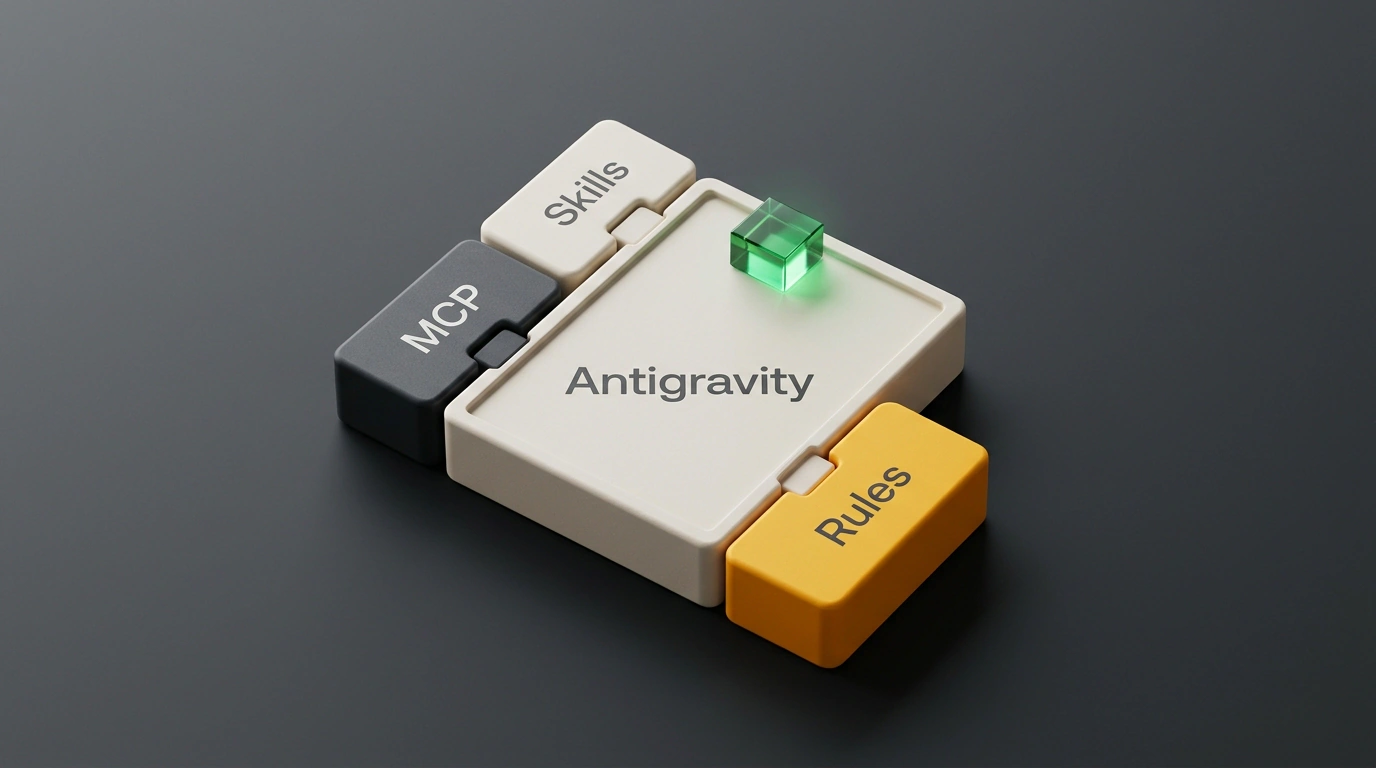
The evolution of agent-first IDEs has long been held back by a fundamental problem: isolation from the engineer's real working environment. An autonomous bot can write code and run local tests brilliantly, yet the moment it needs to read a ticket in a corporate issue tracker, check an architecture page in Confluence, query logs from Datadog, or inspect a transaction in Stripe, everything grinds to a halt.
Developers were forced to turn into system integrators: manually spinning up Model Context Protocol (MCP) servers, setting environment variables across dozens of hidden config files, writing bash wrappers, and configuring subagents across scattered repositories. The tiniest typo in a URL or token led to cryptic tool-call failures.
The Google Developer Relations team led by Nohe flipped this model on its head, unveiling a centralized catalog of extensions—Plugin Marketplace in Google Antigravity—in the official Google Antigravity announcement. The new marketplace is available in both the Antigravity desktop app and the Antigravity CLI (agy), turning external enterprise integrations into a trivial one-click operation.
Extensibility Architecture: Five Core Primitives
What hooked me about Antigravity's approach is its systematic design. Rather than cobbling together a zoo of mismatched scripts, Google's engineers unified every aspect of extending the platform into five strictly typed primitives, packaged into a single versioned bundle with a root plugin.json manifest.
Let's break down the building blocks that make up every plugin in the ecosystem:
- Skills: directories of domain instructions and helper scripts structured around a
SKILL.mdfile. They follow progressive disclosure: instead of stuffing the context window with multi-page manuals at startup, the model loads the relevant playbook only when executing that specific task; - MCP Servers: declarative specifications in
mcp.jsonthat configure connections to external APIs over stdio or Streamable HTTP with secure OAuth 2.0 authentication; - Rules: instruction files in the
rules/directory that enforce strict architecture standards, code-style requirements, and corporate guardrails; - Lifecycle Hooks: deterministic shell scripts that intercept agent events (
SessionStart,PreToolUse,PostToolUse,Stop). They can block destructive terminal commands, mask tokens in logs, and force linters to run before work is handed off; - Custom Agents: isolated subagent profiles (
agents/*.md) with specialized system instructions and a restricted tool pool (for instance, an auditor agent or a tester agent).
All of these elements are managed in lockstep: installing, updating, temporarily disabling, or removing a plugin updates all five components together, guaranteeing environment integrity.
How the plugin.json Manifest Is Structured
Any developer can build and publish their own connector. The entire configuration is described by a declarative JSON file at the repository root:
{
  "name": "linear-workspace-connector",
  "version": "1.2.0",
  "displayName": "Linear Workspace Connector",
  "description": "Lets coding agents read tickets, update task statuses, and link Git branches to Linear issues",
  "publisher": "Engineering Platform Team",
  "primitives": {
    "mcpServers": "./mcp.json",
    "skills": [
      "./skills/linear-triage/SKILL.md",
      "./skills/git-branch-sync/SKILL.md"
    ],
    "rules": [
      "./rules/issue-linking.md"
    ],
    "hooks": "./hooks.json"
  },
  "userVariables": {
    "LINEAR_API_KEY": {
      "type": "string",
      "required": true,
      "description": "Personal API key for accessing the Linear Workspace"
    }
  }
}
The companion mcp.json file describes how to launch the tool server:
{
  "mcpServers": {
    "linear-api": {
      "command": "node",
      "args": ["./dist/linear-mcp-server.js"],
      "env": {
        "LINEAR_API_KEY": "${userVariables.LINEAR_API_KEY}"
      },
      "transport": "stdio"
    }
  }
}
Interacting with the marketplace through the agy CLI takes seconds:
# Search for and install a verified plugin from the marketplace catalog
agy plugin install linear-workspace-connector

# Locally validate your own custom connector under development
agy plugin validate ./my-custom-plugin

# View active tools and hooks in the current development session
agy plugin list --active
Security and Infrastructure Access Control
The biggest challenge when connecting autonomous AI agents to production databases and issue trackers is information security. If a model is given unchecked API access, a random hallucination or a prompt injection attack can delete tasks or leak user data.
Antigravity's architecture addresses this at the platform level:
- Secret isolation: environment variables and OAuth 2.0 tokens are stored in the platform's secure system vault. They are injected directly into the running MCP server processes and physically never enter the language model's context window or chat logs;
PreToolUsesafety hooks: before executing any mutating action (such as sending aPOST /issuesrequest or changing a Vercel deployment status), the system can require explicit human confirmation or run a verification script;- Granular permissions: plugins declare the minimal required set of scopes, preventing over-privileged access to neighboring organizational resources.
Right out of the gate, the platform ships dozens of ready-made connectors for popular services: Atlassian (Jira, Confluence, Bitbucket), Linear, GitHub, GitLab, Firebase, Datadog, Postman, Cloudflare, Canva, Figma, and Stripe.
This is a significant step toward turning AI agents from isolated text prompters into full-fledged digital teammates seamlessly wired into a company's entire engineering infrastructure.
