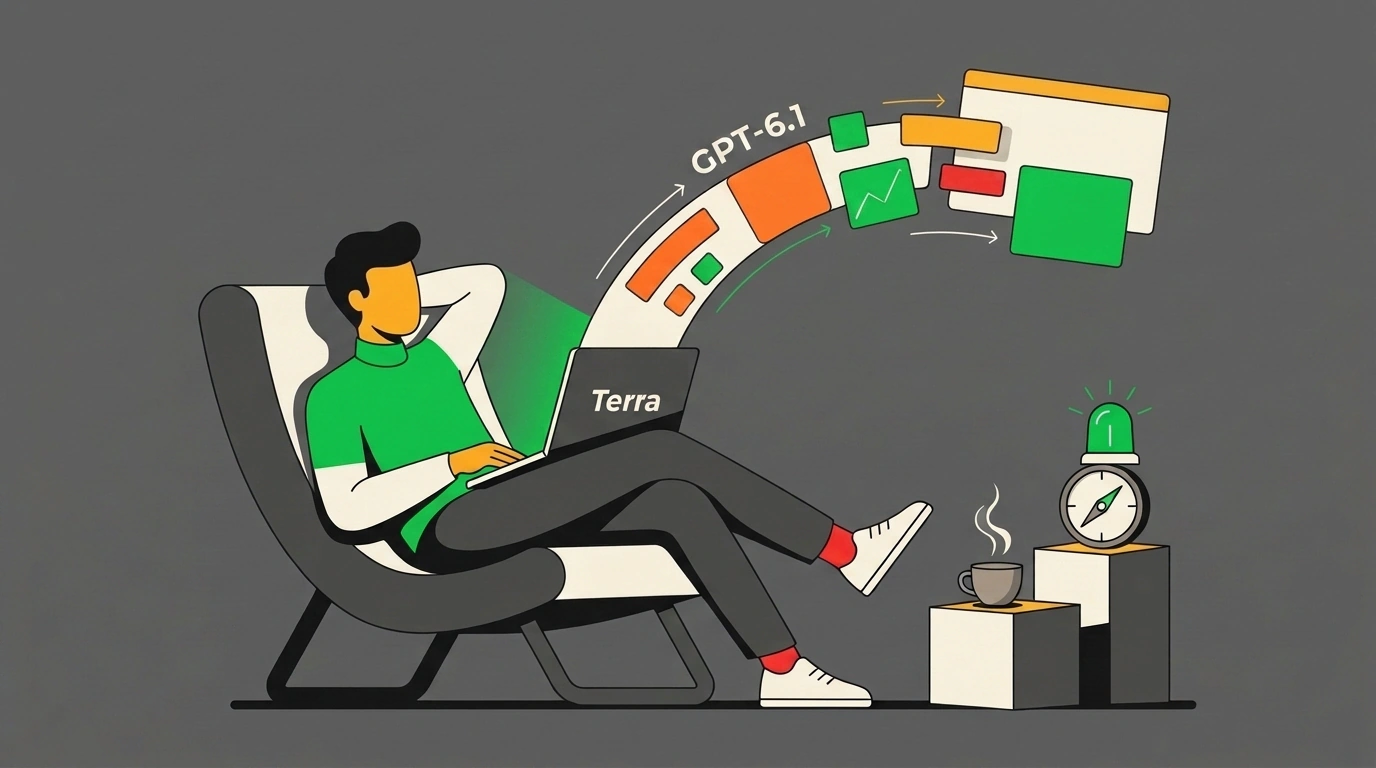
Think back to the classic software workflow: you open an IDE, spin up a repo, google third-party library docs, spend half an hour hunting typos in webpack configs, and double-check method signatures. In 2026, that ritual increasingly feels archaic. "Vibe Coding" — coined so crisply by Andrej Karpathy and championed by enthusiasts at Maker School — flipped the script: the developer no longer polishes syntax by hand. You state an idea, steer the direction, and continuously test generated prototypes at the speed of thought.
Yet vibe coding quickly hit an ugly financial wall. When you're in flow running dozens of build iterations an hour with heavy frontier models like Claude Opus 5.5 or flagship GPT-6.1 Sol versions under the hood, your API balance melts before your eyes. A couple of hours of spirited tinkering on an interactive app easily racked up $30–$50 in bills.
OpenAI has moved to lift that price curse with a specialized model: GPT-6.1 Terra. According to the official OpenAI API Pricing schedule, the release is tuned specifically for ultra-fast prototyping and code generation at a radically lower token cost. Let's see how this generator works, where it outpaces heavyweights, and where low cost shows its seams.
Flow Economics: Why Vibe Coding Needed a New Breed of Model
The essence of vibe coding is an uninterrupted, zero-pause dialogue. You don't wait two minutes for a heavy model to unroll a multi-layered hidden reasoning chain just to build a UI button. You need feedback right now: sketch an idea — get a working prototype — click around — spot a rough edge — tweak the prompt — repeat.
When inference lags, flow shatters instantly. When tokens cost a fortune, developers subconsciously start rationing: instead of bold experiments, they write cautious, cramped prompts, afraid to rebuild a component from scratch.
GPT-6.1 Terra's architecture is built as an antidote to that hesitation. OpenAI slashed Time To First Token and cranked up overall output speed, trading away some heavy academic reasoning for pure practical codegen. The model targets the bread-and-butter web stack: HTML5 Canvas, React, Tailwind CSS, TypeScript, and Python or Node.js backend microservices.
Here's how concise a prototype-generator call looks using the official Python SDK:
import os
from openai import OpenAI

# Initialize the OpenAI client with environment variables
client = OpenAI(api_key=os.environ.get("OPENAI_API_KEY"))

def generate_web_prototype(prompt: str) -> str:
    """Generate a standalone single-page prototype via GPT-6.1 Terra."""
    response = client.chat.completions.create(
        model="gpt-6.1-terra",
        messages=[
            {
                "role": "system",
                "content": (
                    "You are an ultra-fast vibe coding engine. Generate clean, "
                    "single-file HTML/JS applications ready to open in browser. "
                    "Use modern CSS via Tailwind CDN. Never include markdown explanations."
                )
            },
            {"role": "user", "content": prompt}
        ],
        temperature=0.6,
        max_tokens=4096
    )
    return response.choices[0].message.content

if __name__ == "__main__":
    task = "Build an interactive sound wave generator with frequency switching and Canvas visualization"
    code = generate_web_prototype(task)
    with open("prototype.html", "w", encoding="utf-8") as f:
        f.write(code)
    print("Prototype successfully generated in prototype.html")
Field Trials: Terra vs. Claude Opus 5.5 Across Five Tasks
Maker School founder Nick Saraev put the newcomer through a grueling stress test, pitting GPT-6.1 Terra head-to-head against flagship Claude Opus 5.5 across five typical rapid-prototyping tasks: from a 2D arcade game to an analytics parser and a task-management dashboard.
The test results drew clear boundaries around its capabilities:
- Speed and response time. Terra starts streaming almost instantly and delivers finished script code roughly 2–2.5x faster than Opus 5.5. Where the heavyweight spends around 40 seconds on deliberate planning and output, Terra wraps up in 15 seconds.
- Iteration cost. On API spend, the gap is staggering: a run of fifty intermediate generations on Terra costs mere cents, whereas an equivalent session on flagship models drains tens of dollars.
- Out-of-the-box reliability. On standard interactive UI builds (timers, converters, simple Canvas games), Terra's code runs on the first try with zero console syntax errors.
Here's a representative standalone interactive frequency synthesizer prototype that Terra generates in a single pass:
<!DOCTYPE html>
<html lang="en">
<head>
  <meta charset="UTF-8">
  <title>Vibe Synth Lab</title>
  <script src="https://cdn.tailwindcss.com"></script>
</head>
<body class="bg-slate-950 text-slate-100 flex items-center justify-center min-h-screen p-4">
  <div class="max-w-md w-full bg-slate-900 border border-slate-800 rounded-2xl p-6 shadow-2xl space-y-6">
    <div class="text-center">
      <h1 class="text-xl font-bold tracking-tight text-emerald-400">Terra Oscillator Lab</h1>
      <p class="text-xs text-slate-400 mt-1">Instant sound synthesis on the Web Audio API</p>
    </div>
    <div class="space-y-4">
      <div>
        <label class="text-xs font-semibold text-slate-300">Frequency (Hz): <span id="freqVal" class="text-emerald-400">440</span></label>
        <input id="freqSlider" type="range" min="100" max="1200" value="440" class="w-full h-2 bg-slate-700 rounded-lg cursor-pointer accent-emerald-500">
      </div>
      <button id="triggerBtn" class="w-full py-3 bg-emerald-500 hover:bg-emerald-600 active:scale-95 font-medium rounded-xl transition">
        Play Pulse
      </button>
    </div>
  </div>
  <script>
    const audioCtx = new (window.AudioContext || window.webkitAudioContext)();
    const slider = document.getElementById('freqSlider');
    const label = document.getElementById('freqVal');
    slider.addEventListener('input', (e) => { label.textContent = e.target.value; });
    document.getElementById('triggerBtn').addEventListener('click', () => {
      const osc = audioCtx.createOscillator();
      const gain = audioCtx.createGain();
      osc.type = 'sine';
      osc.frequency.setValueAtTime(parseFloat(slider.value), audioCtx.currentTime);
      gain.gain.setValueAtTime(0.3, audioCtx.currentTime);
      gain.gain.exponentialRampToValueAtTime(0.001, audioCtx.currentTime + 0.4);
      osc.connect(gain);
      gain.connect(audioCtx.destination);
      osc.start();
      osc.stop(audioCtx.currentTime + 0.4);
    });
  </script>
</body>
</html>
Where the Trade-Off Lies — and Where Terra Falls Short
There's no magic here, and drastic cost-cutting carries an engineering price. Nick Saraev highlighted clear weak spots:
- Aesthetics and refined UI design. On complex layouts, Claude Opus 5.5 shows an uncanny eye for polish: balanced typography, subtle gradients, crisp spacing, and sophisticated visual hierarchy. Terra's layouts are functional, yet often look utilitarian and flat, needing manual cosmetic passes.
- 3D graphics and WebGL. When trying to assemble an intricate Three.js scene with particle physics or custom shaders, Terra tends to trip over coordinates and library versions. Opus 5.5's multi-layered architectural reasoning remains unmatched here.
- Deep monolith refactoring. Terra is tuned for on-the-fly codegen within a compact context. Feeding it a massive 5,000-line diff inside a sprawling enterprise repo risks context drift and accidentally clobbering neighboring methods.
A New Reality for Product Builders
Models like GPT-6.1 Terra mark a pivotal shift in indie-dev economics. The financial barrier to building digital products has effectively vanished. Anyone with strong product instincts can now test a dozen hypotheses in an evening, ship working prototypes, and show them to early customers for less than the price of a cup of coffee. Vibe coding is no longer a perk for teams with unlimited corporate budgets — it's an everyday tool within reach of every engineer.